






















































To create an effective online marketplace, the right tools should be selected, and WooCommerce multi-vendor plugins are no exception. A simple WooCommerce Store can thus be converted into a high-end, feature-rich marketplace with these multi-vendor plugins for WordPress. Whether your dream site is like Amazon, Etsy, or eBay, with WooCommerce multi vendor, there are no fusses about vendor management, enhanced customer experiences, or profitable revenue streams.
In this blog, we will talk about the best WooCommerce multi-vendor plugins, highlight their unique features, and compare them. We shall also provide relevant insights to make choosing the appropriate product for your company much easier. So, let’s get started!
What are WooCommerce Multi-Vendor Plugins?
Consider hooks that will transform your WooCommerce store into a multi-seller platform with WooCommerce multi-vendor plugins. Such plugins allow multiple sellers to exhibit and sell their products. These plugins help create a busy online marketplace without much time-consuming effort from your end.
Vendors can manage their own stores (including pricing, inventory, profiles, etc.). As an administrator, you oversee the entire operation, collect commissions, and manage payouts simply and easily. They allow you to build your own digital shop for B2C, B2B, or service of your choice. All you need is the right marketplace plugin.
The most important question is: what is the best WooCommerce multi-seller plugin for your online marketplace? There are many things worth considering before identifying which ones are the best WooCommerce multi-vendor plugins. But worry not. This guide will delve into and discuss all the big names on this list of the best.
Why Opt for WooCommerce as a Multi-Vendor Marketplace?
9.2% of all the websites in the world use WooCommerce (source: Wikipedia), probably the most trustworthy e-commerce platform today. Flexibility, scalability, and user-friendliness add to its complete list of assets, landing it a top spot for building multi-vendor marketplaces.
Ease of Use
Whether you are a technical person or non-technical at all, it doesn’t matter. It is so easy to set up and run your marketplace with maximum use and ease for everybody with WooCommerce.
Scalability
As your marketplace grows with more vendors, products, and customers, WooCommerce multi vendor manage the growth smoothly. Its strong infrastructure ensures your platform remains stable and efficient even when demand increases.
Customization
WooCommerce offers a rich library of plugins and extensions that allow personalization in the marketplace. You can go from advanced vendor management features to custom payment options and build a platform according to your precise needs.
Cost-Effective
Unlike proprietary platforms such as Shopify or Magento, WooCommerce multi vendor offer you a free, cost-effective means of creating a marketplace. With no expensive licensing fees and free or affordable plugins, you can create marketplaces at will.
7 Best WooCommerce Multi Vendor Plugins
The success of your WooCommerce marketplace depends on the right multi-vendor plugin. Below is a detailed overview of the top 10 plugins, including all their standout features to help you make an informed decision.
1. Dokan (4.6 stars)

With a user-friendly interface, Dokan makes onboarding multiple vendors at WooCommerce possible. It also offers a complete solution for multi-vendor product management in WooCommerce. It’s a favorite among beginners and experts alike.
Features:
- Intuitive vendor dashboard
- Independent vendor storefronts
- Coupon creation and management
- Product review system
- Commission management
- Frontend product upload
- Vendor-specific earnings reports
- Subscription and membership support
Pros: User-friendly, comprehensive tools, free version with essential features.
Cons: Limited customization for vendor storefronts.
Pricing Plan: Starts from Free & goes up to $3,996 according to your package.
2. WCFM Marketplace (4.6 stars)

WCFM Marketplace has a lot of options for making and managing multi-vendor stores. Its compatibility with multiple add-ons extends its functionality to marketplace owners.
Features:
- Membership and subscription plans for vendors
- Refund and return management
- Product inquiry option
- Live chat support for vendors
- Advanced shipping rules
- Store analytics and reports
- SEO-friendly vendor pages
- WooCommerce Bookings and Appointments compatibility
Pros: Affordable, rich features, highly customizable.
Cons: Complex for beginners to set up.
Pricing Plan: $224.00
3. WC Vendors (4.6 stars)

WC Vendors is a popular multi vendor for WooCommerce. This plugin is famous for its flexibility and powerful features, suitable for small and large marketplaces alike. It features essential tools in commission management and analytics for the vendor dashboard.
Features:
- Frontend vendor registration
- Different commission types (percentage, fixed, or a mix)
- Shipping options specific to the vendor
- Product search on the marketplace level
- Vendor analytics and reports
- WooCommerce Bookings and Subscriptions integration
Pros: Flexible, highly customizable, affordable.
Cons: The free version has limited features.
Pricing Plan: $99.00
4. YITH WooCommerce Multi Vendor (4.5 stars)
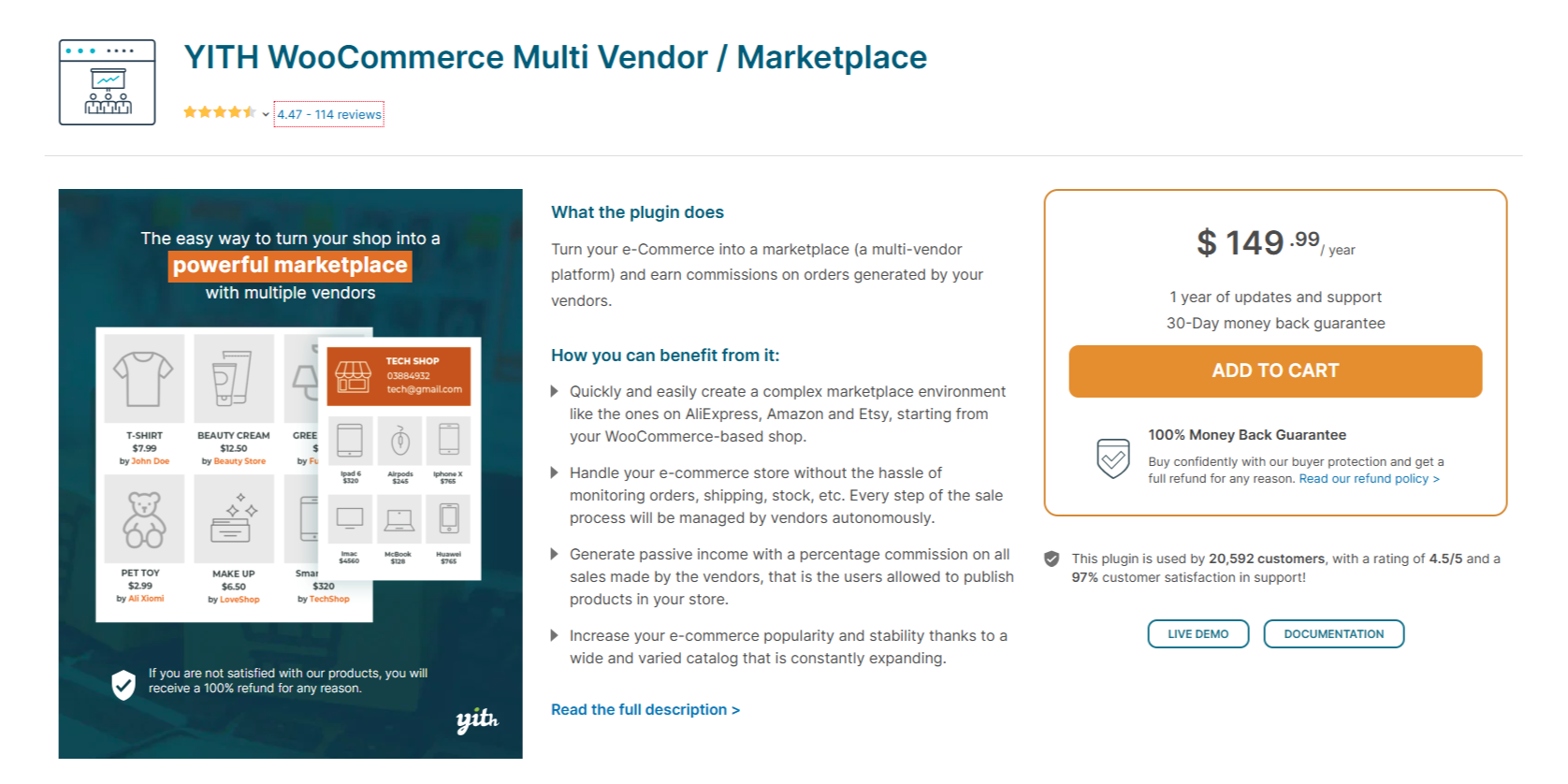
YITH WooCommerce Multi Vendor is a scalable, easy-to-use extension for large marketplaces. It has vendor commission tools and product approval workflows.
Features:
- Vendor product approval
- Customizable commission rates
- Vendor-specific sales reports
- Product stock and inventory management
- Automated payouts to vendors
- WPML support
Pros: Scalable, user-friendly, frequent updates.
Cons: Premium add-ons are needed for advanced performance.
Pricing Plan: $ 149.99 year
5. MultiVendorX (4.8 stars)

MultiVendorX stands out among WooCommerce multi vendor plugins for handling vendors and customization. It’s very adaptable to specific business needs.
Features:
- Commission rates can be customized
- Returns and disputes handling
- Vendor dashboard can be customized
- Profile pages of vendors
- Marketplace notifications
- Vendor vacation mode
- Payout gateway – Payment gateways
Pros: Versatile, Support is excellent, and it is feature-rich.
Cons: Challenges in learning for new users.
Pricing Plan: Starts from Free & goes up to $499.00 per year.
6. Product Vendors for WooCommerce (2.9 stars)

This is an official WooCommerce extension that ensures smooth integration and reliability. It’s for simple marketplace management.
Features:
- Native WooCommerce integration
- Vendor product management
- Payout scheduling and tracking
- Commission rates per vendor or product
- Customer support for vendors
- Basic vendor analytics
Pros: Reliable, easy to set up, great WooCommerce compatibility.
Cons: It does not have all the advanced features that competitors offer.
Pricing Plan: $119.00
7. Multi-Vendor Marketplace for WooCommerce (4.5 stars)
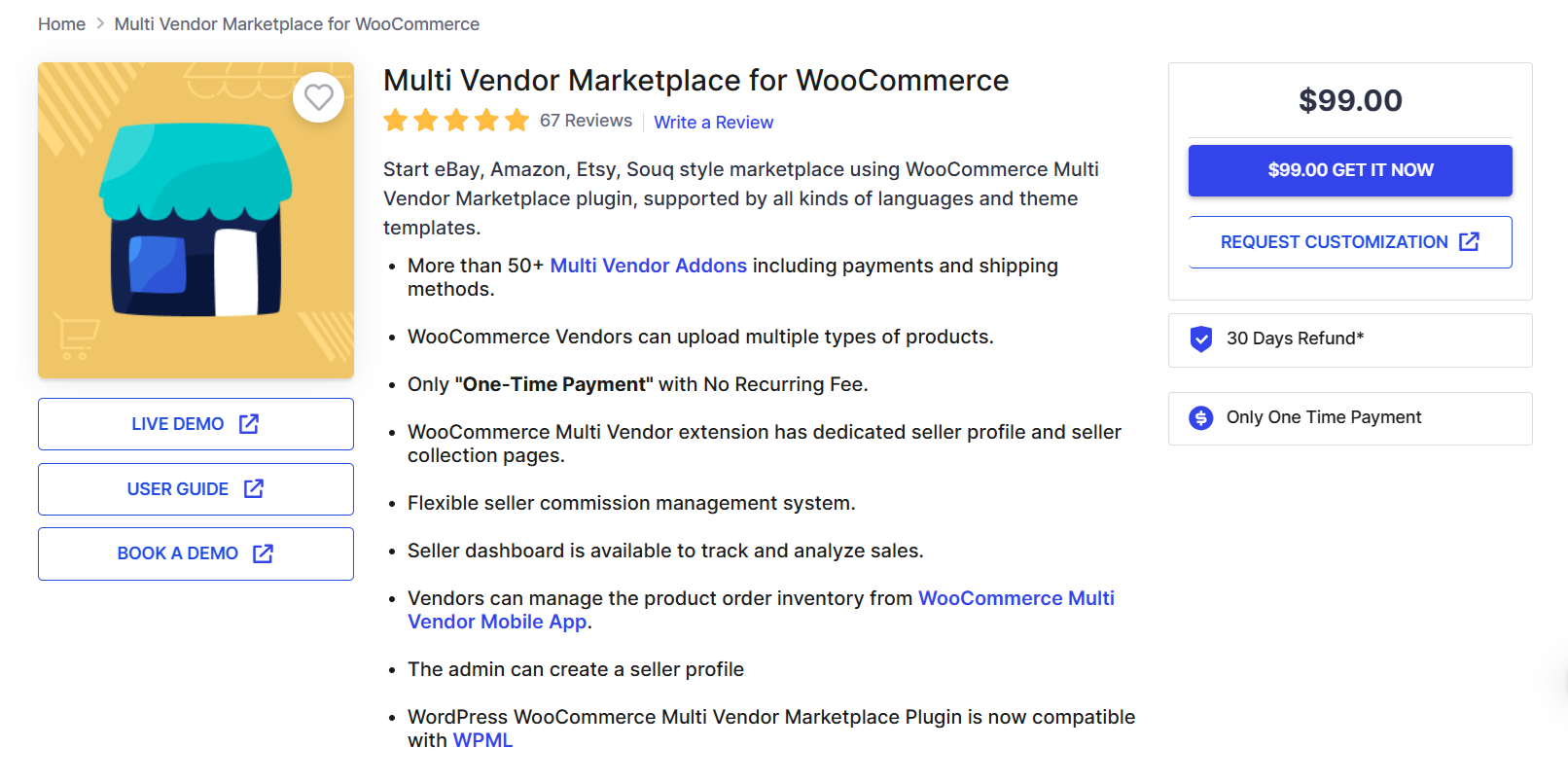
Webkul has a marketplace plugin with many rich functionalizations for vendor management and market differentiation. Thus, the plugin is helpful for both small-scale and big enterprises.
Features:
- Commission rates for specific vendors
- Different dashboards for vendors
- Marketplace notifications for vendors
- Product approval by admin
- Multi-language and multi-currency support
- Order and inventory management
- Integrable with mobile app solutions
Pros: Very customizable, scalable, and has good support.
Cons: Costlier in comparison with other solutions.
Pricing Plan: $99.00
8. ELEX WooCommerce Multi Vendor Plugin (4.1 stars)

The ELEX WooCommerce Multi Vendor plugin transforms your WooCommerce store into a thriving multivendor marketplace.
With seamless integration and comprehensive settings, the plugin allows you to manage vendor onboarding, commission structures, store visibility, and settlement procedures effortlessly.
Features:
- Effortless WooCommerce Vendor Onboarding.
- Total Vendor Dashboard Control.
- Product Control at your Fingertips.
- Effortless Order Management.
- Coupon Generation Simplified.
- Shipping Management Made Easy.
- Insightful Payment and Settlement Overview.
- Enhanced Store and Product Visibility.
- Streamlined Product Approval and Management.
- Flexible Commission and Charges.
- Efficient Settlement Options.
- Simple Vendor Management
- Comprehensive Payment Tracking Dashboard.
- Transparent Vendor Payments.
Pros: User-friendly, affordable, rich features.
Cons: Customization limitations.
Pricing Plan: $ 69.00
Top WooCommerce Multi-Vendor Plugins for WordPress Comparison Table
Here’s a comparison chart summarizing the features, pros, and cons of the top WooCommerce multi-vendor plugins:
| Plugin | Features | Pros | Cons | Rating |
| Dokan Multivendor Marketplace | Vendor dashboard, storefronts, coupons, product reviews, commissions, frontend uploads, earnings reports, subscriptions. | User-friendly, comprehensive tools, free version available. | Limited storefront customization. | 4.6 |
| WC Vendors | Vendor registration, commission types, shipping options, analytics, WooCommerce Bookings & Subscriptions compatibility. | Flexible, affordable, and highly customizable. | Limited free features. | 4.6 |
| WCFM Marketplace | Memberships, refunds, inquiries, live chat, advanced shipping, analytics, SEO pages, WooCommerce Bookings compatibility. | Affordable, feature-rich, customizable. | Complex for beginners. | 4.6 |
| YITH WooCommerce Multi Vendor | Product approval, custom commissions, sales reports, inventory management, automated payouts, and WPML support. | Scalable, easy to use, regular updates. | Premium add-ons are needed for advanced features. | 4.5 |
| MultiVendorX | Flexible commissions, refunds, custom dashboards, profile pages, notifications, vacation mode, and payment gateway integration. | Versatile, excellent support, rich features. | Steep learning curve. | 4.8 |
| WooCommerce Product Vendors | WooCommerce integration, product management, payout scheduling, custom commissions, vendor support, and basic analytics. | Reliable, simple setup, native compatibility. | Lacks advanced features. | 2.9 |
| Webkul-Multi-Vendor Marketplace Lite for WooCommerce | Custom commissions, dashboards, notifications, product approval, multi-language support, inventory management, and mobile app integration. | Highly customizable, scalable, excellent support. | Expensive compared to alternatives. | 4.5 |
| ELEX WooCommerce Multi Vendor Plugin | Effortless Order Management, Coupon Generation Simplified, Simple Vendor Management and Transparent Vendor Payments | User-friendly, affordable and rich features | Customization limitations | 4.1 |
Advantages of Installing Multi-Vendor WooCommerce
There are several benefits for the owner of the marketplace and the vendor in using WooCommerce multi vendor plugins. Let’s have a look at some of the major benefits:
1. More Product Variety
A multi-vendor market will always be important for reaching much broader audiences simply because it is more compelling. It has more products and services than SMEs. And with many vendors, people will buy whatever they need under the same digital roof.
2. More Revenue Streams
Marketplace platforms make money by taking a commission, subscription, or listing fee. The larger the number of added vendors and increased sales, the higher your earnings can be.
3. Low Operational Costs
In a multi-vendor setup, vendors handle their inventory and shipping responsibilities. This reduces the administrative burden on the marketplace owner significantly, so you can focus on growth strategies.
4. Scalability
WooCommerce marketplaces are highly scalable. As more vendors join your platform, you can accommodate more products and customers without compromising performance.
5. Improved Customer Experience
By providing competitive pricing and products, your marketplace will offer customers a superior shopping experience. With choice and value, the customers are bound to be satisfied and loyal.
Why WPExperts?
WPExperts is a reliable partner for adding, managing, customizing, or even creating your own WooCommerce multi vendor plugins. WPExperts specializes in WooCommerce solutions that meet the specific demands of your business.
Whether selecting the best WooCommerce plugins, optimizing SEO, or customizing features, WPExperts does everything to make your marketplace successful. Their experience in WooCommerce development saves you time and delivers a polished, scalable, and user-friendly platform.
Final Thoughts
The best WooCommerce multi-vendor plugins can make or break your marketplace. Dokan is at the top of the list with its rich features, but WCFM Marketplace, MultiVendorX, and WC Vendors also have their business needs. Assess your requirements, read user reviews, and get expert advice before setting up a marketplace that thrives.
Remember, with the right plugin and expert guidance from WPExperts, your multi-vendor marketplace can flourish.
Start building your dream platform today and unlock the full potential of eCommerce with the best WooCommerce multi-vendor plugins!





