



















































First impressions often count in e-commerce. Therefore, creating a highly customized and results-driven WooCommerce registration form is the key to smoothly completing the user registration process.
A simple and user-friendly registration form can help increase conversions, boost sales, and create long-term loyalty. Besides, it rewards store owners by offering an engaging signup experience to customers.

This can transform casual customers into paying customers since the registration form of any WooCommerce is the first interaction point or the first sales pitch for them.
This blog post will describe the significance of optimized registration forms in WooCommerce.
What is the Importance of Custom Registration Forms in WooCommerce?
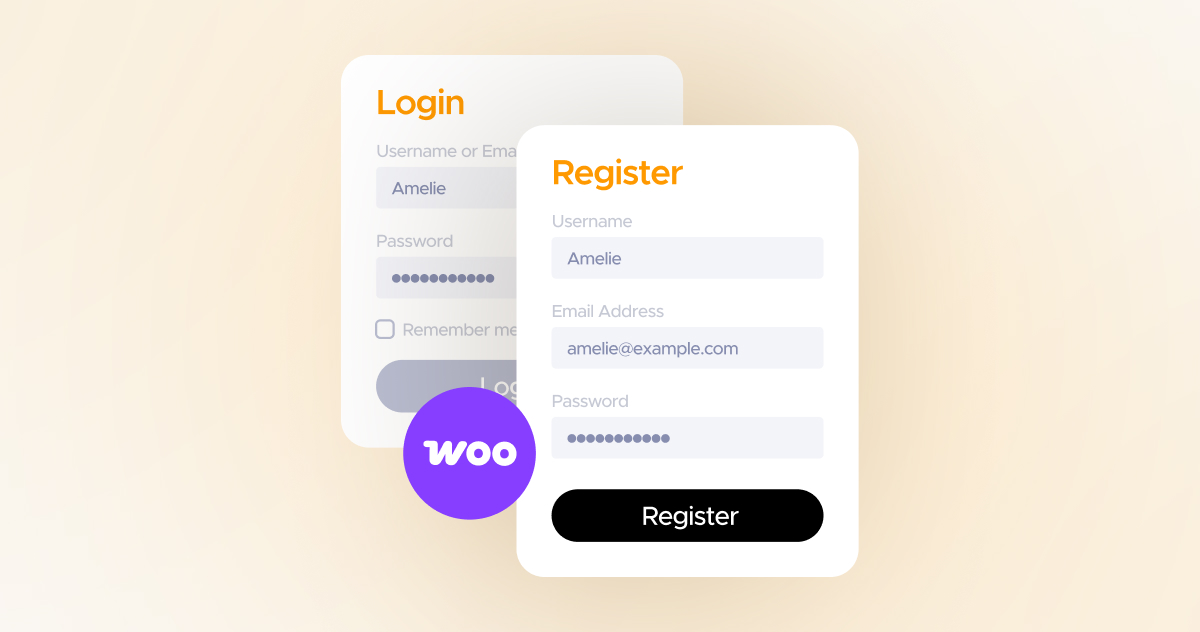
When building long-term yet effective customer relationships, the role of a registration form comes in handy. It not only allows online e-commerce store owners to collect crucial user information but also helps build impactful relationships with customers.
The following reasons suggest why a registration form is vital in WooCommerce:
- Enhances Conversions: A user-friendly sign-up helps users finish the entire process and reduces the chances of abandonment.
- Improves Trust and Loyalty: A secure and visually appealing registration form helps enhance trust and loyalty from a user’s perspective.
- Allows Personalization: Customers’ insights help recommend personalized discounts and relatable products to customers.
- Offers Customer Insights: Registration forms enable store owners to obtain invaluable information, such as demographics, preferences, wholesale credentials, and more.
Enhancing your user registration form likely increases the likelihood of improved conversions, sales, and revenue.
Common Issues in Default WooCommerce Registration Forms
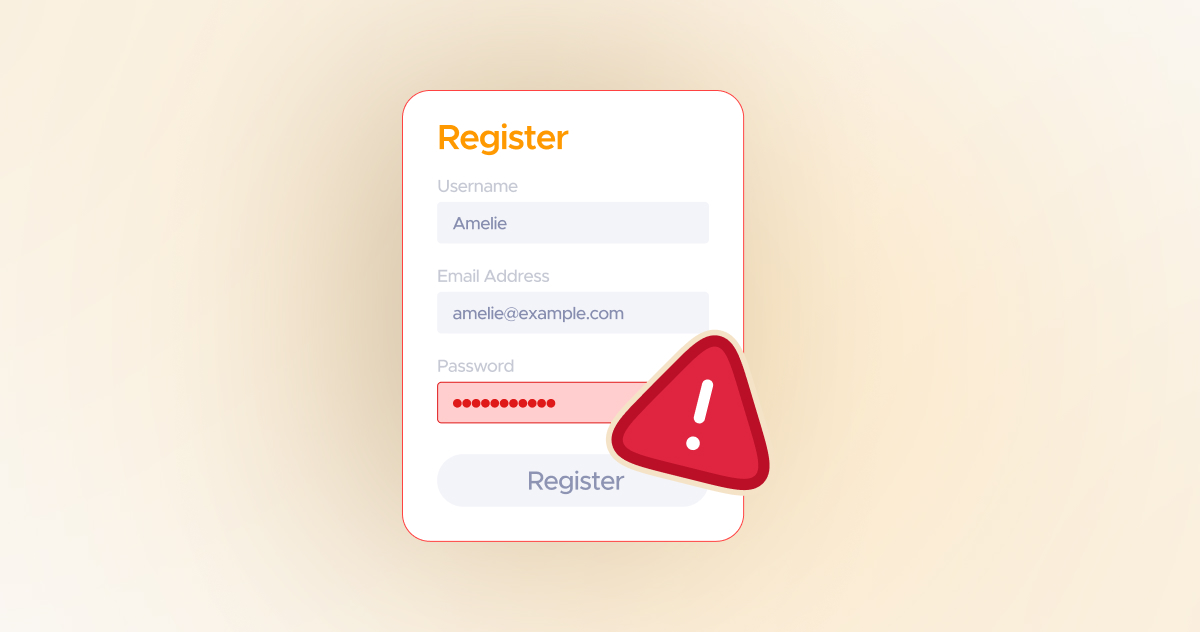
You can still use the default registration forms that WooCommerce offers. However, you will likely experience the following issues while using these registration forms:
- Default registration forms only comprise basic information, such as name, email address, and password.
- Users cannot benefit from conditional logic, which offers the same fields for every user.
- They don’t help users differentiate between wholesale and retail customers.
- They don’t provide users with multiple customization and design options.
- Store owners often encounter challenges when integrating CRM or marketing tools with registration forms.
As a result, most users do not complete user registration forms. Similarly, these forms often result in poor user experiences. From the store owners’ perspective, they cannot collect crucial user information and are unable to make informed decisions.
How can User Registration for WooCommerce Help Optimize Registration Forms?
User Registration for WooCommerce enables store owners to revolutionize their existing registration forms with numerous enhancements and options, including billing address activation from the default field, shipping address activation from the default field, and more.
Here is the impact of fields activated on the billing and shipping address on the front-end:
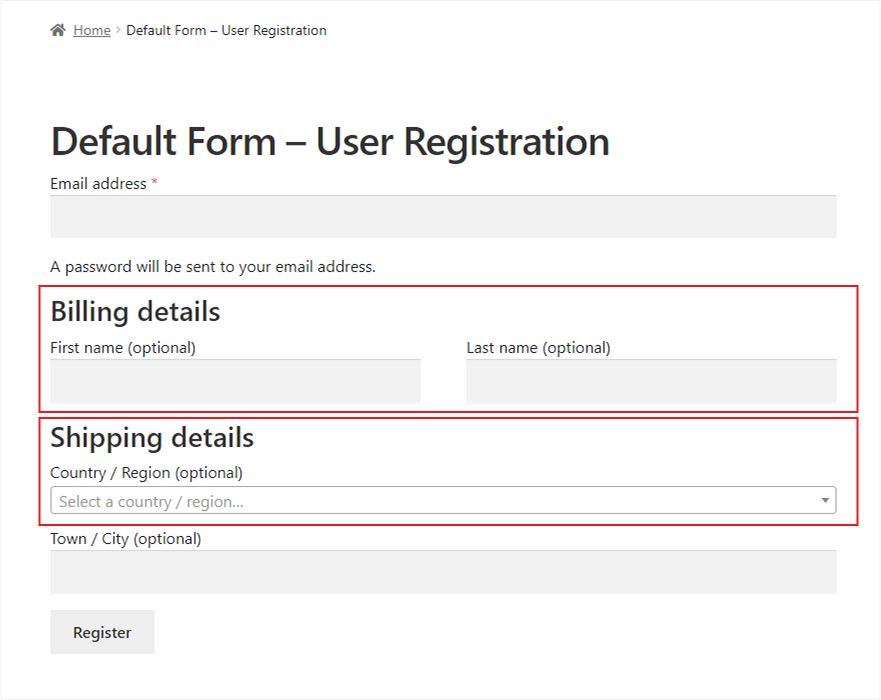
Apart from this, store owners can also utilize other options, such as displaying extra fields on registration, my account, and checkout pages. Remember, other desirable improvements are also available, such as reCAPTCHA activation, dropbox activation, invitation code and confirm password activation, and more.
Here is the impact of the reCAPTCHA activation on the front-end:
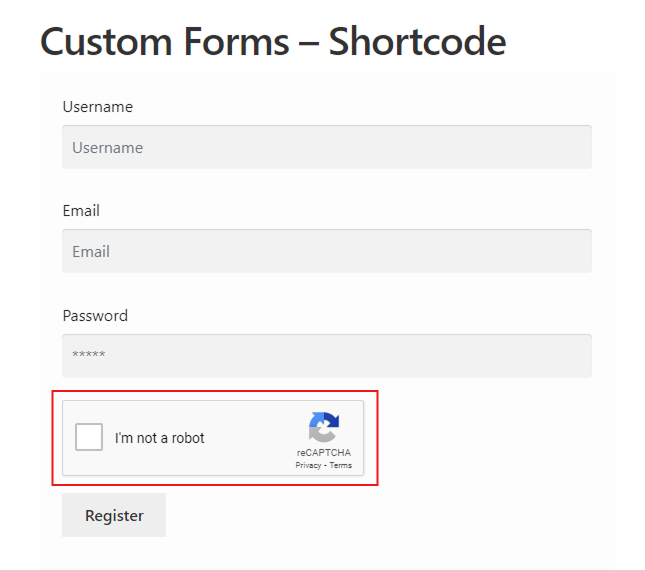
Additionally, store owners and managers can benefit from different types of forms, such as simple and multi-step. When admins choose the Simple Form option, they can incorporate a single registration form, and all fields will be shown on it.
Here is the impact of a simple form on the front-end:
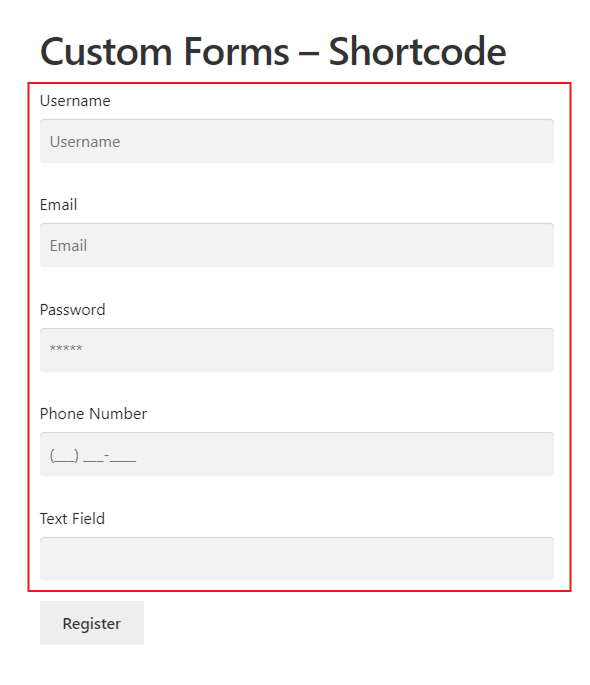
Likewise, the Multi-Step option allows them to showcase the registration form on multiple pages, and all the fields will be shown on all the selected pages.
Here is the impact of a multi-step form on the front-end:
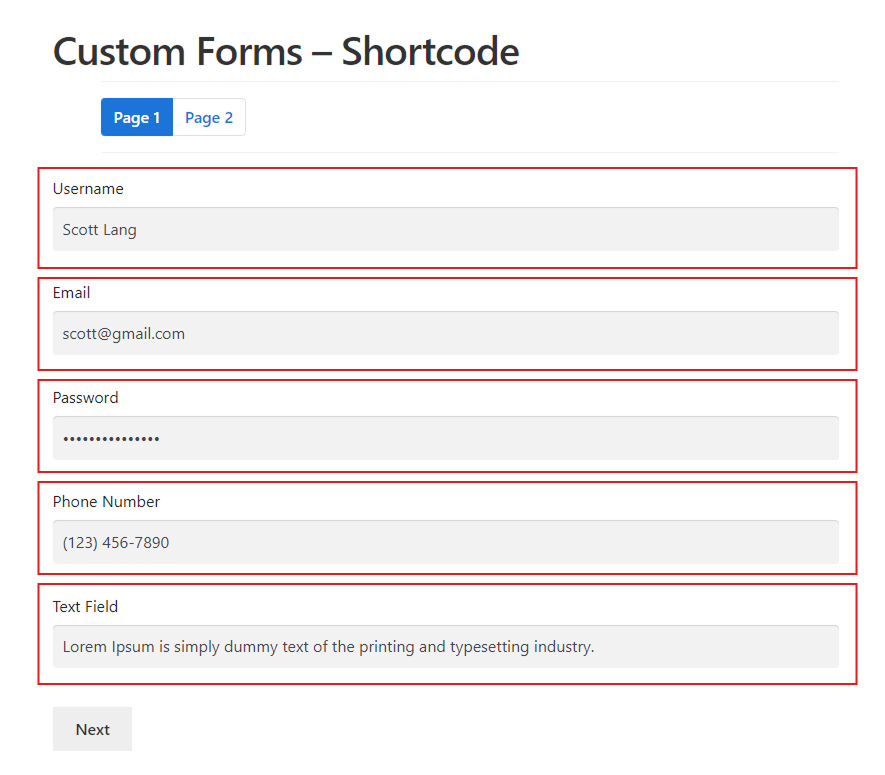
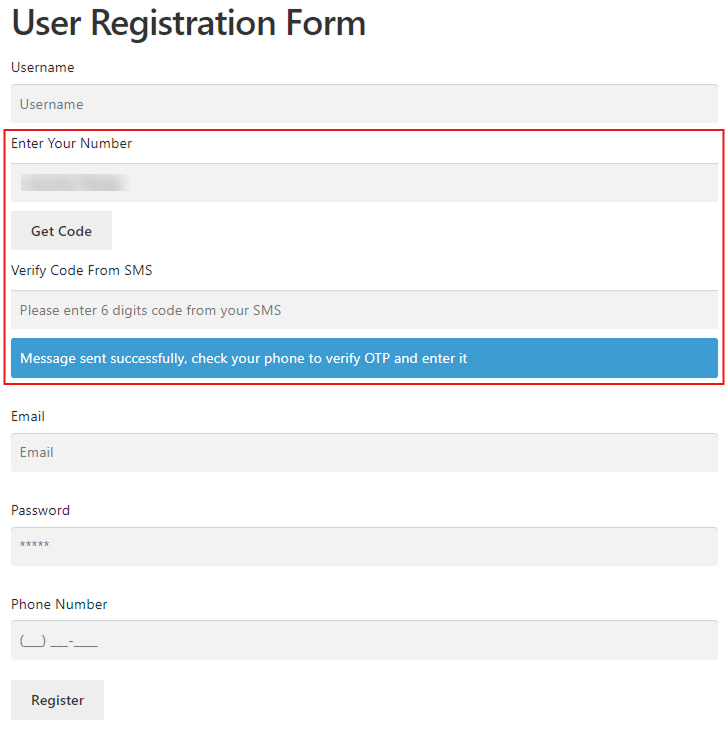
More importantly, User Registration enables store managers to utilize advanced options, such as Twilio Verification.
Here is the impact of the Twilio Verification feature on the front-end:
Moreover, store owners and site managers can utilize various stunning features offered by the User Registration for WooCommerce plugin, including custom registration forms. This will enable them to reap rewards in the form of increased conversions and sales.
To effectively utilize impactful features and options, along with a custom registration form, please review this helpful documentation.
User Registration for WooCommerce Use Cases
Businesses, whether small or large, can enhance the productivity of their online stores by incorporating custom registration forms via the User Registration plugin. For instance, an event organizing company can use custom WooCommerce registration forms and increase its sales considerably.
The same goes for online wholesale stores, as they can effortlessly manage wholesale user registration processes. Furthermore, they can create an engaging B2B-oriented environment for wholesale users and delight them with customized experiences.
Other businesses, including food and beverage stores, subscription services, and membership sites, can use custom WooCommerce registration forms and automate their wholesale user management processes.
Wrapping Up
We expect you to appreciate our blog post that describes the effectiveness of custom WooCommerce registration forms. An optimized registration form not only helps collect crucial user information, but it also allows store owners to transform potential customers into actual customers, driving sales and revenues.
For this reason, you should depend on the User Registration plugin to incorporate custom fields while developing simple as well as multi-step registration forms, improving user experiences considerably.
Lastly, this impactful plugin helps B2B businesses build a reliable and strong customer base that pays off in the long run.





