





















































Smart Inventory Management for WooCommerce

Supercharge your e-commerce store’s inventory management and supplier coordination with this powerful WooCommerce inventory management plugin. Inform your customers about products’ availability proactively and build a functional inventory management system today!

Multiple Stock Locations

Multiple Stock Locations

Add Multiple Warehouses

Add Multiple Warehouses

Timely Restock Alerts

Timely Restock Alerts

Inventory Management

Inventory Management

14 Day Money Back Guarantee
Woo Pro Partner
Safe and Secure Checkout
80+ Clutch reviews

Enjoy Up to 80% OFF on Our All Access Pass Lifetime Plan — Limited-Time NEW YEAR Deal

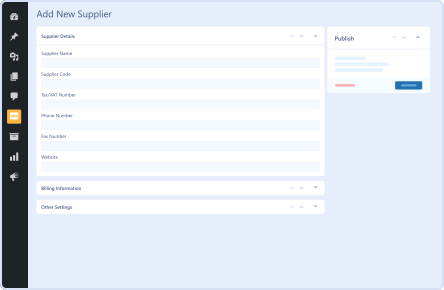
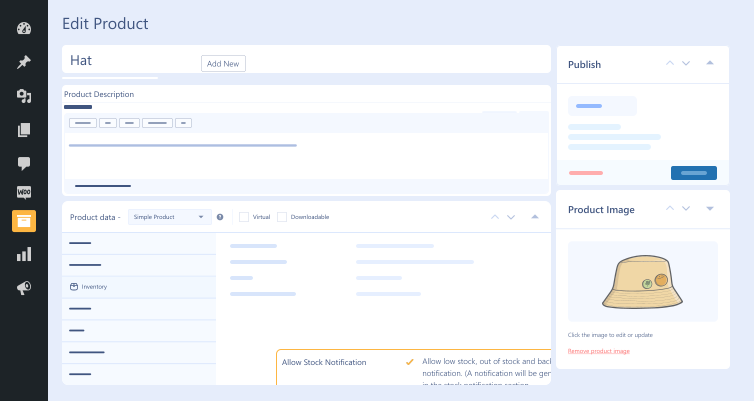
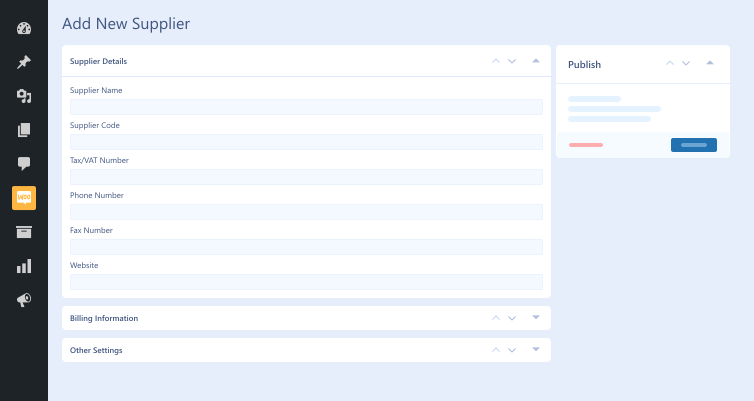
suppliers management with smart inventory management extension
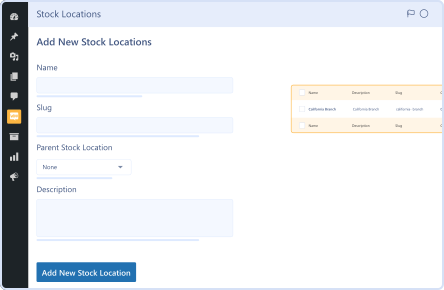
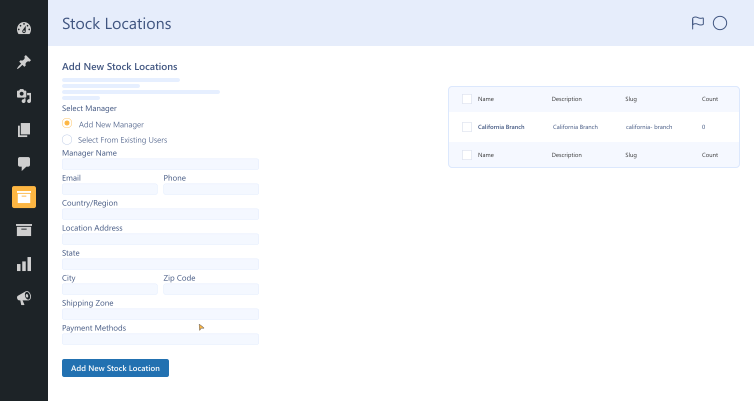
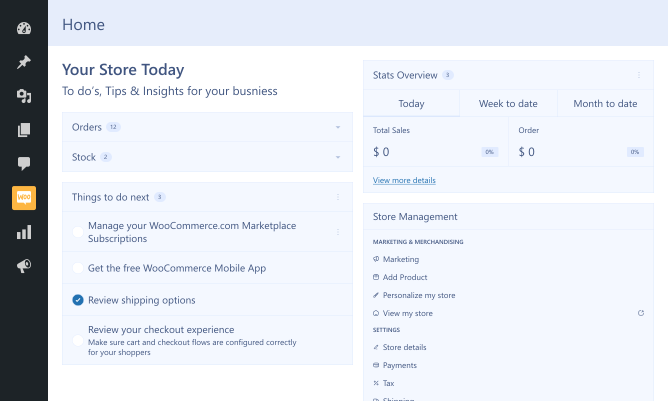
stock locations for better visibility and control
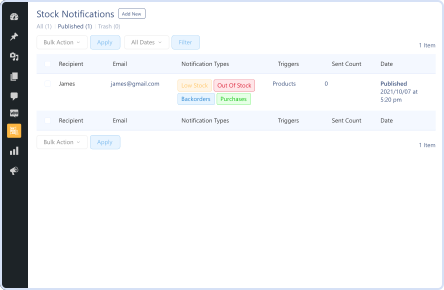
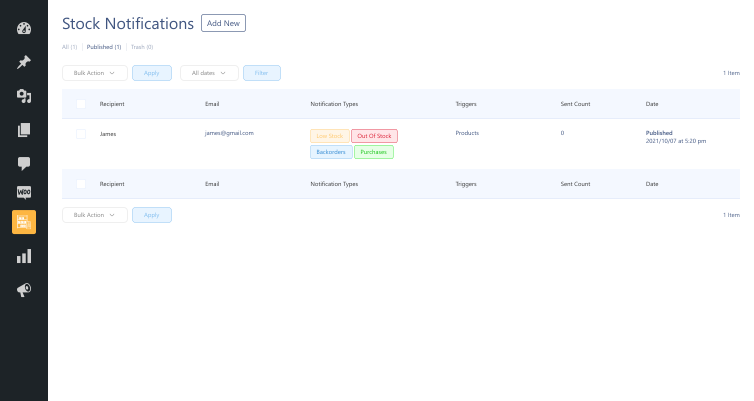
stock-notifications-feature-in-smart-inventory-management-for-woocommerce-extension Demo frame (42)
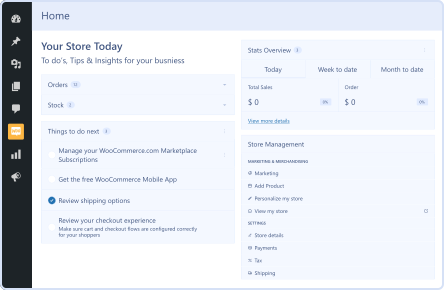
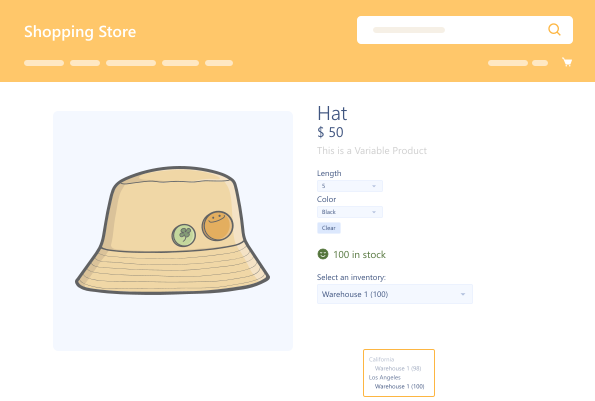
inventory management section Demo frame (43)

Pricing Plan

Basic

$79.99/Billed Annually

Single Site

Priority Support
Regular Plugin Updates
All Core Features Included
Auto-Renew Subscription
lightning bolt

POPULAR

46% Off

Pro

$239.97

$129.99/Billed Annually

3 Sites

Priority Support
Regular Plugin Updates
All Core Features Included
Auto-Renew Subscription

Agency

$7999

$189.99/Billed Annually

100 Sites

Priority Support
Regular Plugin Updates
All Core Features Included
Auto-Renew Subscription
14 days money back guarantee

14 Day Money-Back Guarantee

We are committed to your satisfaction that our products will elevate your online store’s performance, backed by our 14-day money-back guarantee. Please review our Refund Policy for more details.

Smart Inventory Management for WooCommerce Features

Our impactful WooCommerce smart inventory plugin helps businesses revolutionize their inventory management and warehouse operations with the following features:

Add Multiple Locations

Add Multiple Locations

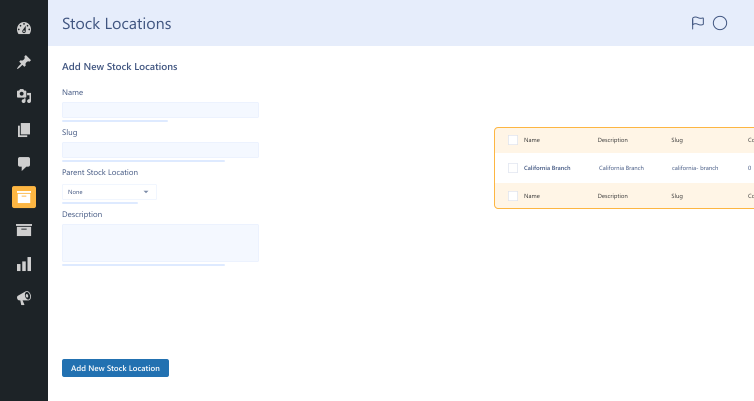
Admins can add multiple locations in the form of parent/child relations to stock locations.

Timely Restock Alerts

Timely Restock Alerts

Smartly notify customers when out-of-stock products are restocked with product restock alerts.

Effortless Inventory Management

Effortless Inventory Management

Manage numerous suppliers & accurately communicate with customers about products’ availability.

Multiple Stock Locations

Multiple Stock Locations

Admins can locate products where they are stored, whether in branches or warehouses.

Plugin Screenshots

Smart Inventory Management for WooCommerce

Version : 1.1.2

Version History :

Version History

N = new

U = update

D = dev

F = fix

R = remove

O = other

1.1.2 2025-10-30
  • N – compatible with bulk order.
  • F – bug fixes.
1.1.0 2024-01-20
  • N – multi locations
  • N – multi inventory
  • N – inventory selection on product page.
  • N – multi inventory in inventory management
1.0.0 2024-09-06
  • O – initial release

Last update : 2025-10-30

Inventory Management
Inventory Manager
Restock Alerts
Stock Alerts
Stock Levels
Stock Management
Stock Manager
Warehouse
WooCommerce Inventory
still have a question

Still have a question?

Check the Documentation, and if you can't find an answer there, send us an email.

FAQ's

What is the role of the inventory management table?

The inventory management table helps you monitor all your products in one place. It also allows you to view the stock levels of all products, streamlining inventory management to the next level.

Can we monitor store locations through this WooCommerce inventory management plugin?

This results-driven WooCommerce inventory management plugin allows businesses to use the store locations features. Thus, they can easily find where their products are placed.

Can we manage various suppliers with the Smart Inventory Management for WooCommerce plugin?

You can add various suppliers in automated stock notifications without difficulty. In addition, you can manage these suppliers and proactively inform them regarding your inventory requirements.

Can we set up restock alerts using this WooCommerce inventory management plugin?

The WooCommerce stock manager plugin lets you set up restock alerts. Go to the WooCommerce order management plugin settings and activate the restock alerts option to do this. You can also change the Notify Me button to accommodate your store’s requirements.

What are the minimum requirements for using the Smart Inventory Management for WooCommerce plugin?

Here are the minimum requirements you must fulfill before you install the WooCommerce inventory tracking plugin on your website: WooCommerce 4.0+ WordPress 5.0+ PHP version 7.5+

Second Thoughts? No Sweat!

You’ve got 14 days to change your mind and get your money back!

Copyright © 2025 WPExperts

WPExperts Badges
WPExperts Badges

Copyright © 2025 WPExperts