




















































We’re excited to announce the release of Abandoned Cart for WooCommerce v1.1, packed with impactful new features to streamline cart management and boost user experience.
What’s New in WooCommerce Cart Plugin v1.1?
Abandoned Cart Analytics
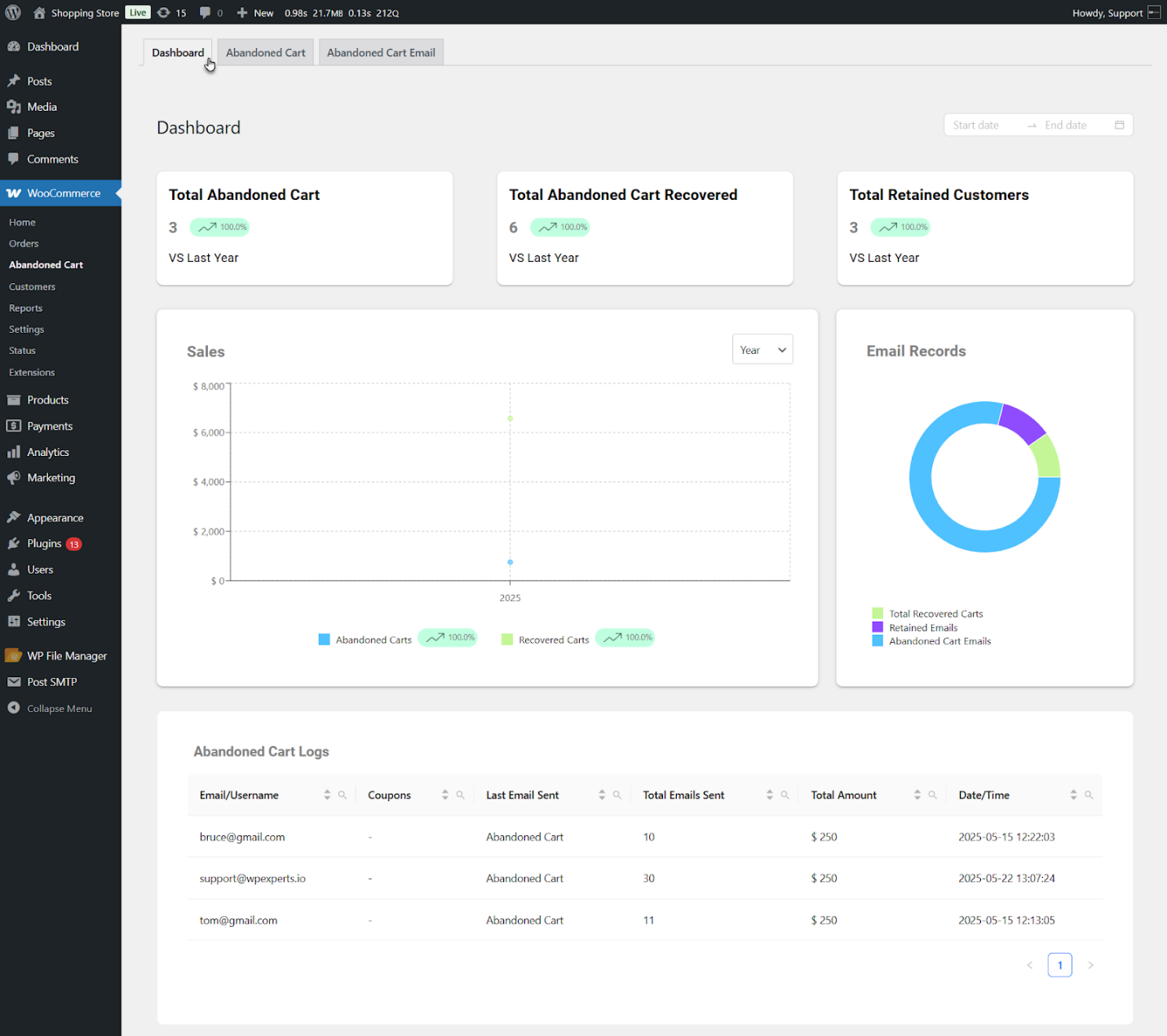
Abandoned Cart for WooCommerce has introduced its users to a new, exciting feature: Abandoned Cart Analytics. This feature allows users to check crucial performance metrics. The analytics dashboard comprises four key sections: Top Metrics Cards, Sales Graph, Email Records (Donut Chart), and Abandoned Cart Logs.
Top Metrics Cards
This section includes three summary cards: the Total Abandoned Cart, the Total Abandoned Cart Recovered, and the Total Retained Customers. Total Abandoned Cart displays the total number of abandoned carts and compares it with last year’s data using percentage indicators.
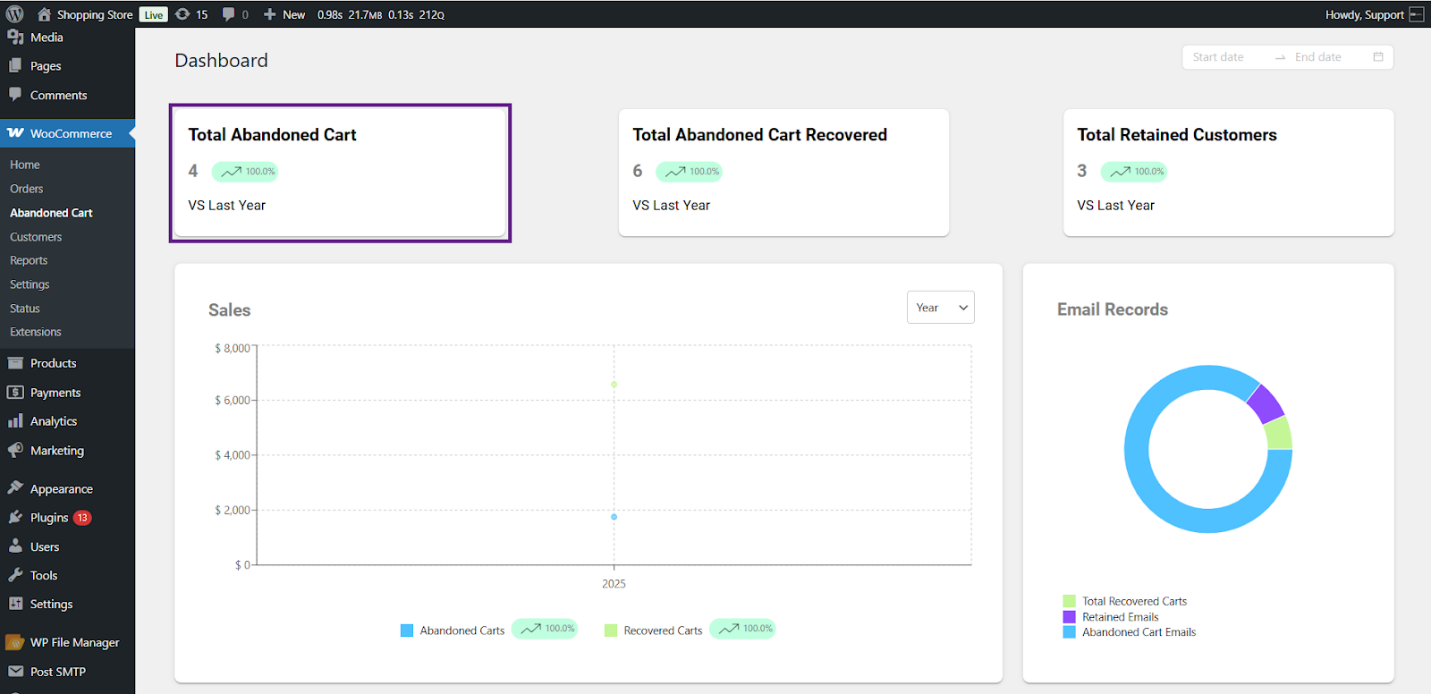
Total Abandoned Cart Recovered shows the number of carts recovered through returning customers or email campaigns.
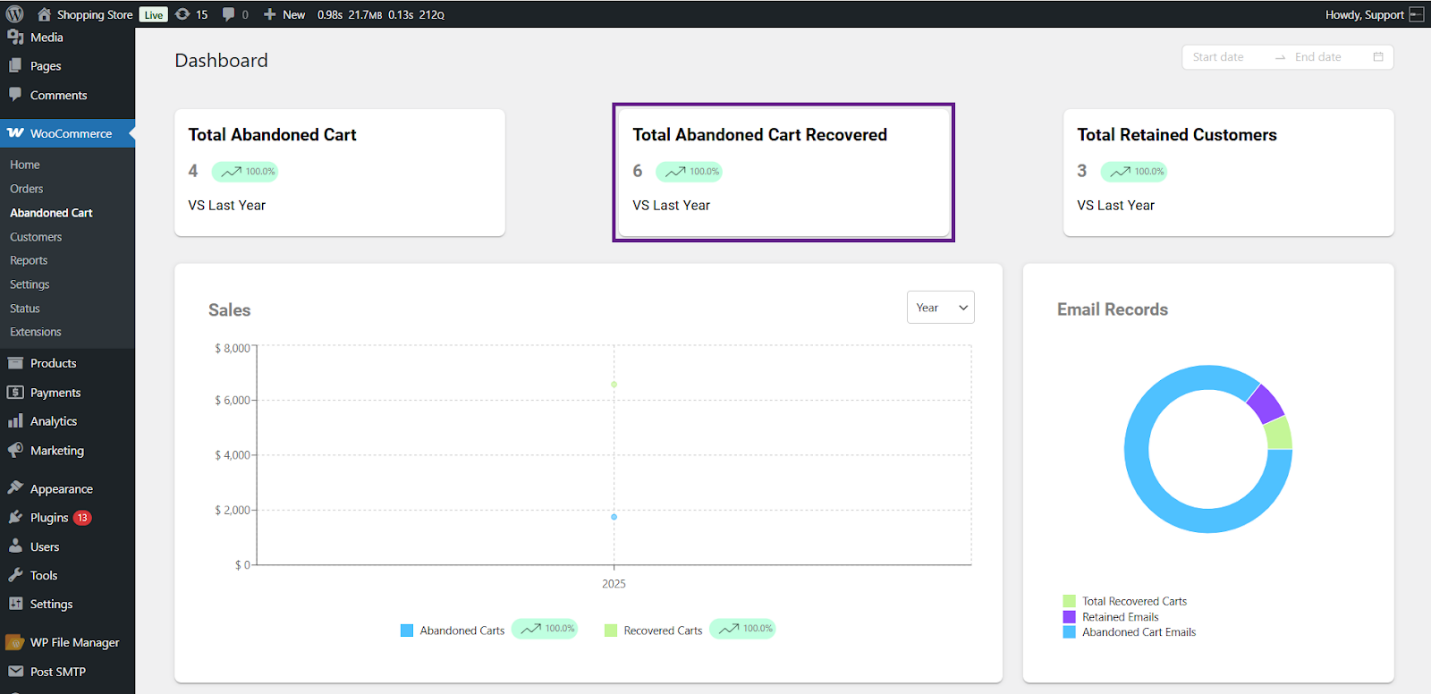
Total Retained customers display the number of returning customers who have completed their purchases. This allows them to convert into retained customers.
Sales Graph
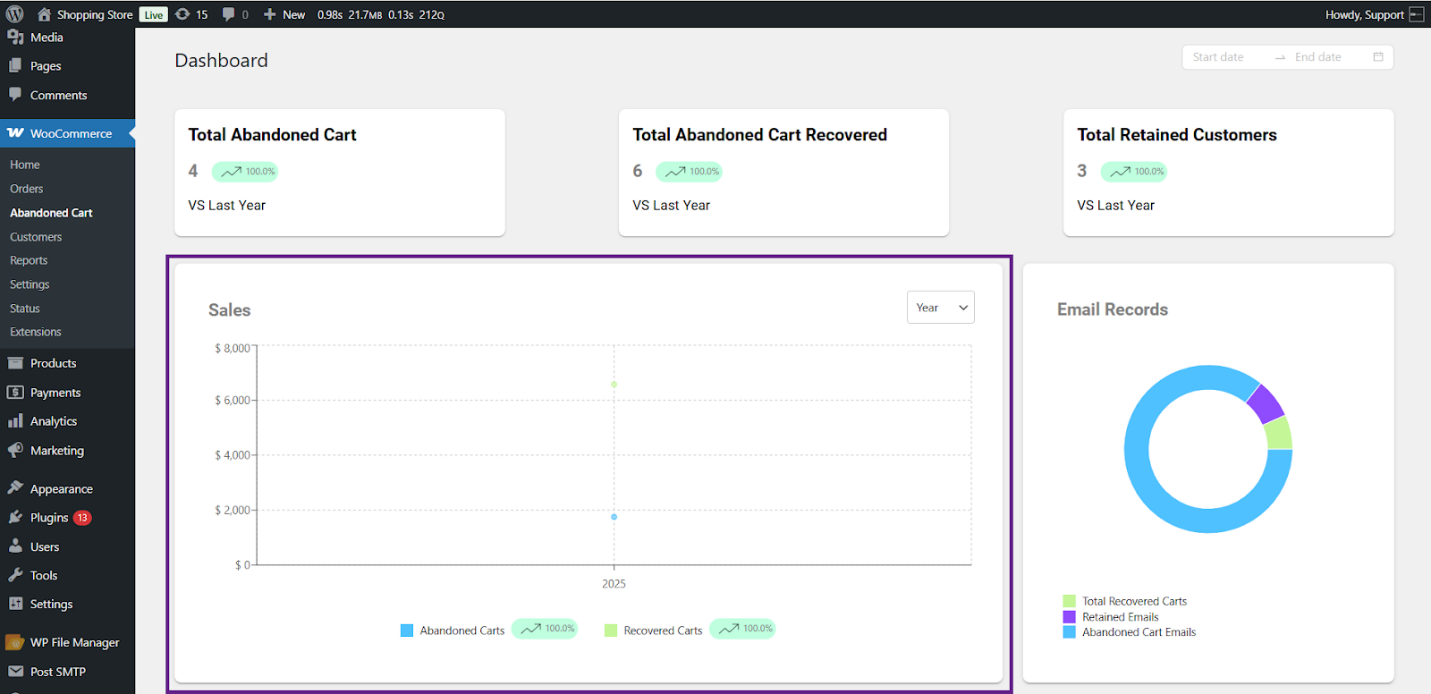
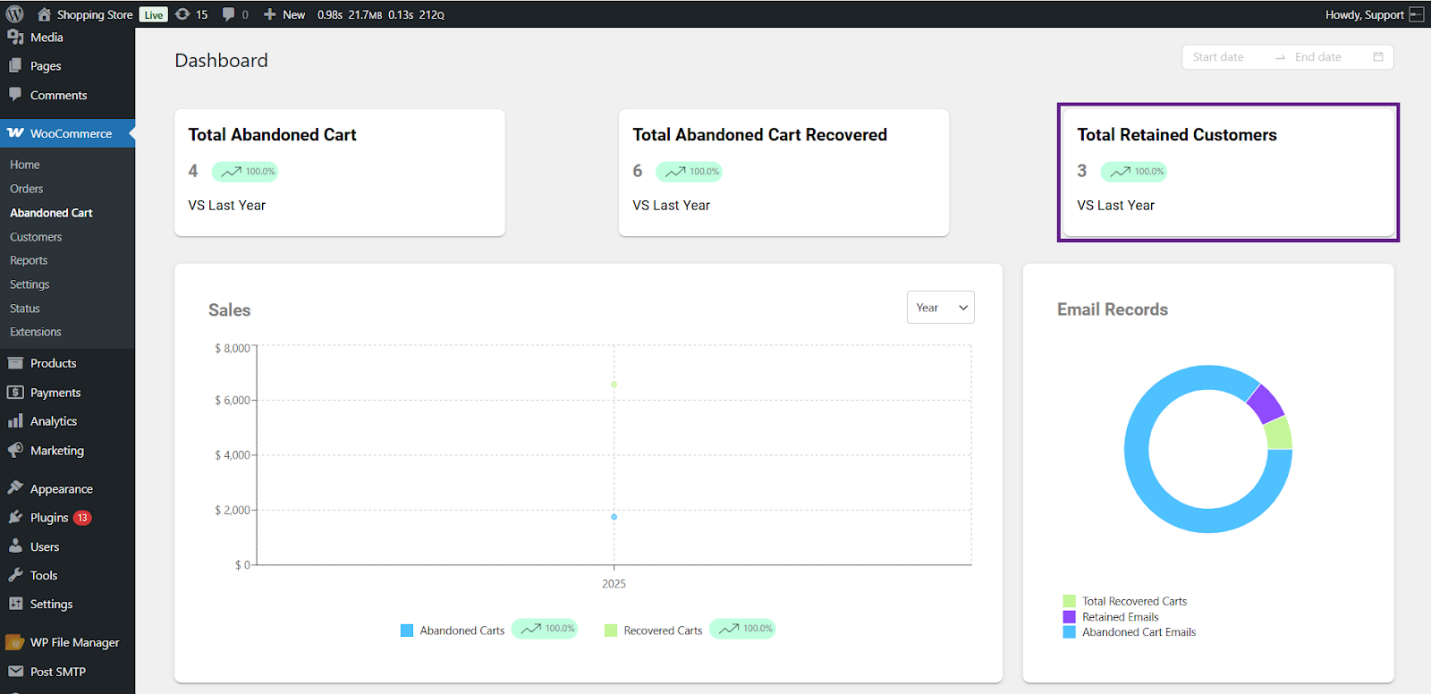
The Sales Graph displays the sales trends for abandoned and recovered carts. Users can use the filters to obtain the data based on Day, Week, Month, or Year.
Email Records – Donut Chart
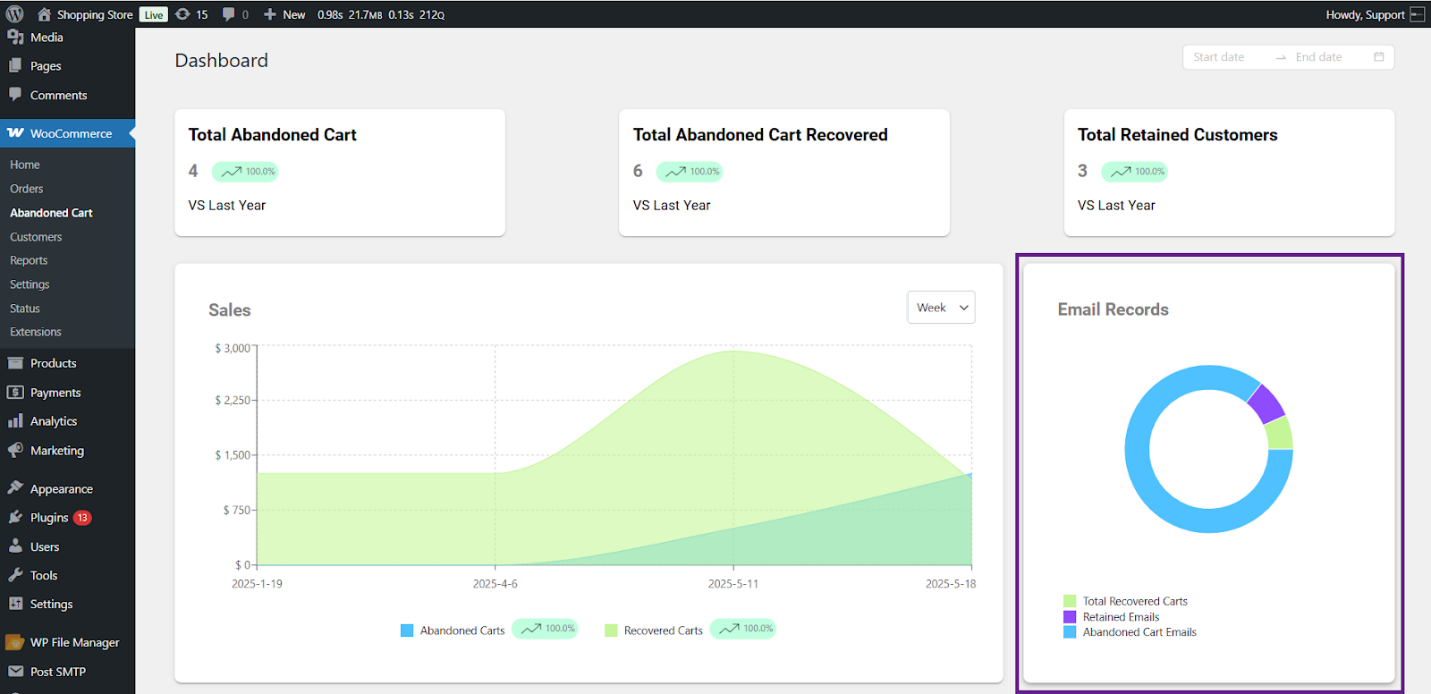
This section shows the total recovered carts, retained emails, and abandoned cart emails. Users can hover over any instance to see the details of a specific chart slice.
Abandoned Cart Logs
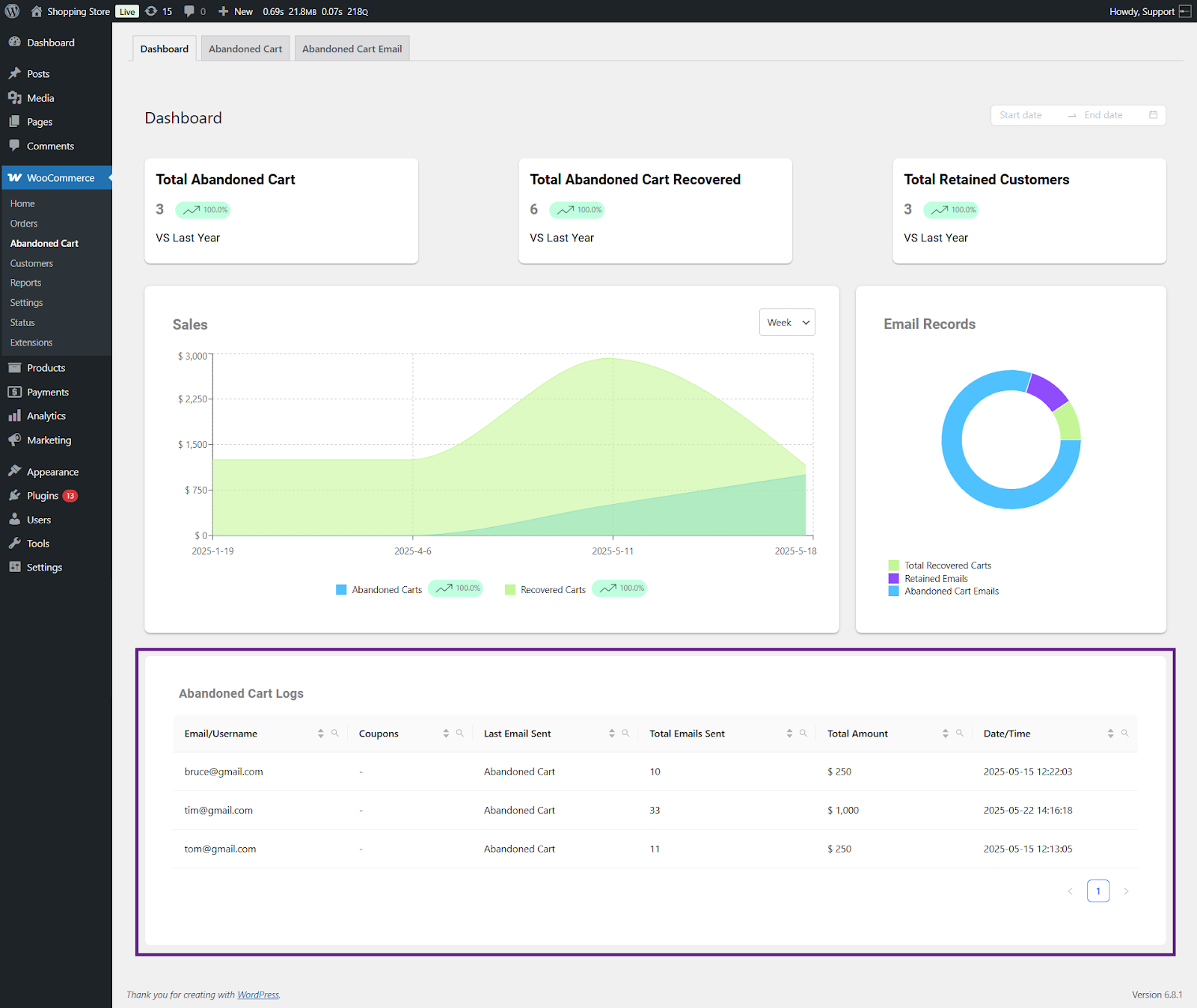
Users can view the details of all abandoned carts through key information, including email/username, coupon, last email sent, total emails sent, total amount, and date/time for every cart entry.
If you have questions or want to provide feedback, feel free to contact our support team. WPExperts will happily assist you and take every possible measure to solve your queries as soon as possible.




