



















































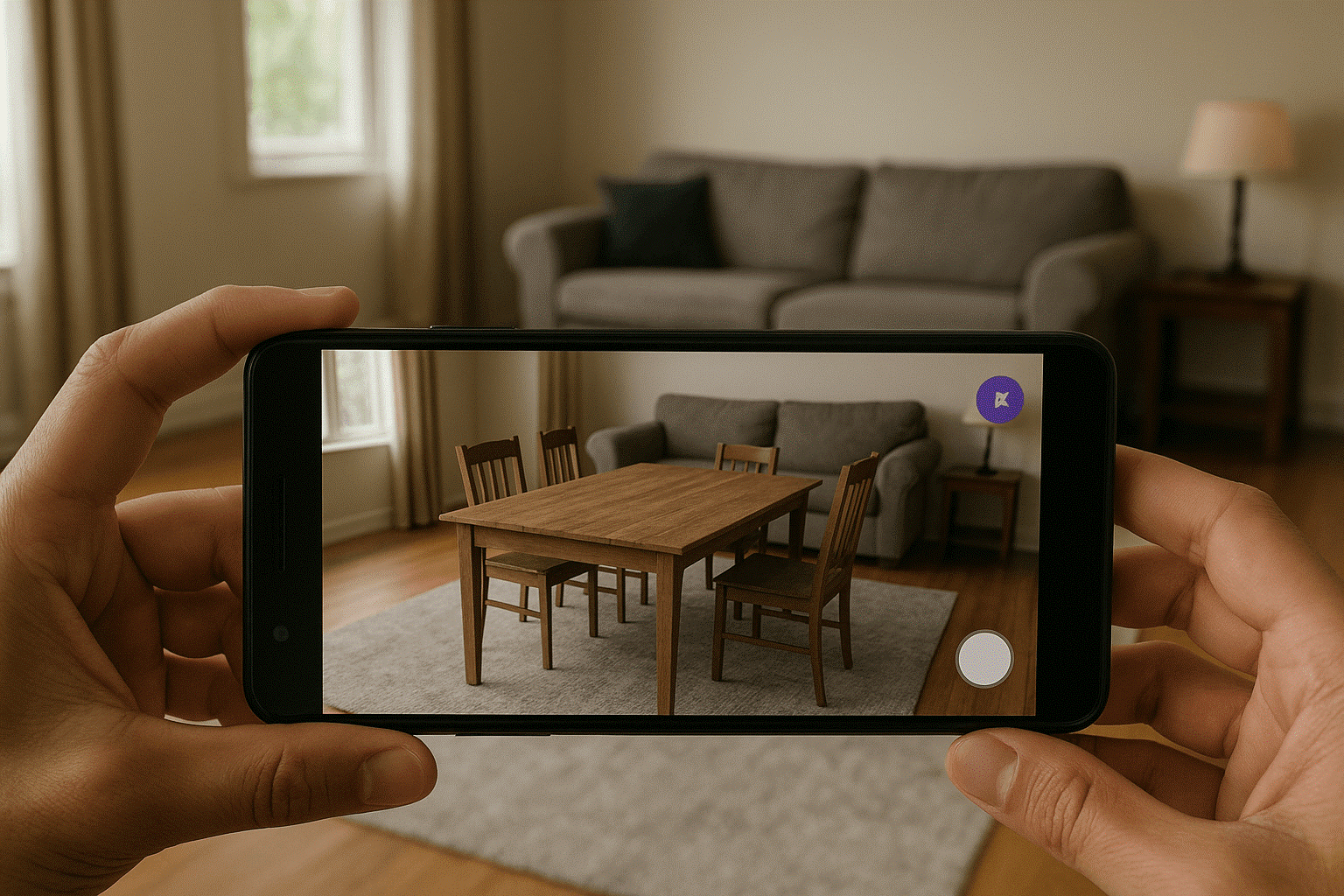
You’re sitting on your sofa with your phone, scrolling to shop at an online furniture website. You’ve found the best dining table on a website yet are curious about what it would look like in your living room.
How great would it be to hold your phone up to the corner of your room where you’d like that table? And get an idea of how the table would fit in your room before purchasing? That’s the magic of Augmented Reality (AR) for eCommerce platforms like WooCommerce.
This groundbreaking technology transforms online shopping into a reality where you walk through a physical store and experience anything close to reality. Let’s see how AR for WooCommerce can help your online business and why your customers will absolutely love it.
What is AR for WooCommerce, Really?
Let’s think of AR for WooCommerce as your virtual store. It enables your buyers to place virtual versions of your products within their homes or offices with just their tablets or smartphones.
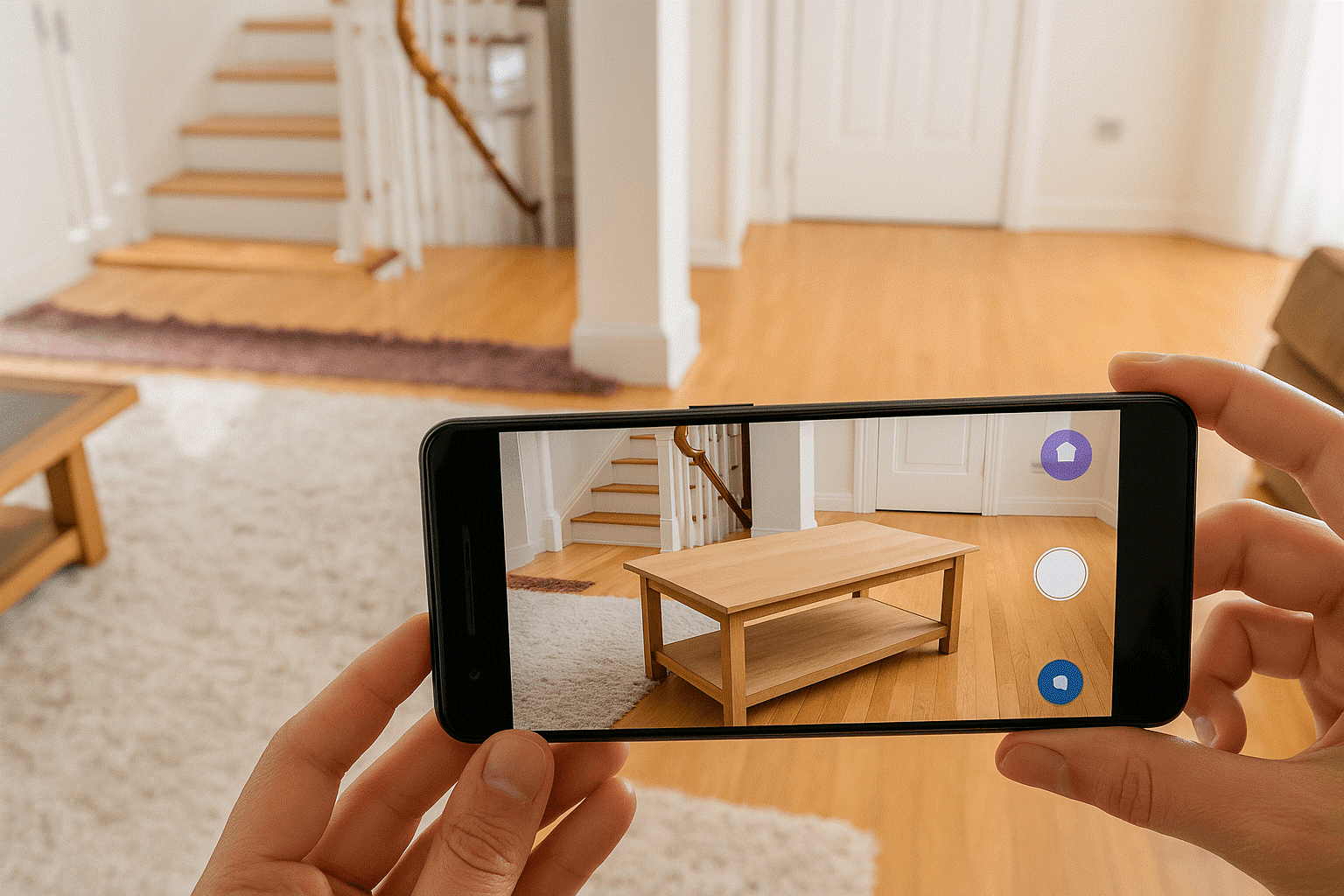
Imagine your buyer shopping for a new desk. With AR, they can scan their hall with their phone and—abracadabra! See that desk where they’d put it. They can walk around it, confirm if it’ll fit in the space, and even see how it’ll look there.
AR for your WooCommerce store is not just cool tech—it solves one of the biggest drawbacks of online buying: the inability to “try before you buy.”
Why Your Store Needs Augmented Reality: 4 Super Benefits of AR for WooCommerce
In today’s busy online marketplace, just offering fantastic products is not enough. You need to create memorable and talked-about buying experiences.
Let Customers Experience Your Products in the Real World:
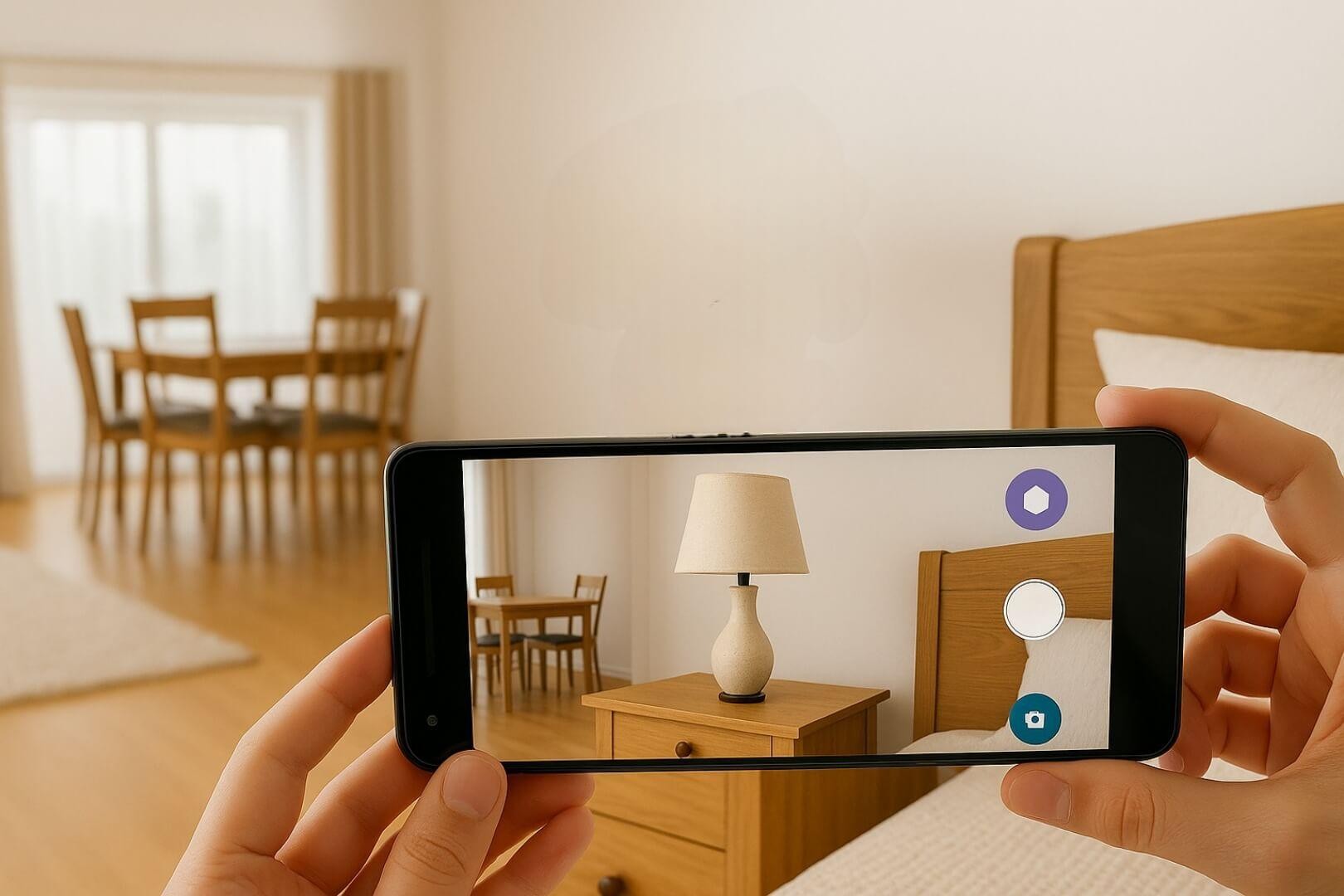
The largest obstacle to internet shopping? Your customers are unable to touch, feel, or test out your products. AR erases that. When your customer can place your lamp on their bedside table virtually, or try on your sunglasses virtually. Your buyers interact with your product in a manner that static photos never could.
Think about how IKEA transformed its business through AR. They enabled people to view just how that BILLY bookcase would look in their apartment before hitting “buy.” The result? More empowered shoppers and more sales.
Pro Tip: Want to learn more ways to get more revenue and sales? Explore our other blogs, too.
Goodbye to Sky-High Return Rates
We’ve all experienced the dismay of purchasing on the web. After ordering, we often remain worried about our item’s look, feel, or function. The statistics speak for themselves—a good 30% of internet orders are sent back, incurring frustrations for all parties concerned. (Source: Invesp)
AR greatly lowers these return rates by giving consumers a realistic preview. To save your purchasers from experiencing buyer’s regret, let them:
- Let a person visualize whether your coffee table will perfectly fit into their living room.
- Offer augmented reality on your WooCommerce store to let customers know whether your wallpaper design will complement their existing décor.
Keep Shoppers Hooked and Buying
Come on—most online shops are kind of forgettable. But manipulating an AR mode that lets you visualize a product in your surroundings? That’s memorable (and shareable).
Google research found that an incredible 98% of customers find AR handy when making a purchase. The longer users engage with your products through AR, the more likely they are to hit “Add to Cart.”
Pro Tip: Read this Think with Google blog on AR to learn more interesting stats and research about AR for brands.
Stand Out from the Crowd:
Even though AR is growing fast, your competition hasn’t signed up yet. By bringing this technology into your store today, you’re not just selling products but offering a revolutionary shopping experience that sets you apart as an innovative brand.
Real Brands Achieving Success with AR Today
AR is no longer mere hype—it’s actually producing real-world outcomes for forward-thinking brands:
1. IKEA
Their AR app has revolutionized furniture buying by enabling consumers to place virtual furniture in their actual rooms, hugely increasing purchase confidence.
2. Sephora
Their Virtual Artist app allows makeup shoppers to “try on” different colors and products using the phone’s camera, leading to higher sales and fewer returns.
3. Warby Parker
Online shopping for glasses was previously risky, but their AR app allows customers to see precisely how frames fit their face before purchase.
How to Bring AR to Life in Your WooCommerce Store
Adding AR for WooCommerce to your store has three simple steps:
Option 1: Select the Right AR Plugin:
Several excellent options can bring AR functionality to your WooCommerce store:
- AR for WooCommerce: A user-friendly plugin that embeds 3D models directly on your product pages, letting customers interact using their phones or tablets.
- CartMagician PRO Augmented Reality (AR): A premium solution that works right in the browser—no extra apps needed for your customers.
At WPExperts, we’ve helped numerous store owners implement these AR solutions with our top WordPress ecommerce service. We provide the experience to fit your specific products and customer needs.
Option 2: Build a Custom AR Solution
For WooCommerce stores with unique requirements, a custom solution will be more suitable:
- Developing AR experiences designed specifically for your products
- Building solutions that integrate perfectly into your existing store infrastructure
- Building AR features that reflect the real personality of your brand
Custom development takes more initial investment but gives you what your business requires without compromise.
2. Create Realistic 3D Models:
The cornerstone of any AR experience is realistic 3D models of your products. You can build them yourself using tools like Blender, or get experts to create them for you.
Ensure your models use compatible formats like GLTF, GLB, or USDZ—these work perfectly with most WooCommerce AR plugins.
3. Optimize for Mobile Display:
As most individuals will access your AR features on their mobile devices so your website must to be seriously mobile-optimized. Thoroughly test your AR on diverse devices to ensure everyone has a smooth, frustration-free experience. You can hire WooCommerce development service providers to make your site super speedy on mobile devices.
What You’ll Need to Get Started with AR for WooCommerce
To incorporate AR on your WooCommerce store, there’s more to it than installing a plugin. Here’s what you’ll require:
Technical Foundation
Your WooCommerce store needs to be technically ready:
- A self-hosted WordPress with WooCommerce properly installed
- Stable hosting that can handle the added requirements (3D models are more demanding in terms of bandwidth)
- The latest WordPress and WooCommerce versions for compatibility
High-Quality 3D Product Models
The focal point of any AR experience is high-quality 3D models of your products. You can:
- Work with seasoned 3D artists to create models of your products
- Employ scanning technology to digitize your physical inventory into models
- Purchase pre-made models for generic products (though custom ones will appear better)
The quality of these models will directly affect how impressive your AR experience feels, so invest wisely here.
What Your Customers Will Need
Remember that your shoppers will need:
- Smartphones or tablets with AR-capable cameras
- Sufficient processing power to support 3D models
- For iPhone: iPhone 6s or later running iOS 12+
- For Android: Phones that support ARCore (most mid-range and flagship phones from the last few years)
Fortunately, most smartphones today already have these features, making AR accessible to most of your customers.
Overcoming Widespreadly Experienced AR Implementation Issues
Even though AR is great, initiating it can come with some difficulties:
Difficulty 1: Resources and Expense
Creating good-quality 3D models might be expensive and time-consuming.
Solution: Start with your best-sellers or top-margin products. As you appreciate the return on investment, progressively expand your AR catalogue.
Difficulty 2: Technical Knowledge
AR integration requires technical know-how that store owners do not have.
Solution: Partner with vendors such as WPExperts, who have experience in installing and implementing WooCommerce AR and can remove the complex parts from your hands.
Challenge 3: Customer Adoption
Some customers might be inexperienced with using AR functionality.
Solution: Create simple how-to instructions or videos showing the application of your AR software. Politely highlight the benefits so that individuals get encouraged to try them out.
Conclusion: AR is the Future of Your WooCommerce Store
AR for WooCommerce is not yet another flashy phenomenon—it’s an incredible power that can be unleashed to transform how people shop online. By bringing products into their own space, AR closes the gap between virtual and real shopping. AR in your online store makes experiences richer and more valuable.
For WooCommerce shop owners, the moment to embrace AR is now. The benefits are clear, from cutting return rates substantially to enhancing sales conversions. And with intuitive plugins like AR for WooCommerce and CartMagician, incorporating AR into your shop has never been simpler.
Ready to take your online shop to the next level? Partner with WordPress experts to create a seamless AR experience that will wow your users and leave you ahead of the competition.




