


















































Google has introduced a new agentic development platform: Google Antigravity. Google launched this agentic development platform on November 18, 2025.
The development sphere has been changing rapidly for all the right reasons. Previously, developers benefited from tools that enabled them to write code as quickly as possible. Now, with Google Antigravity, developers can work smartly and enhance their productivity at a task-oriented level.
What is Google Antigravity?
Google Antigravity primarily operates as a development platform that comprises an AI-based coding experience alongside a new agent-first interface. As a result, users can deploy agents, which strategize, authenticate, and perform numerous cumbersome tasks across their editor, browser, and terminal.
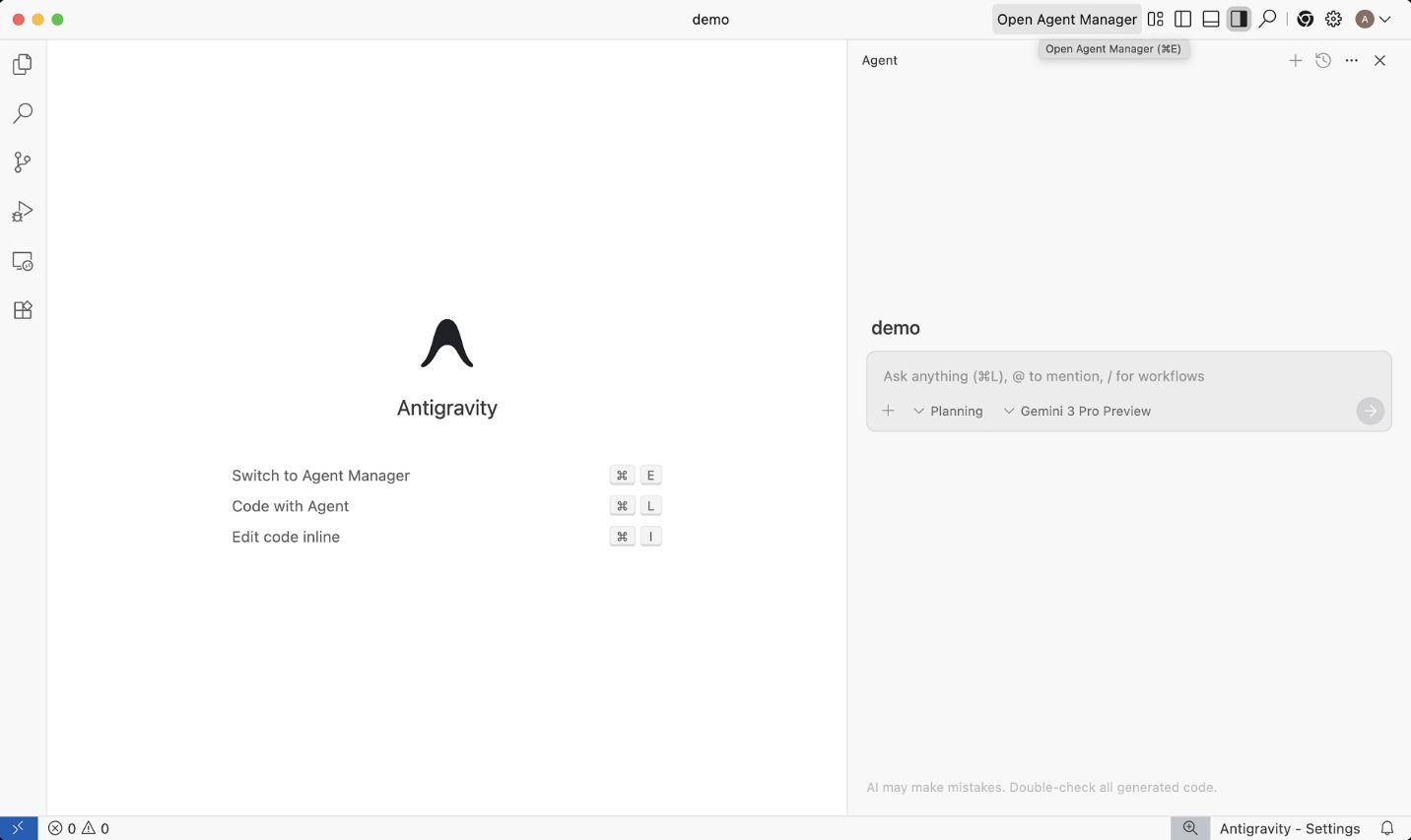
The new development platform has taken coding to new heights by offering two approaches that enable developers to interact with their code more efficiently. These two approaches include the Editor View and the Manager Surface.
The Editor View
The Editor View has been designed to automate your workflow. As an AI-powered IDE, it provides developers with tab completion and inline commands for concurrent workflows.
The Manager Surface
The Manager Surface is an interactive interface that enhances the orchestrating, spawning, and monitoring of agents that run concurrently across multiple workspaces.
Use Cases for Your Antigravity Workflow
Antigravity does help improve routine development tasks considerably. You can deploy it in multiple ways to assist and complete your daily development activities:
Assign Multi-Tool Software tasks to the Agent
You can assign an agent to perform a wide range of activities across the browser, terminal, and editor. For example, they can benefit from the terminal when launching the application. Likewise, they can write code for a new feature and test it in the browser to ensure it works correctly.
Remember, the agent will perform all such tasks without relying on human assistance and intervention.
Operate at a Task-Oriented Level
The agent can help change the codebase (UI iteration) and provide feedback regarding its progress and outcomes through walkthroughs and screenshots. These artifacts provide the desired insights, allowing users to evaluate and approve the agent’s work.
Use the Agent-First Manager Surface
You can assign various priority tasks to the agent using the agent-first manager surface, such as creating a test case, applying a fix, and regenerating an issue. In the meantime, you can focus on your key tasks and monitor the agent’s progress.
As an innovative concept, agentic coding will potentially revolutionize the development landscape. Considering its significance, Google has already taken the right step to enhance the developer experience.




