



















































We are excited to announce the release of Smart Wishlist for WooCommerce v1.1. This release features five exciting enhancements: Wishlist Shortcode and Block, Wishlist Tab Label, Restock Alert, Display Add to Wishlist Button, and Show Wishlist Navigation Menu Item.
These features enable businesses to enhance their customers’ shopping experiences, leading to a substantial increase in sales and revenue.
Wishlist Shortcode and Block
Through the Wishlist Shortcode and Block, admins can easily display a wishlist table and section on any page by simply inserting the code.
Wishlist Tab Label
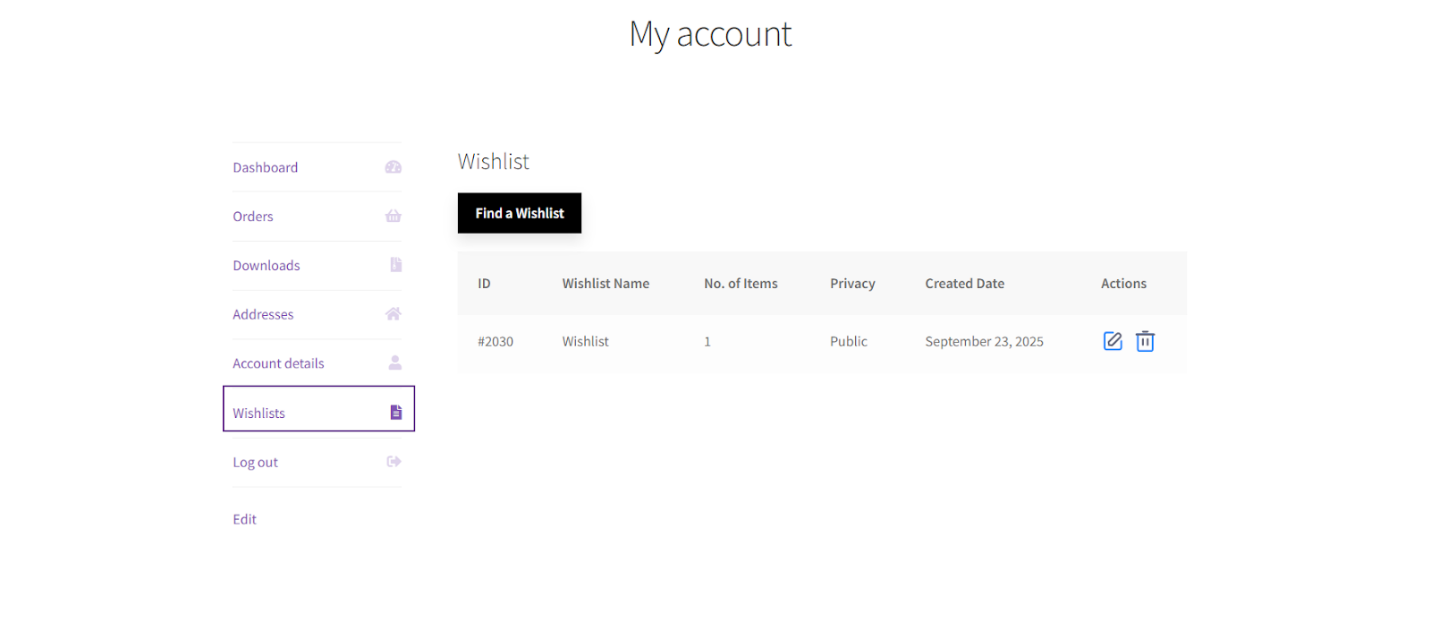
According to this feature, the admin can now hide and show the Wishlist tab in My Account and create a separate page for the wishlist.
Restock Alert
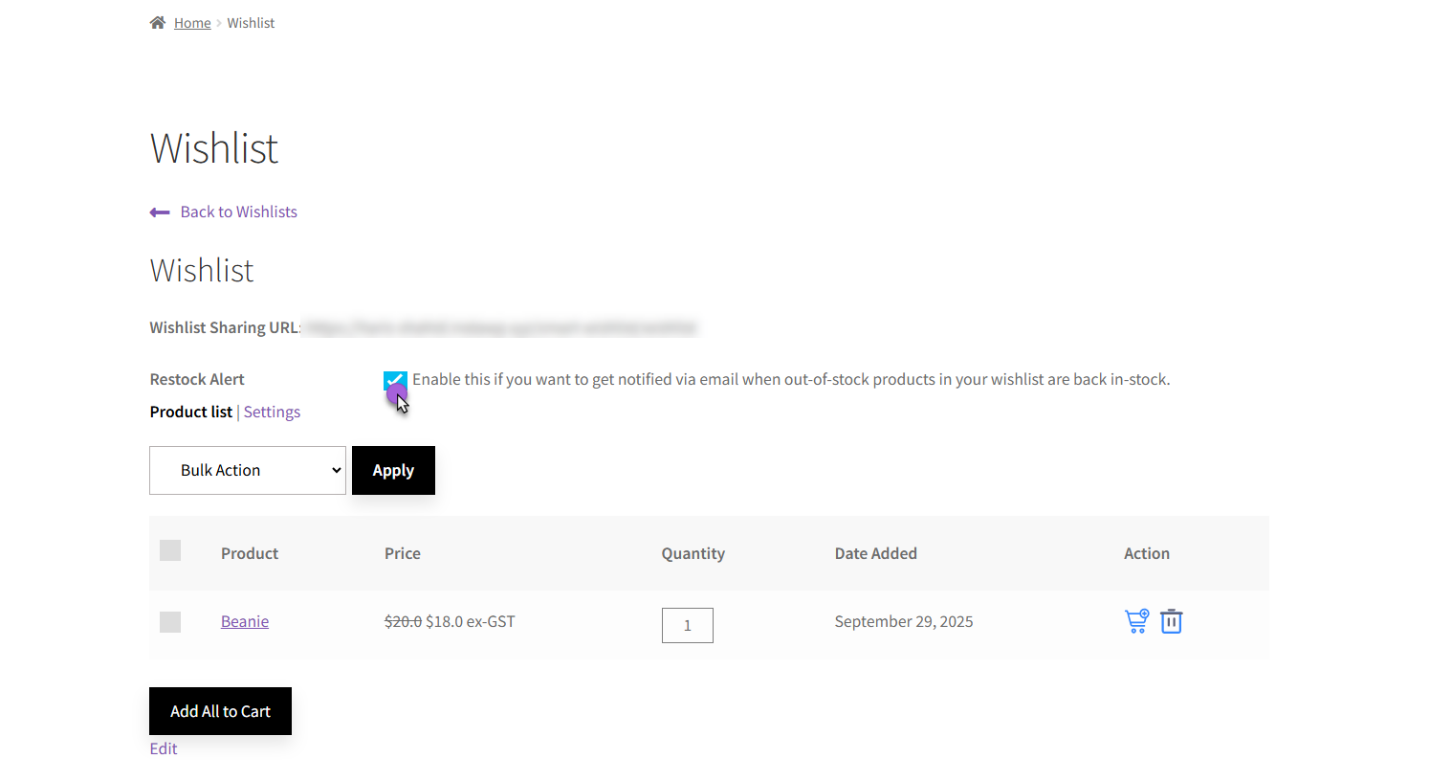
Restock alert enables customers to choose whether they want to be notified when a product in their wishlist becomes available again. This will send a notification to registered users via email regarding products in their wishlists that are currently out of stock.
If the product is still in the wishlist and has been restocked, an email will be sent.
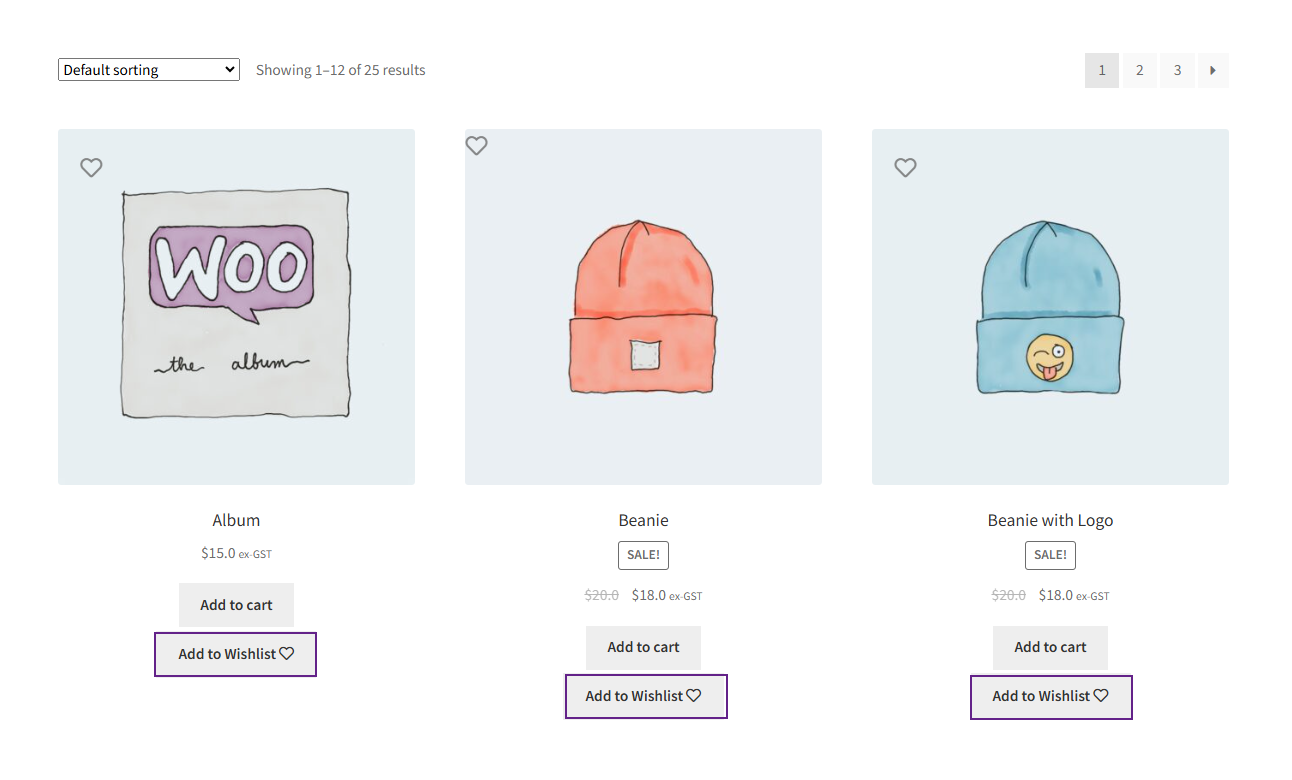
Display Add to Wishlist Button
Through this feature, users can easily hide or display the “Add to Wishlist” button on products based on categories, tags, or specific product selections.
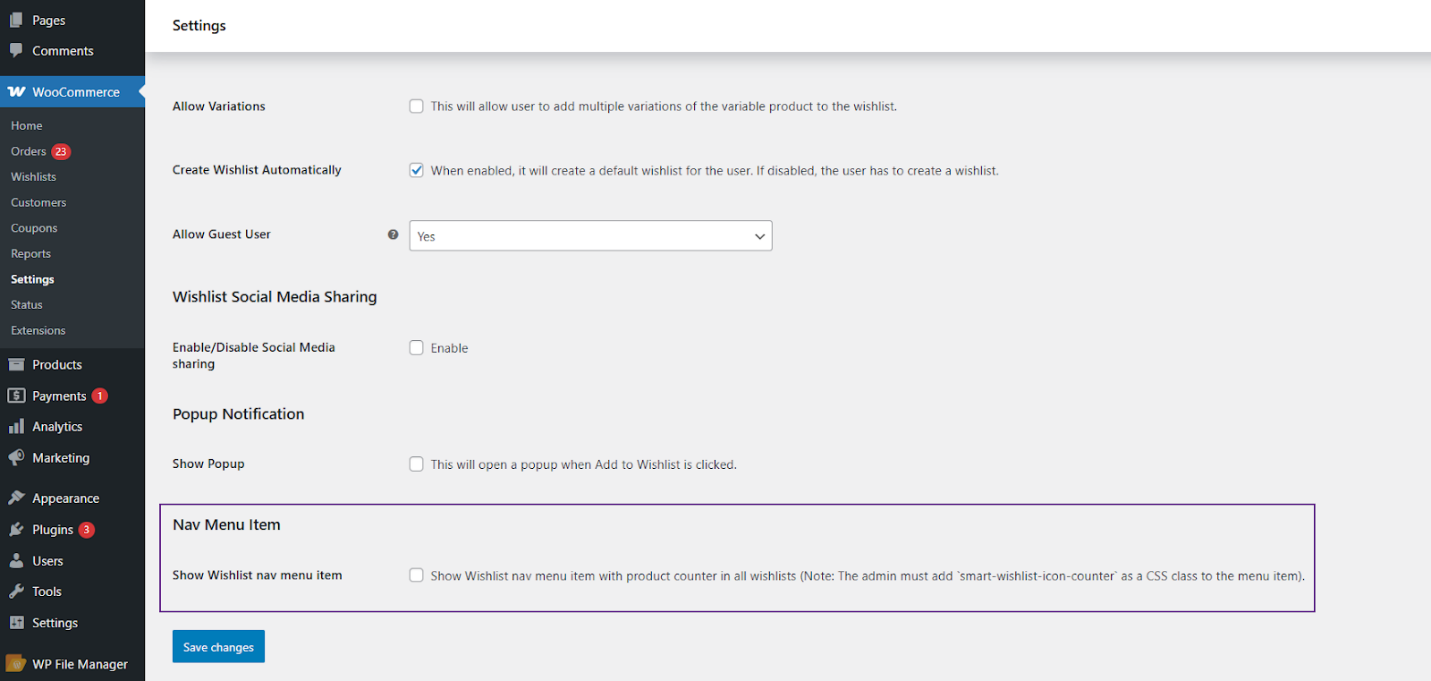
Show Wishlist Navigation Menu Item
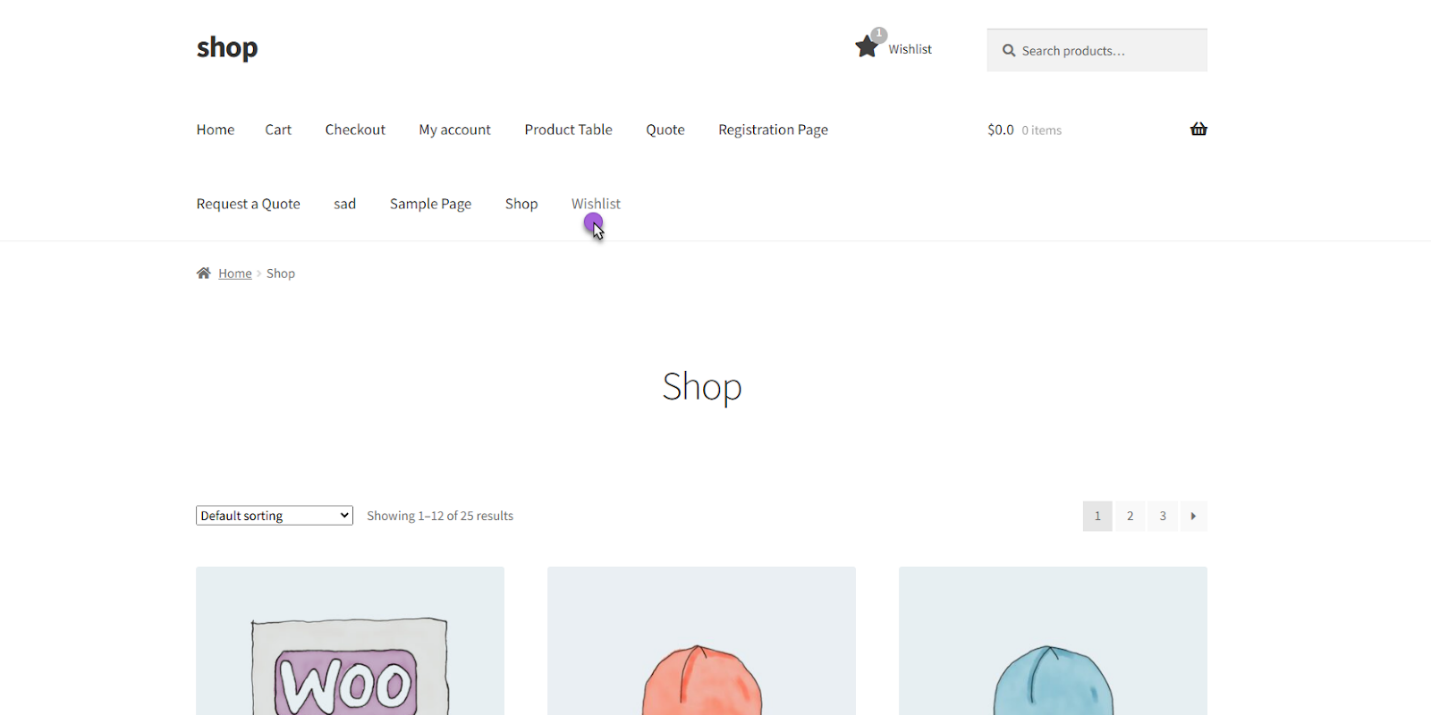
This feature helps showcase a wishlist icon with a counter as a navigation menu item. The counter will display the total number of unique products across all customers’ wishlists.
Update Smart Wishlist for WooCommerce v1.1 now to take advantage of these exceptional features—and offer your current and prospective customers a personalized shopping experience!




