















































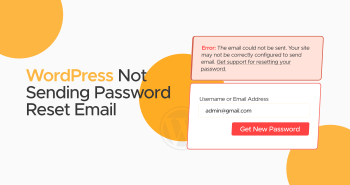
As a WordPress site owner, have you experienced the issue of “WordPress not sending password reset email”? You are not alone. Site owners frequently face this common issue due to various reasons.
Most hosting service providers do not offer their customers email hosting, but this does not mean they cannot send emails from their WordPress websites. The server is not the culprit when you try to resolve the problem of WordPress not sending emails. The issue is that your site has not configured the email settings appropriately.
This blog post will discuss several easy and quick solutions to WordPress’s issue of not sending password reset emails.
Why Does WordPress Not Send Password Reset Emails?
There can be many reasons why WordPress does not send password reset emails to recipients. However, the most obvious ones are described below:
Server Misconfiguration
As you know, WordPress mainly relies on a specific function known as wp_mail when sending emails via PHP. The website’s web server powers this function to route and send messages. The problem arises when a few web hosting service companies do not assist with the PHP mail function. Likewise, the PHP mail function needs additional configuration to work appropriately.
Emails Delivered to Spam/Junk Folder
If you do not receive password reset or other emails in your inbox, check your spam/junk folder first. Emails sent by WordPress are likely delivered to your spam or junk folder instead of your inbox.
Lack of Email Authentication (SMTP, DKIM, SPF, and DMARC)
You must configure your website’s DNS records, including SMTP, DKIM, SPF, and DMARC. Otherwise, receiving mail servers will not confirm if your website has delivered an email. They will mostly consider it suspicious or will completely reject it.
WordPress Not Sending Password Reset Email – Easy Fixes
Regardless of the causes, poor email deliverability can spoil your reputation as a professional business. Interestingly, WordPress’s problem of not sending password reset emails is resolvable.
Check the Administration Email Address
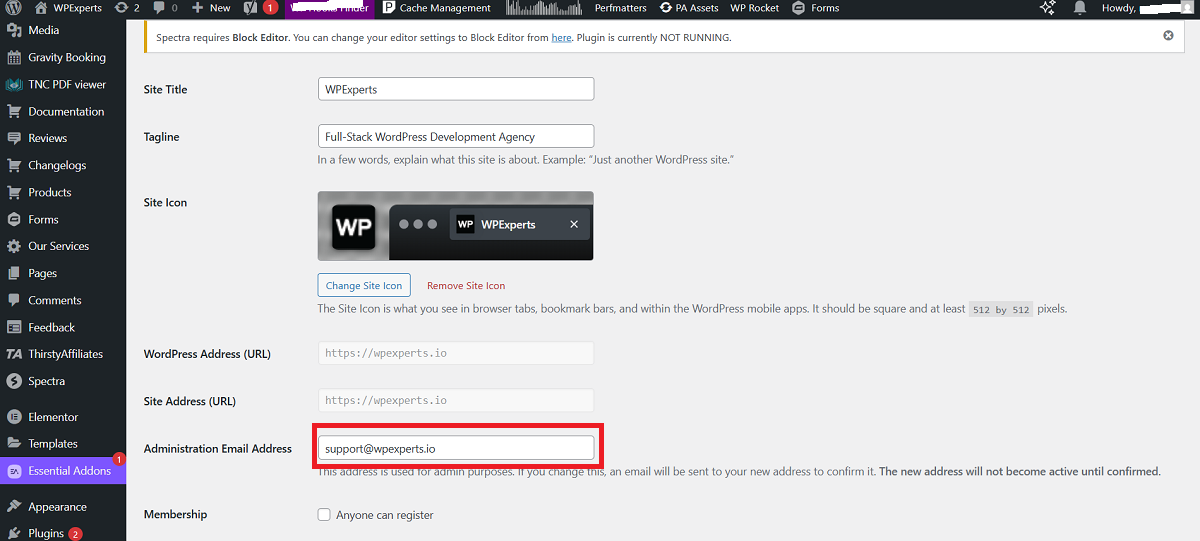
Unfortunately, an incorrect email address in the WordPress admin dashboard will not help with password reset emails. Therefore, you must solve this problem. For this purpose, you should access your WordPress admin dashboard and navigate to Settings > General. Ensure you have mentioned the correct email address in the Administration Email Address box.
Confirm if Your Web Hosting Service Allows Email Sending
The web hosting server may not allow password reset emails to be sent to intended recipients. If you use a shared plan, a few web hosting services don’t let sites send emails via PHP mail.
Sadly, WordPress follows the same principle. In this situation, you should use the WP Mail SMTP plugin, which helps deliver emails using trustworthy email services and ensures they are adequately authenticated.
Configure SMTP With A Plugin
Fortunately, you can configure SMTP on your WordPress site with a plugin. For this purpose, you can select your desired plugin from the different options, such as FluentSMTP, WP Mail SMTP, POST SMTP, Easy WP SMTP, and more.
In this instance, we will use the WP Mail SMTP plugin and follow the steps below:
- Use the WordPress dashboard, go to Plugins > Add New.
- Type WP Mail SMTP, press Install Now, and activate or enable the plugin.
- Using the WordPress dashboard, go to WP Mail SMTP.
- Select your Mailer (Mailgun, SendGrid, Gmail, etc.) through the Settings option.
- Write the SMTP host and port information that your email service provides.
- Mention the SMTP username and password, and save all the settings.
- After configuring the settings, you must deliver a test email. It will ensure that WordPress can send emails with SMTP.
Deactivate Problematic Plugins
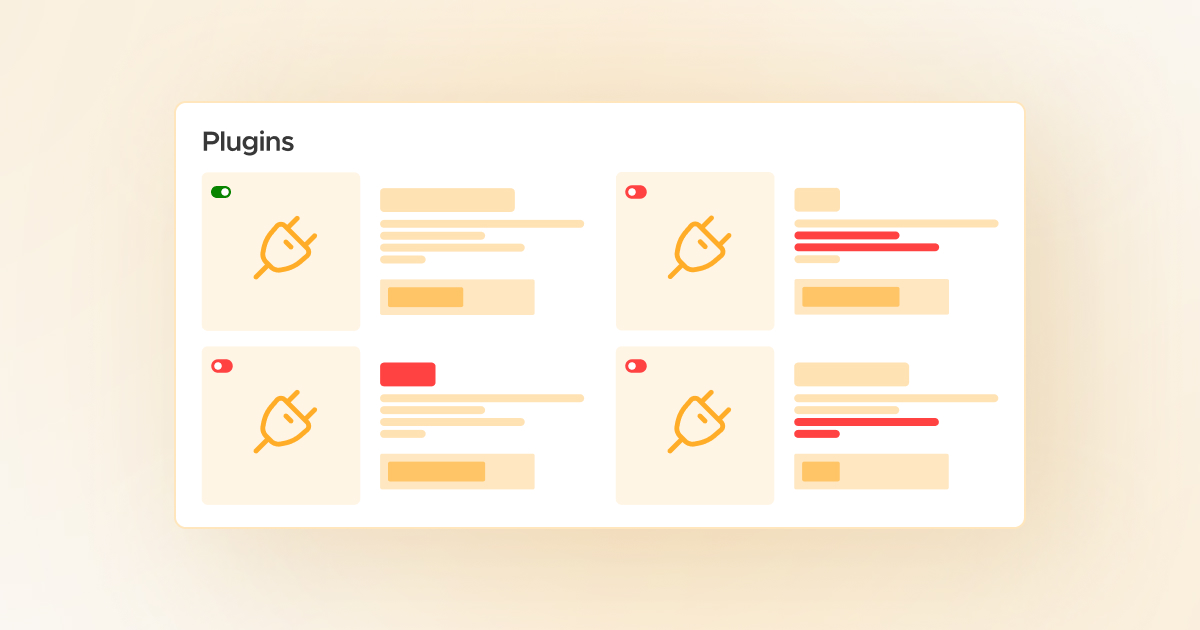
WordPress sometimes does not send emails because plugins installed on the website conflict. They can also conflict with WordPress core features and result in various issues. Therefore, you must deactivate plugins to see if the problem gets resolved.
For this purpose, you should send a test email from your WordPress site. If you successfully send an email from WordPress, the problem lies with one of the plugins. Activate all plugins one by one again to detect the problematic ones.
Consider Getting a Transactional Email Service
Transactional email services can help you bypass WordPress’s inability to deliver email issues comprehensively. These email services are:
- Amazon SES
- Postmark
- Brevo
- Elastic Email
- Mailchimp Transactional
- SendGrid
- Mailgun
Contact Web Hosting Service Provider

Updating the site’s administration email address and configuring SMTP will potentially resolve any email delivery problems, including the inability to send password reset emails on your website.
If you still have trouble sending a reset password email from your site, consider discussing the problem with your web hosting service.
They have detailed information regarding your server setup and the website overall. They can also access the email logs to determine the exact problem on your request. Moreover, they can offer insights about overcoming WordPress’s issue of not sending password reset emails.
How Do You Check if a WordPress Website Sends Emails?
After explaining why WordPress does not send a password reset email to users, it is better to confirm if your WordPress site sends emails appropriately. For this purpose, consider installing the Check & Log Email plugin.
After activating the plugin, navigate to the plugin’s Status section and deliver test emails to various email addresses. If the emails do not reach the addresses mentioned, you must check your site to identify the problem.
Which Emails Can WordPress Send?

WordPress websites can send various types of emails to users, including:
- Password Reset Emails: Users receive these emails when they request new passwords.
- New User Email: This email notifies the site admin of new user registrations.
- Activate Account: Users receive this email when they sign up for an account and must authenticate the email they used.
- Newsletter Emails: If businesses have used newsletter plugins and sent their newsletters through their hosting services, email issues can affect their newsletters.
- Contact Form Emails: Users receive these emails when they submit their details via contact forms.
How Can We Avoid Facing the WordPress Not Sending Password Reset Email Issue?
Ensure your email server is appropriately configured to prevent this problem from arising in the coming months or years. You must also update your WordPress plugins and check your site for plugin conflicts and related issues. To be safe, convince your users to open their spam folders to see if they have received emails.
Wrapping Up
Website owners should not ignore the importance of password reset emails. They help them considerably enhance user experience and website security. However, there are many reasons why users cannot receive password reset emails in their inboxes.
For instance, a plugin conflict or an issue with the server configuration prevents site owners from sending password reset emails to users. Therefore, they should understand the possible reasons before solving the problem of emails not being sent.
Luckily, they can breathe and follow the above potential solutions to overcome the issue, i.e., WordPress not sending password reset emails.




