




































 Abdullah Ashraf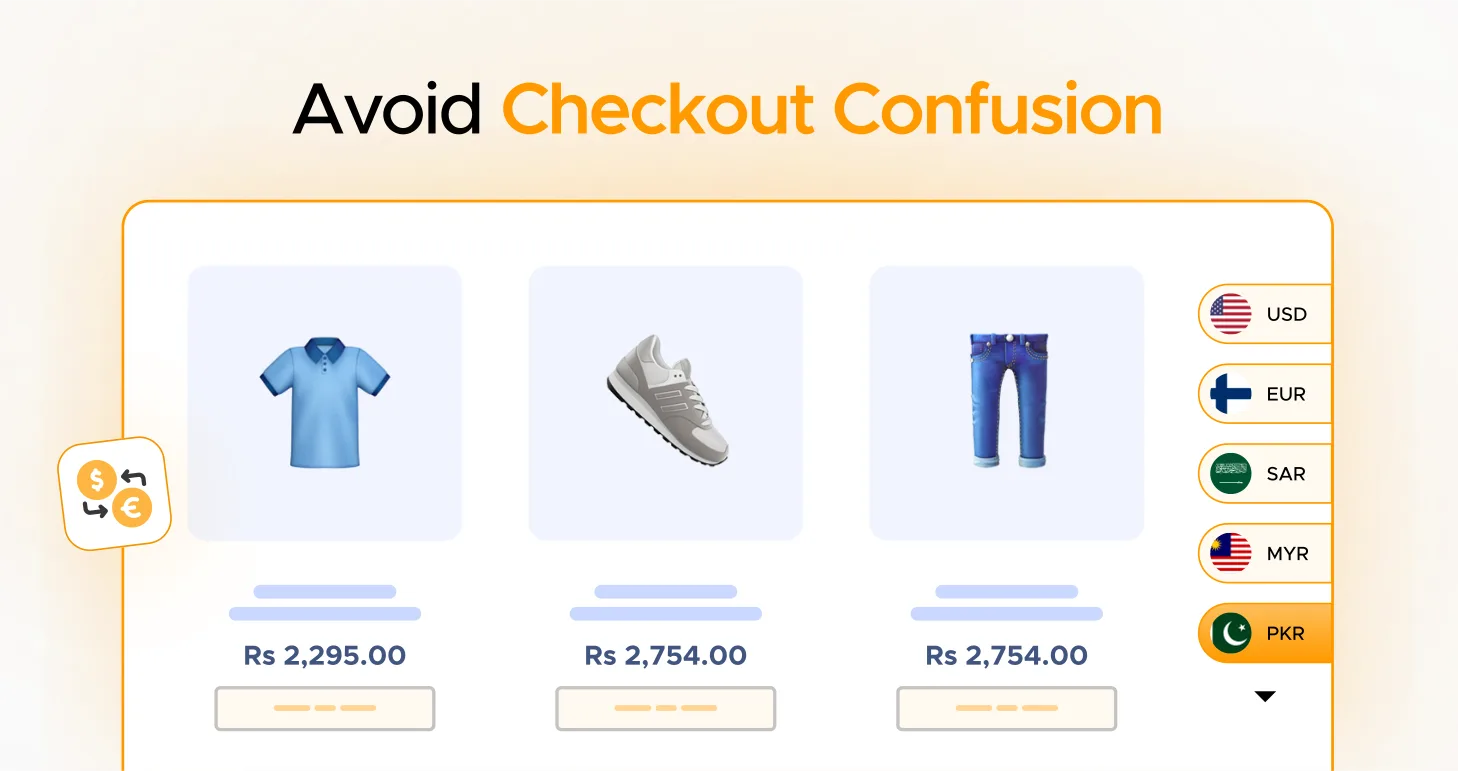
Global shopping is booming, and so is customer expectation for clarity and consistency at every step of the purchase journey. One of the fastest ways e-commerce stores lose buyers is currency confusion: when prices are shown in one currency on the product page but charged in another at checkout or payment. That moment of uncertainty makes customers pause — and many abandon their carts.
Here’s why consistent currency display matters and how an innovative WooCommerce solution like Currency Switcher for WooCommerce helps you solve it.
The Problem: Mixed Currencies = Checkout Confusion
Imagine a USA visitor browsing in USD, adding products to their cart, only to find the final total in EUR at checkout. Or a UK customer selecting GBP but seeing conversion fees added in another currency. This kind of inconsistency:
- Causes friction and mistrust at a critical moment.
- Increases cart abandonment, shoppers leave rather than pay when they’re unsure what they’ll be charged.
- Leads to chargebacks or refunds from misunderstandings about the final billed amounts.
The core issue? The currency a user sees must match the currency they pay with — including during billing and shipping.
What You Should Do — and Why It Works
To remove this friction, your store should:
- Display prices in the customer’s preferred/local currency across the entire journey, shop, cart, checkout, and payment.
- Ensure payment gateways charge in that same currency so there are no surprises at the billing or shipping stage.
This seamless path builds trust, reduces abandonment, and improves conversions.
How Currency Switcher for WooCommerce Fixes It
Currency Switcher for WooCommerce by WPExperts is a powerful multi-currency plugin for WooCommerce that delivers exactly this, from first click to final payment. Here’s how it helps you avoid checkout confusion:
Display Preferred Currency Everywhere
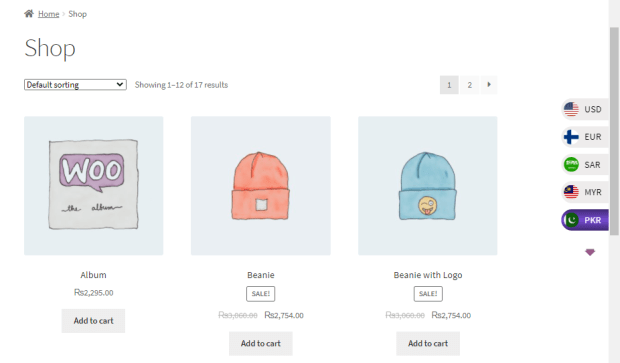
The plugin automatically detects the customer’s location (via Geo-IP) and displays prices in their local or preferred currency from the start.
Pay in the Same Currency They Selected
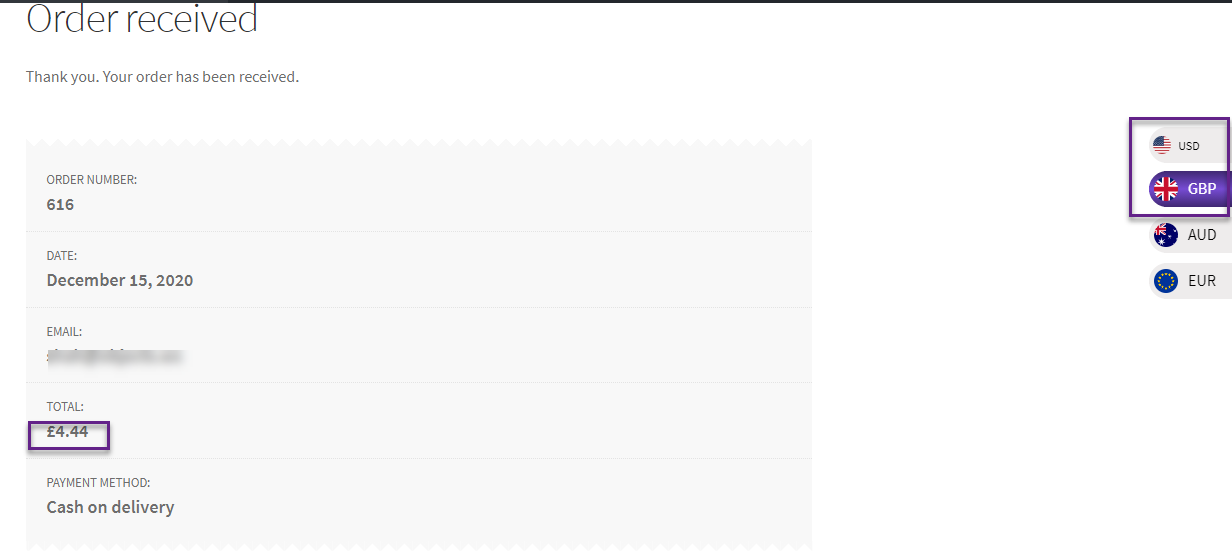
Instead of reverting to your store’s base currency at checkout, the plugin lets customers complete purchases in the currency they chose — eliminating surprise conversions or mismatched totals.
Billing & Shipping Currency Alignment
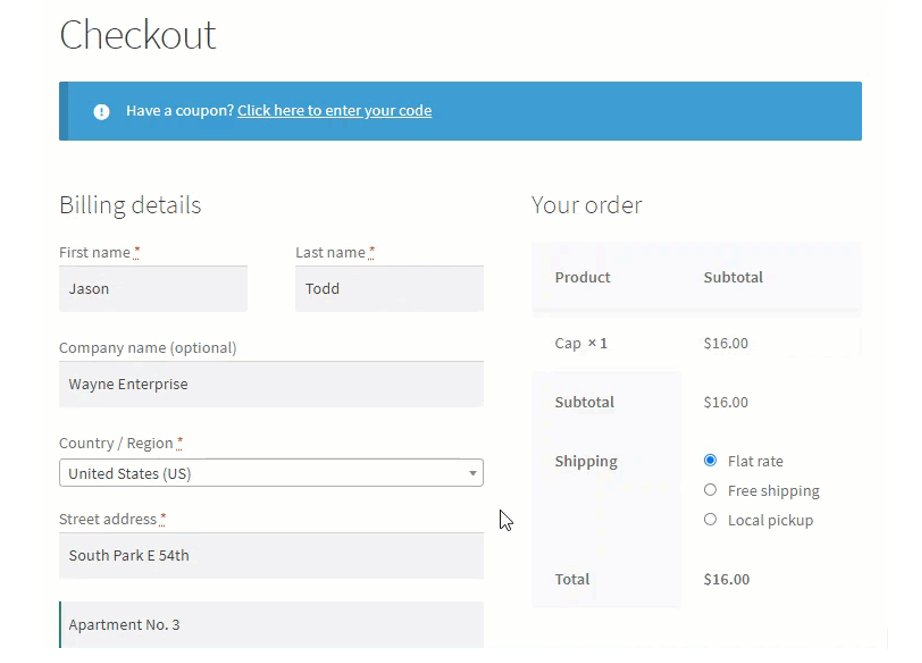
It goes further by updating the displayed currency based on the customer’s billing or shipping country at checkout, keeping the payment context consistent with what the shopper expects.
True Localization + UX Confidence
This not only improves usability — it builds confidence. Buyers are more likely to complete the purchase when they see transparent pricing in a familiar currency throughout.
Why This Matters for E-Commerce Stores
- Clarity equals conversions: Seeing one consistent currency reduces hesitation.
- Less confusion = fewer support requests: You spend less time explaining why totals differ.
- Better international reach: Customers from different countries feel catered to and understood.
When pricing and payment align, shoppers feel confident, and they’re far more likely to complete checkout.
Final Tip: Test Your Flow
Once you enable a currency switcher:
- Add products to the cart in different currencies.
- Proceed through checkout to the payment screen.
- Confirm that the final billed currency matches the shopper’s selection.
- Testing ensures no surprises, for you or your customers.
Wrap Up
Showing the same currency through to payment isn’t just a nice-to-have; it’s essential for a trustworthy, global shopping experience. By letting customers shop and pay in their chosen currency, and aligning billing/shipping currencies, you remove friction, increase conversions, and build trust.
And with Currency Switcher for WooCommerce, you can deliver that seamless journey without heavy custom development.


