

























 Abdullah Ashraf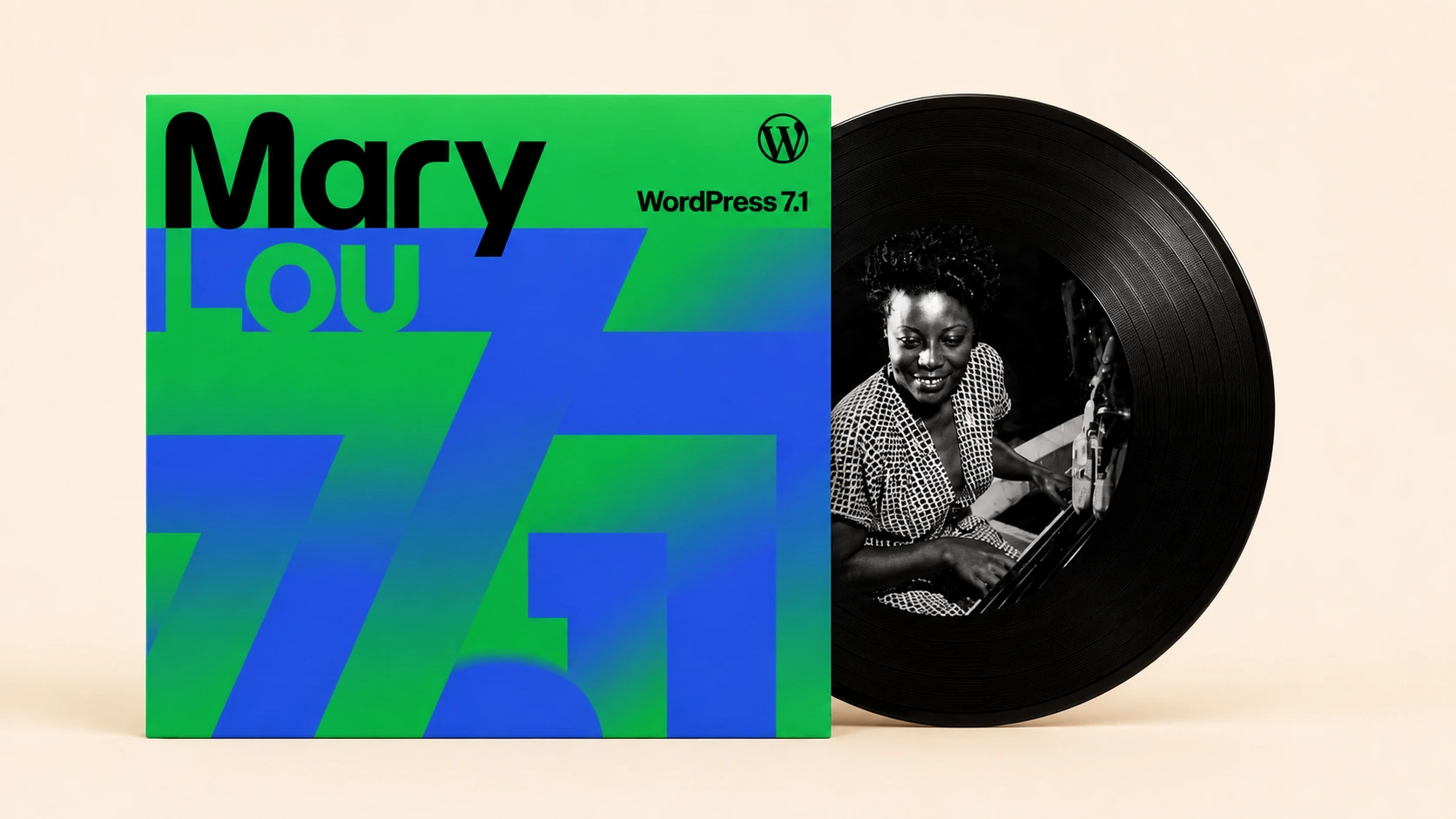
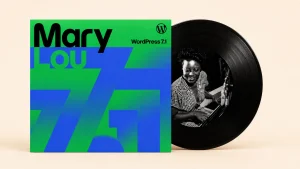
WordPress 7.1 “Mary Lou” was officially released on August 19, 2026. It is primarily a “finish what we started” release that follows WordPress 7.0’s AI and collaboration principles.
WordPress 7.1 is the second substantial release in 2026, offering new media features, styling controls, an enhanced admin experience, and more.
This blog post explains the new features and improvements that WordPress 7.1 “Mary Lou” brings for users, developers, and website managers.
What’s New in WordPress 7.1 “Mary Lou”?
WordPress 7.1 brings exciting features, including styling controls, an improved media experience, and an engaging admin experience. Additionally, users can benefit from improved note features, including inline notes, @mentions, and rich-text formatting.
Likewise, users can experience new styling features that help them style how blocks across screen sizes without editing custom CSS. They can also take advantage of various client-side media improvements, including better format support, improved performance, and more.
A new inline cropping tool is crucial for easy image editing. Furthermore, the admin experience is more user-friendly, as you can easily use admin bars in the editors, the command palette, and other options.
WordPress 7.1.4 Security Release
This is a security release; hence, you should update your sites immediately.
Security Updates Included in WordPress 7.1.4
The security team is indebted to the following people and organizations for timely reporting vulnerabilities and allowing them to be resolved in this release:
- Umut Bayram reported a weakness in the WordPress upgrade process that can trigger remote code execution during the upgrade window.
- Rafie Muhammad reported a stored XSS with specially crafted block markup.
- Anthropic highlighted that Privacy Data Removal Requests can lead to stored XSS if created in a certain way.
- AnC and DatNLQ from VietSunshine Cyber Security, rekter0 and Anas Cherni, Marcel Karlsson (whoismarcel), and Weston Ruter, Jon Surrell, Alex Concha, and Luis Herranz of the WordPress Security Team independently explored several stored XSS issues in the Interactivity API.
- Jon Surrell of the WordPress Security Team indicated a stored denial-of-service issue in the Interactivity API.
- Rafie Muhammad highlighted a stored XSS in Customizer selective refresh.
- Ben Bidner of the WordPress Security Team reported a stored XSS in the Categories block.
- Anthropic reported that specially crafted User Logins can result in a stored XSS.
- Antonio Lorensius Silaban reported that unauthenticated users can identify unpublished customizer changesets.
- Ben Bidner of the WordPress Security Team reported a stored XSS in Playlist and image blocks.
- Alex Concha of the WordPress Security Team reported a stored XSS in core/comments-pagination-next and core/comments-pagination-previous blocks.
- Privileged users can read Notes that lack access to edit the post the note is attached to, reported by Ramon of the WordPress Security Team.
- Update the bundled root certificates because of the eMudhra revocation.
WordPress 7.1.3 Security and Maintenance Release
This security and maintenance release comprises 7 security fixes and 4 bug fixes. This is a security release; we recommend updating your sites immediately.
WordPress 7.1.2 Security Update
This security release helps resolve a critical-severity security vulnerability. As this is a sensitive security release, we recommend updating your websites as quickly as possible.
You can download WordPress 7.1.2 from WordPress.org, or visit your WordPress Dashboard, click “Updates”, and then press “Update Now”.
If your websites have automatic background updates, the update process will begin automatically.
Thanks to Robert Ressl, under certain conditions, an unauthenticated attacker can create a page template resolution that includes a chosen readable local PHP file outside the active theme directories.
If the relevant preconditions for both the server environment and the active theme are met, this can lead to remote code execution (RCE).
WordPress 7.1.1 Maintenance and Security Update
This security and maintenance release contains 17 bug fixes for Core, 19 bug fixes for the Block Editor, and 11 security fixes. As this is a security release, we recommend updating your sites immediately.
New Suite of Notes Features
As discussed, users can use improved notes to deliver expressive, asynchronous feedback across teams.
Text Formatting
Notes have inline formatting such as italics, bold, code, links, and emoji, each with its own keyboard shortcut. This lets users read feedback without hampering their flow.
@mentions
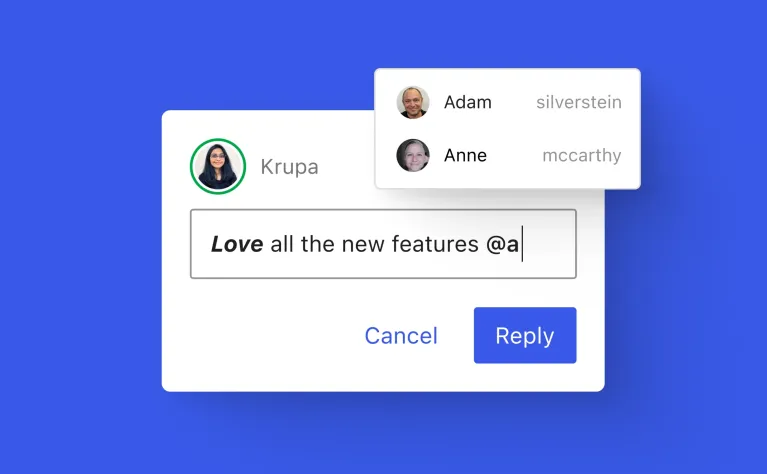
Luckily, users can type “@” in a note to get a searchable list of collaborators. Similarly, they can tag collaborators directly, so feedback reaches the right person without leaving the sidebar.
Leave Notes Anywhere
Users can begin various conversations on the same block, as they don’t need to fold every comment into a single thread. As a result, they can easily monitor different pieces of feedback.
Inline Notes
You can smartly leave a note on a text selection instead of choosing a whole block.
Show More / Show Less
Users can display long notes using a toggle. As you know, long notes now collapse by default.
Style It Your Way on Any Screen
WordPress 7.1 now provides users with useful options, such as interactive styling and built-in responsive design, that empower them to achieve looks that once required custom CSS.
Responsive Styling
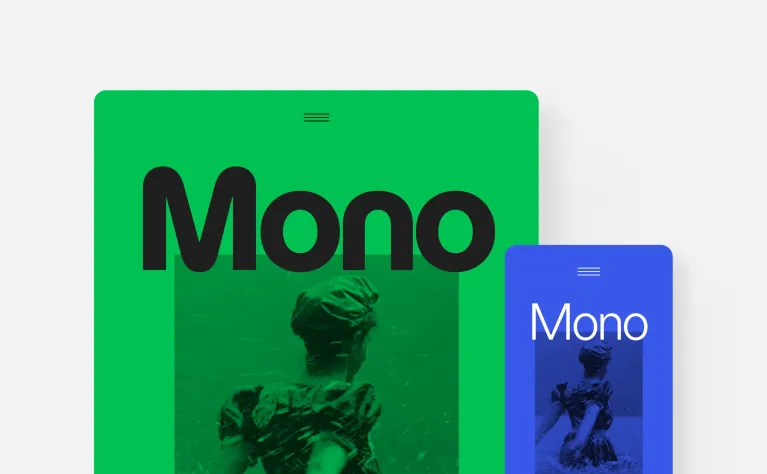
Now users can describe how a block should appear across multiple screen sizes in the editor, for individual blocks as well as Global Styles, without using custom CSS.
Viewport Breakpoint Customization
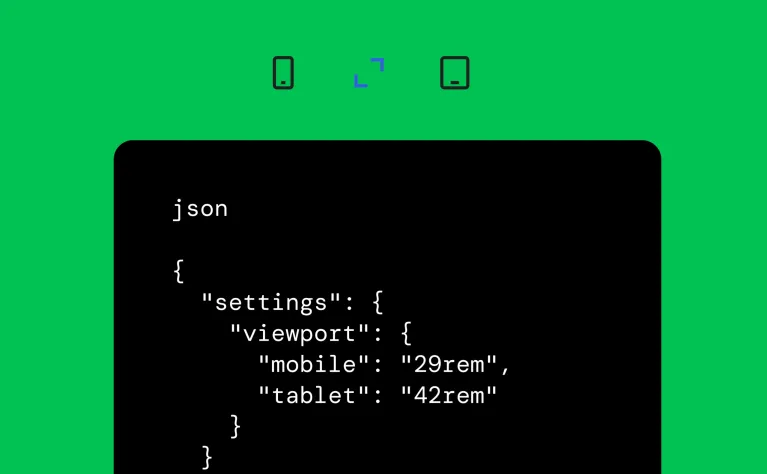
Theme authors can highlight and represent their own responsive breakpoints in theme.json. It empowers them to be more flexible in demonstrating how responsive controls influence any website.
Interactive State Styling
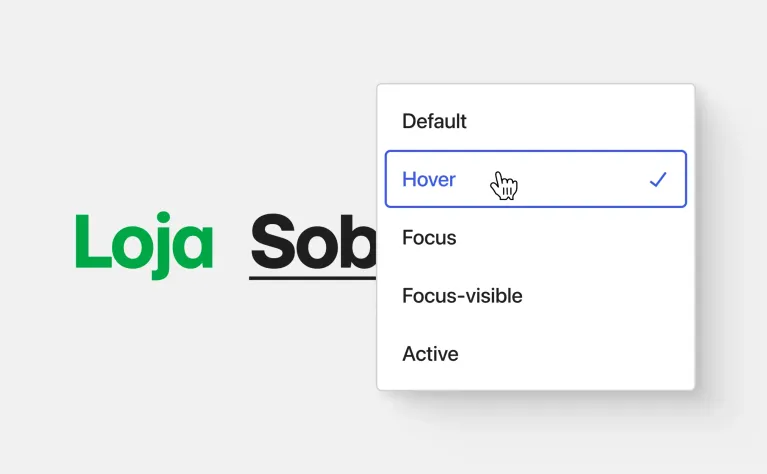
Users can style how blocks respond to interactions, such as a button changing color on hover or focus. They can make full use of a standardized set of controls for individual block and Global Styles instances.
A Smoother Media Experience
When we talk about a smoother media experience, it is about editing, browsing, and uploading media without the fuss, making it more reliable and intuitive.
Client-Side Media Processing
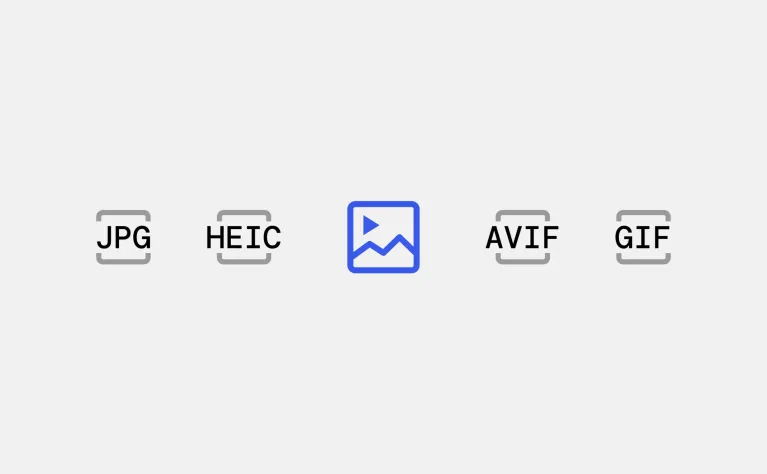
Fortunately, WordPress 7.1 lets media and image processing run in the browser. It also includes built-in support for HEIC (the default format for iPhone photos), UltraHDR, AVIF, and WebP, as well as GIF-to-video conversion for efficient file management.
New Media Editor Modal
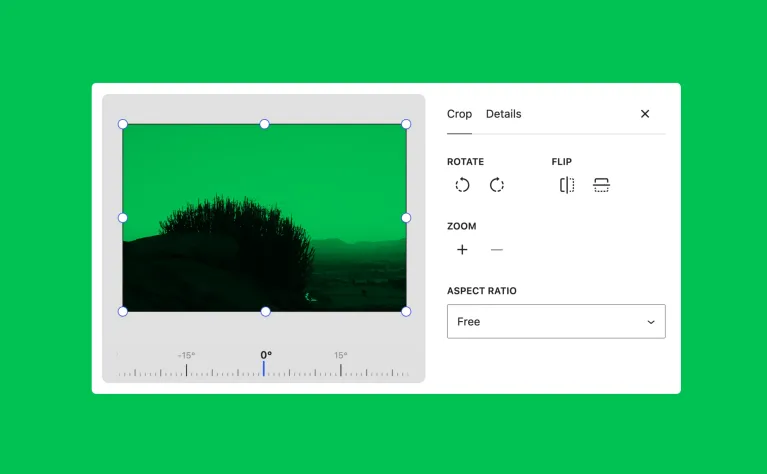
WordPress 7.1 offers a dedicated image-editing modal that helps rotate, crop, and edit metadata all in one place.
Smarter Galleries
Smarter galleries are another crucial option, as gallery blocks can automatically pull in and sort media attached to the post appropriately.
View Attached Images
After uploading images to the post, an inserter will surface them automatically in a new Attached Images section.
Infinite Scrolling by Default
You can use the Media Library grid view that assists you in loading additional items automatically as you scroll. This means that you don’t have to click “Load more. This feature comes in handy if you manage sites with large media libraries.
A More Personal, More Navigable Admin
WordPress 7.1 offers users a range of impressive options that make the admin experience more enjoyable and impactful.
Persistent Toolbar (Omnibar)
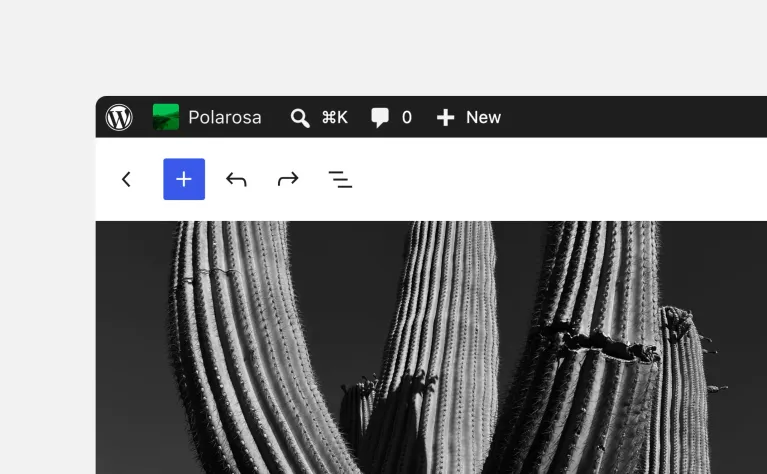
In this latest release, the admin toolbar moves with you in the Block Editor and the Site Editor. The toolbar has several useful improvements.
Command Palette Improvements
The command palette is now more refined and helps users navigate the dashboard and editor more easily. Furthermore, the results have been grouped into Matching, Suggestions, and Recent sections.
Admin Color Scheme in the Site Editor
In WordPress 7.1, the Site Editor displays your chosen admin color scheme instead of using a fixed background.
DataViews and DataForms Iterations
WordPress 7.1 continues to improve the components and the handling of lists of pages, patterns, templates, posts, and forms used to edit them.
Excerpts in the Posts List
The Posts list view now displays a short excerpt for each entry, enabling users to identify the post they search for without opening it.
Visual Revisions
WordPress 7.1 includes a picker activity layout that helps users browse history in detail, with autosaves labeled in the timeline. Moreover, users can open an autosave notice that leads to the visual revisions view. Likewise, Global Styles revisions have been improved, and the active style’s text label has been replaced with a badge.
A Dedicated Identity Section
You can benefit from site identity settings such as title, icon, and tagline, which are live in the labeled section of the Site Editor.
On This Day Widget
WordPress 7.1 brings a new widget: what you published on this date in past years, which users can access using their dashboard. This feature lets you see what you have written and what new content you can publish today.
Allow Changing Comment Parent
Users can experience an editable “In reply to” control on the Edit Comment screen. It helps them choose a new parent from a dropdown of the post’s other comments. Furthermore, the editable “In reply to” control has been scoped to the same post.
New Blocks and Block-Level Enhancements
WordPress 7.1 offers several block refinements that are described below:
- Playlist Block: This block provides many audio files on a page or post. It also includes an optional waveform visualization that reveals the audio’s shape. The playlist block helps present podcasts, audio, or music content without requiring any third-party plugins.
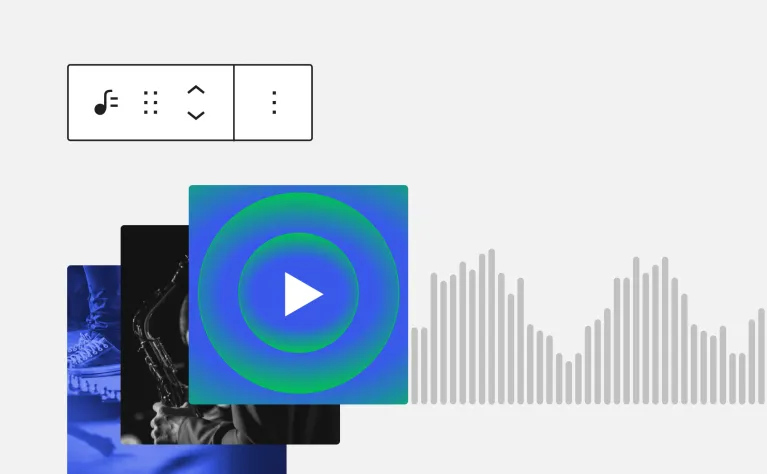
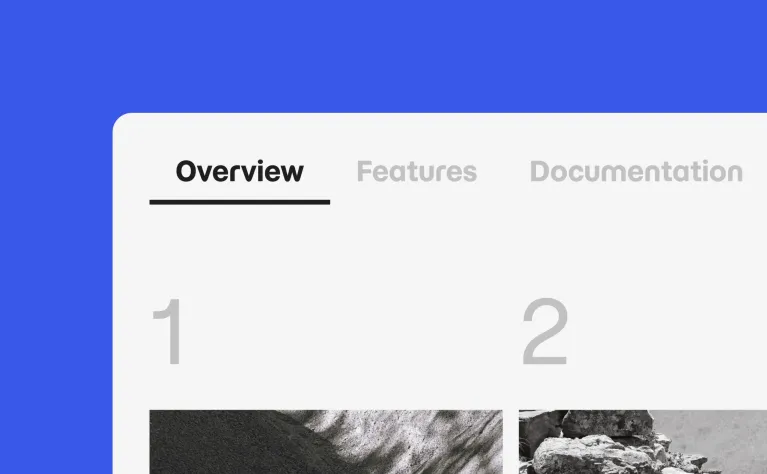
- Tabs Block: The tabs block transforms content into clickable tabbed panels, rather than displaying everything simultaneously.
- Background Gradients: In WordPress 7.1, the background images and background gradients don’t conflict with each other. That said, they are combined and shown together.
- HTML Block Editable Content: The HTML block supports nested blocks for editing. It is suitable for AI-generated content that comes as raw HTML.
- “Mark as Decorative” for Images: In WordPress 7.1, users can use a new toggle in the Image block to hide purely decorative images from screen readers.
- Smarter Shortcode Handling: This helps create a proper Embed block by converting or pasting a shortcode into the Embed block.
What’s New for Developers in WordPress Version 7.1
WordPress 7.1 equally supports developers in various areas, including:
- Abilities API Expansion: WordPress 7.1 has focused on refining the Abilities API with enhanced querying, filtering, and validation. It provides a reliable foundation for developers.
- Block Bindings for List Items: Block bindings have been extended to List Items, allowing users to connect more block content to dynamic data sources without custom code.
- Custom Icon Registration: Plugin and theme authors can now register their icons for the Icons block with new functions, accessible across the block editor.
- Enforced iframed Editor: As you know, the post editor is embedded in an iframe and separates the editing canvas from admin styles. Blocks that use the Block API v2 or earlier should be updated to v3 for compatibility.
- WordPress/Theme Stabilization: The package theme used by theme authors to develop block themes comprises an architecture and API review. It provides a stable, documented theming foundation for the future.
- Connectors Authentication Improvements: The Connectors screen supports username-and-application-password login to bypass a security issue that enabled browsers to auto-suggest saved credentials into the API key field.
WordPress 7.1 Release Date and Schedule
-
- Beta 1: July 15, 2026
- Beta 2: July 17, 2026
- Beta 3: July 22, 2026
- Beta 4: July 29, 2026
- Release Candidate 1 (RC 1): August 5, 2026
- Release Candidate 2 (RC 2): August 6, 2026
- Release Candidate 3 (RC 3): August 12, 2026
- Release Candidate 4 (RC 4): August 17, 2026
- Dry Run: August 18, 2026
- Final Release: August 19, 2026
WordPress 7.1 RC4
WordPress 7.1 RC4 includes more than 26 updates and fixes since the RC3 release, with 8 in the Editor and 18 in Core.
For technical information that relates to issues addressed since the WordPress 7.1 RC1 release, you can check the following links:
- Gutenberg commits for 7.1 since August 12
- Closed WordPress Core Trac tickets since August 12
WordPress 7.1 RC3
WordPress 7.1 RC3 contains over 90 updates and fixes since the RC1 release, including 37 in the Editor and 57 in Core.
For technical information related to issues addressed since the WordPress 7.1 RC1 release, you can browse the links below:
- Gutenberg commits for 7.1 since August 05
- Closed WordPress Core Trac tickets since August 05
WordPress 7.1 RC1
WordPress 7.1 RC1 has over 145 updates and fixes since the Beta 4 release, including 57 in the Editor and 88 in Core.
To explore the technical details of all issues addressed since Beta 4, use the links below:
- GitHub commits for 7.1 since July 29, 2026
- Closed Trac tickets for 7.1 since July 29, 2026
WordPress 7.1 Beta 4
WordPress 7.1 Beta 4 consists of more than 114 updates and fixes since the Beta 3 release, including 51 in the Editor and 63 in Core.
You can explore the technical details for all issues addressed since Beta 3 using these links:
- GitHub commits for 7.1 since July 22, 2026
- Closed Trac tickets for 7.1 since July 22, 2026
WordPress 7.1 Beta 3
You can explore the following links to analyze 71+ issues discussed since beta 1:
- Closed 7.1 WordPress Core Trac tickets since July 15, 2026
- 7.1 Gutenberg commits since July 15, 2026
Beta 3 Introduces Two Styling Improvements
Implementing local style changes globally is no longer an all-or-nothing action like it used to be previously. The Apply globally option in the block inspector offers a quick review step. It lets you select which modified styles to apply globally while keeping the rest as local overrides.
Other crucial fixes include improvements to media uploads: long animated GIF uploads no longer hang, images rotated using EXIF metadata are processed and optimized appropriately, and uploading a single HEIC image in Safari no longer creates two entries.
The editor contains additional fixes for Notes, responsive styling, and custom CSS. WordPress Coding Standards have been updated to version 3.4.0 for developers.
WordPress 7.1 Beta 2 (WordPress 7.0.2)
The WordPress 7.0.2 security release highlights and resolves one critical and one high-severity security issue.
As this is a security release, we recommend updating your sites immediately.
Moreover, the WordPress.org team has activated forced updates via the auto-update system for sites running affected versions.
To manually update, users can visit their WordPress Dashboard, click “Updates”, and then click “Update Now”, or they can download WordPress 7.0.2 from WordPress.org.
For websites that support automatic background updates, the update process will begin automatically.
Security Updates Comprised in This Release
The security team thanks the people for responsibly reporting vulnerabilities and enabling them to be resolved in this release:
- A facilitated SQL injection issue reported as a team by TF1T, dtro, and haongo
- A REST API batch-route confusion and SQL injection issue leading to Remote Code Execution reported by Adam Kues at Assetnote / Searchlight Cyber
Note: Beta 2 was released on July 17, 2026, as part of the WordPress 7.0.2 release and contains key security fixes.
WordPress 7.1 Beta 1
WordPress 7.1 Beta 1 is available for download and testing. The planned or scheduled final release date for WordPress 7.1 is August 19, 2026.
How to Test WordPress 7.1 Beta 1?
If you are willing to test WordPress 7.1 Beta 1, follow different ways, including:
WordPress Beta Tester Plugin
Install and activate the WordPress Beta Tester plugin on your WordPress website. Select the “Bleeding edge” channel and “Beta/RC Only” stream.
Direct Download
Download the Beta 1 version (zip) and install it on your WordPress website.
Wrapping Up
WordPress 7.1 “Mary Lou” was officially released on August 19, 2026. WordPress 7.1 is a timely, crucial release that highlights the importance of one of the leading content management systems and smartly follows AI and collaboration foundations. You can also experience standout features, including Notes, an improved admin experience, enhanced media experience, and styling controls.


