




















































Don’t want to lose any more users? Adding a WordPress social login is the answer to your concern.
Engagement, sign-ups, and returning visitors are what every website owner wishes for. But here lies the problem—users don’t like registering themselves on new websites.
Consider this: how many times have you personally logged out of a site that asks you to create an account to continue? Long registration forms and unique password requirements (most likely to be forgotten) drive users away from your site.
This is what WordPress Social Login can change. This method allows users to log into your website in one click using their Google, Facebook, Twitter, or LinkedIn. There is no need to type credentials or create a new account; just a click and bang, the user is registered. No new passwords to remember, no long forms—just easy access.
Blogs, e-commerce stores, or membership sites- any place for community engagement will flourish with social login. It reduces friction for user registration and makes them keen to return.
Let us guide you through everything you need to know about installing WordPress Social Login on your site & more.
WordPress Social Login: New Game Changer
Password Fatigue Kills Engagement
Studies claim the average internet user has over 100 passwords to manage (Source: NordPass). That’s an insane number of passwords to remember. As a result, people either:
- Use weak passwords, making their accounts vulnerable.
- Forget passwords and go through frustrating reset processes.
- Avoid signing up altogether, meaning you lose potential users.
WordPress Social Login removes this friction. A user clicks a button, selects his social account, and is in. No passwords are required.
Faster Registration Means More Sign-Ups
If the user has to fill out a registration form to access your content, many will give up the process. Social login removes this step and gets users inside your website faster.
According to a study by CXL, 77% of users prefer social login when offered. They do not want another account; they want convenience.
Accurate and Verified User Data
Fake accounts and spam registrations are common for WordPress site owners. Social login helps in this area because:
- Users sign in with verified accounts (like their Google or Facebook profiles).
- You get accurate email addresses, names, and profile pictures.
- It reduces spam sign-ups and low-quality leads.
WordPress social login leads to good-quality user data for businesses, improving marketing and engagements.
When Should You Use WordPress Social Login?
You don’t need to apply a WordPress social login method to every page of your website. But if your web pages rely too much on user engagement, you must employ social login everywhere. Here’s when it contributes the most:
1. Members Sites and Community Sites
If your website needs people to register in order to gain access (such as a forum, course, or membership site), then WordPress social login is crucial. It reduces friction and lets users start participating right away.
2. E-Commerce Stores (WooCommerce)
If you are a WooCommerce store owner, a social login will boost the checkout conversion of your store. Most customers are frustrated when asked to create a new account to buy something, resulting in cart abandonment. Social login for your WooCommerce store will enable them to sign in instantly and make a purchase.
3. Commenting Systems and Reviews
People will be more willing to comment or write reviews if they don’t need to register before doing so. Social login helps increase participation in blogs, forums, product reviews, and discussion boards.
4. Lead Generation and Content Gating
In case you are offering premium content, free downloads, or lead magnets, then social login allows easy access to them. The user won’t have to fill out a long form to gain access but sign in using their social account.
Top 5 WordPress Social Login Plugins for Seamless User Authentication
1. Nextend Social Login and Register
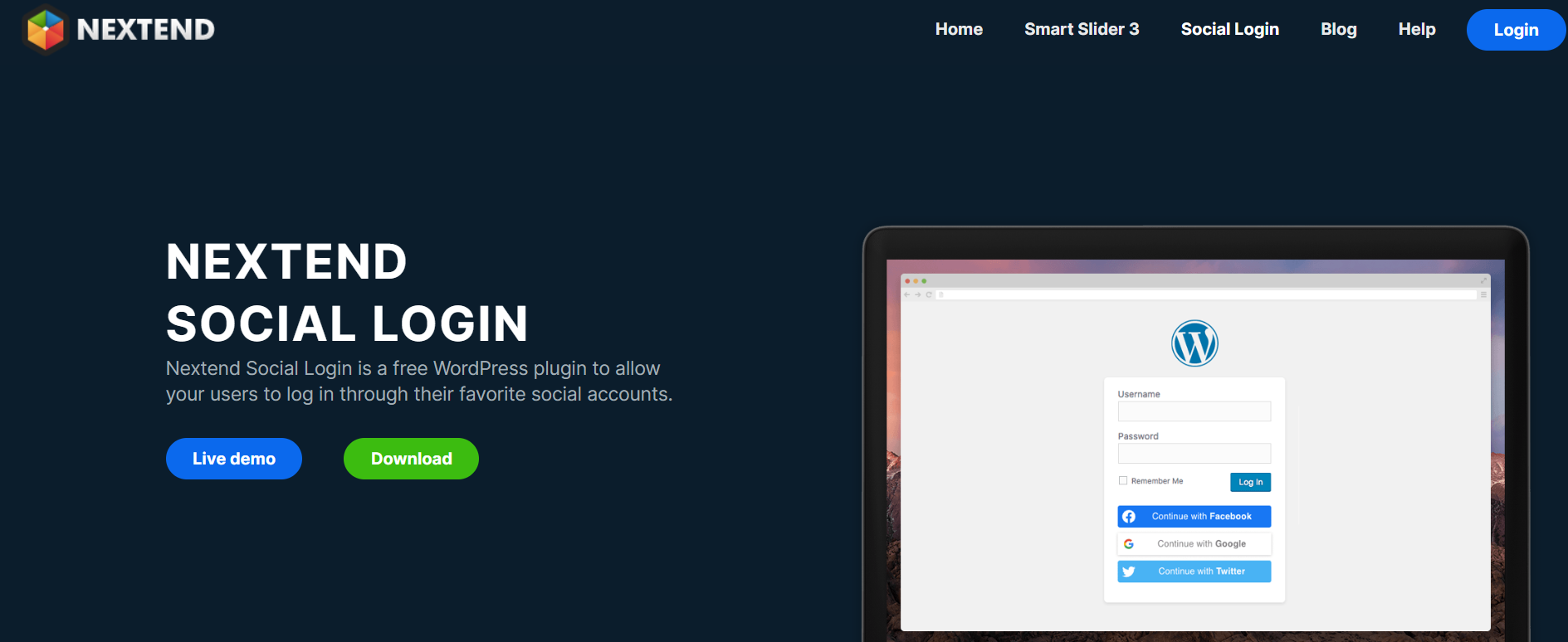
Nextend Social Login and Register is a user-friendly plugin. It allows users to register or log in with just one click on Facebook, Google, and X (formerly Twitter). It is fully integrated with your existing WordPress login and registration forms, enabling users to connect their social accounts to their WordPress profiles. It has customizable designs to fit the theme of your site and supports widgets and shortcodes for flexible placement.
2. Super Socializer
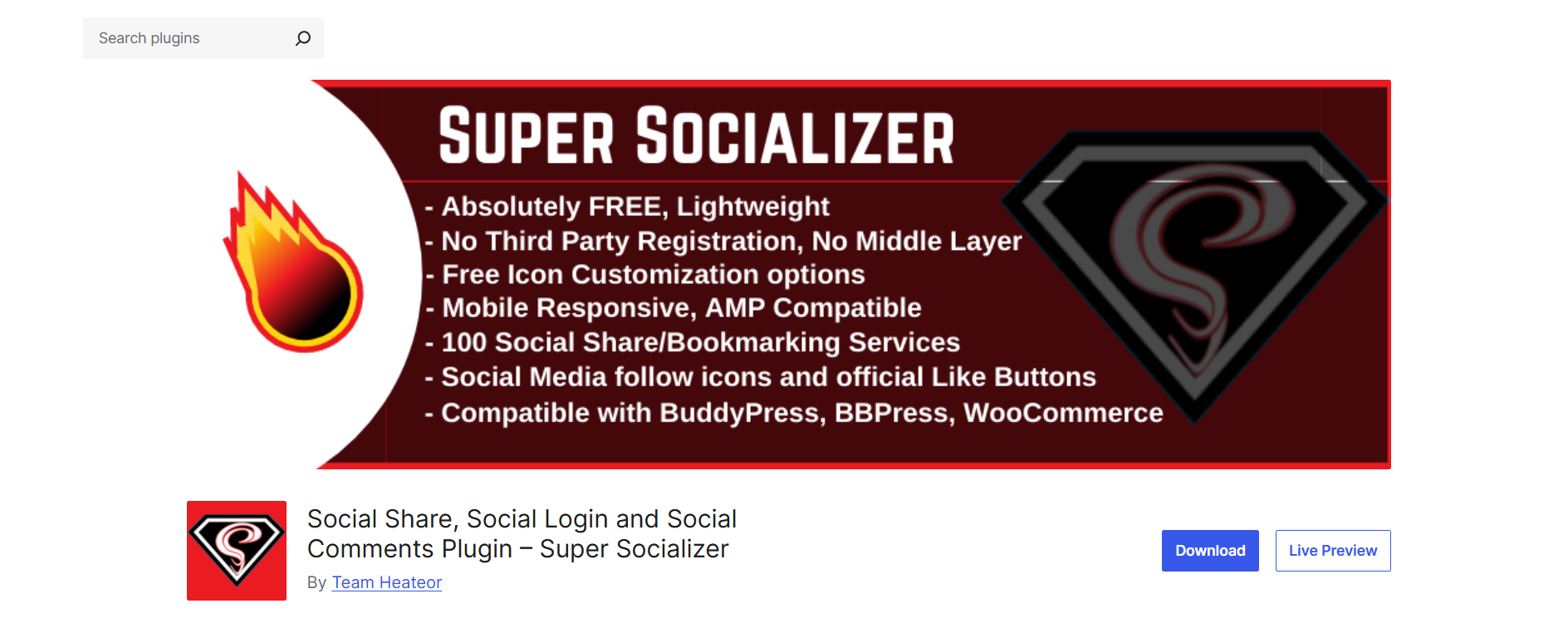
Super Socializer is an all-in-one social plugin to help users with social login, sharing, and commenting. The social login is implemented from 27 platforms, including Facebook, Google, LinkedIn, and Twitter. Besides that, this plugin is GDPR compliant and provides customizable icon themes for sharing and log-in buttons. Moreover, it enables social comments through Facebook and Disqus.
3. AccessPress Social Login

AccessPress Social Login lets users log on using their Facebook, Twitter, or Google social profiles. It provides many great-looking login buttons and gives you shortcodes to put the social login feature anywhere on your website. Moreover, it helps you configure custom redirect URLs after login and logout to help your users navigate more easily.
4. OneAll Social Login

OneAll Social Login is integrated with over 40 social networks, which include Facebook, Google, Twitter, and LinkedIn. It allows access to social network user data through a unified API while ensuring that all data protection laws comply with. Automatic account linking is another feature the plugin offers to users who log in with multiple social accounts. This makes the experience of using it much smoother.
5. WP Social

WP Social is an excellent plugin that offers functionalities such as social login, share, and social counter. Supportable social sites are available, which ensures that customization helps add social login buttons that fit well with your site’s theme. The plugin’s social share count recovery and customizable social counters enhance social proof.
Adding Social Login to Your WordPress Site: A Step-by-Step Guide
Step 1: Install a Social Login Plugin
Go to WordPress Dashboard → Plugins → Add New. Search for a plugin like Nextend Social Login or Super Socializer, then install and activate it.

Step 2: Set Up Social Media Apps
To allow users to log in from their social media, you must create developer applications for each platform.
Here’s how:
- Facebook – Go to Facebook Developers and create an app.
- Google – Set up OAuth login in the Google Cloud Console.
- Twitter – Create an app on Twitter Developer to generate API keys.
Each plugin has its documentation to lead you through the process.
Step 3: Customize Your Login Buttons
Most WordPress Social Login plugins offer you the ability to customize:
- Button style and size (big, small, round, square).
- Placement (login page, registration page, checkout page).
- Labels and text on your buttons.
Ensure that your buttons are noticeable and accessible.
Step 4: Allow Social Login for Existing Users
Allow already registered users to link their social accounts from the profile settings so they do not have to sign up again.
Step 5: Test Your Social Login
Test the login before going live.
- Try logging in as a new user and as an existing user.
- Verify that the correct data (name, email) is being captured.
- Verify that the login buttons are showing up properly on mobile and desktop.
Final Thoughts: Add Social Login For WordPress to Improve Engagement
If you are serious about user sign-ups, increasing engagement, and eliminating frustrations associated with logins, then WordPress Social Login is the way to go. Users want their login to be quick and easy. Do not make them go through long registration forms or deal with forgotten passwords. With social-one-click logins, users gain instant access and thus higher engagement and better retention.
Statistics show that sites with social login notice a lesser number of abandoned registrations and a higher rate of interaction. This holds true for e-commerce sites, membership platforms, or any content-rich blog.
WordPress social login erases barriers and keeps visitors engaged longer. Make the login process easier, and notice more time users spend exploring, purchasing, and interacting with your website.
Need expert help? Hire a professional WordPress social login integration service, ensuring smooth functionality across your site. Don’t let complex logins drive users away—act now and enhance your engagement today! 🚀





