

















































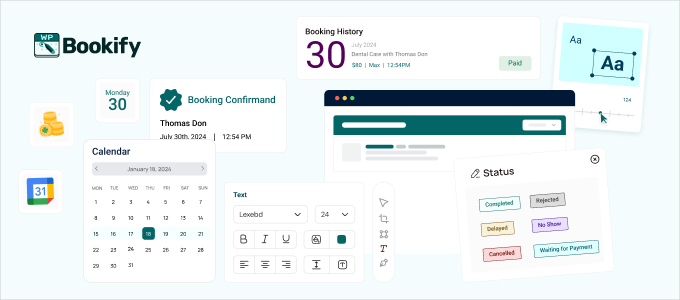
The Easiest Way to Automate WordPress Appointment Scheduling.
Bookify is an appointment booking WordPress plugin designed to provide a simple, powerful, and affordable 💡scheduling solution for every thinkable business💡.
Bookify is a user-friendly, feature-rich, and cost-effective alternative to other complex or expensive booking systems (like Calendly or Bookly), with the key advantage of being a self-hosted solution fully integrated within the WordPress ecosystem.
This booking system allows (either one-person or large-scale) businesses to automate the client booking process directly from their WordPress website.
Top Features That Make Bookify a Standout WordPress Booking Plugin
24/7 Automated Booking
Allow your customers to book appointments anytime from any device. Our clean, step-by-step appointment booking form provides a seamless experience, finalizing bookings even when you’re asleep.
Two-Way Google Calendar Sync
Never worry about double bookings again. Bookify syncs new appointments to your Google Calendar and automatically blocks off time on your website when you have existing events in your calendar.
Online Payment Gateways
Get paid upfront and secure your revenue. Bookify integrates directly with Stripe and PayPal, making it easy to accept payments as part of the booking process.
Unlimited Staff Members
Perfect for teams of any size. Add unlimited staff members, manage their individual schedules, set custom pricing, and let clients choose their preferred service provider.
Unlimited Services & Categories
Create and organize all your offerings with ease. Add unlimited services and set custom durations, pricing, and buffer times. Group them into categories to make booking simple for your clients.
Email & SMS Notifications
Reduce no-shows with automated reminders. Send customized email and SMS notifications to both your staff and customers for new bookings, cancellations, and appointment reminders.
Outlook and Google Calendar Sync
Make the client booking process efficient with renowned calendars. Google and Outlook calendars help you manage business bookings without any scheduling conflicts.
Fully Customizable Design
Make the booking form your own. Customize colors, labels, and form fields to perfectly match your website’s branding and create a consistent user experience.
Who Is Bookify For?
Bookify is the ideal appointment scheduling plugin for any service-based business seeking to streamline the client onboarding process.
- Consultants & Coaches: Let clients book and pay for therapy or legal sessions online.
- Spa & Salons: Manage appointments for multiple wellness stylists and services.
- Health & Fitness: Schedule personal training, yoga classes, and therapy sessions.
- Medical Clinics: Allow patients to book appointments with different doctors.
- Repair Services: Schedule repair jobs for auto, home, or electronics.
- Educational Tutors: Manage student lesson schedules and virtual classrooms.
Real-World Scenarios for Bookify Booking Plugin
VIP Wellness Retreats with Tiered Access:
Imagine a luxury spa or wellness retreat using Bookify to offer exclusive booking windows for premium members. Early-bird access, priority slots, or hidden wellness packages become available only to selected clients, leveraging exclusivity to increase loyalty.
Private Art or Culinary Masterclasses:
An art studio or chef could schedule intimate, password-protected masterclasses using Bookify. Only those who purchase access will receive booking credentials, ensuring a curated and high-value experience. This not only enhances the sense of community but also increases the willingness to pay for specialized, limited-seat events.
Personalized Fitness Coaching Sessions:
Fitness trainers or gyms can integrate Bookify to offer personalized training sessions. Clients receive unique booking links for one-on-one consultations or group classes based on their membership tier or previous engagement. Automated reminders and calendar sync ensure a person-specific journey that builds fitness habits.
Reserved Professional Consultations:
Law firms, therapists, or consultants can provide clients with confidential booking portals. Sensitive appointments such as legal advice or therapy sessions are scheduled securely, with automated notifications and private calendar integration.
Exclusive Preview Events for Loyal Customers:
Retailers or event organizers can invite top customers to preview sales or launches before the general public. Bookify manages these limited-access slots, creating a sense of privilege and anticipation that drives engagement and repeat business.
10 Reasons Why You Need Bookify as Your WordPress Booking Plugin
Reason #1 – Set Up Appointments Without the Mess
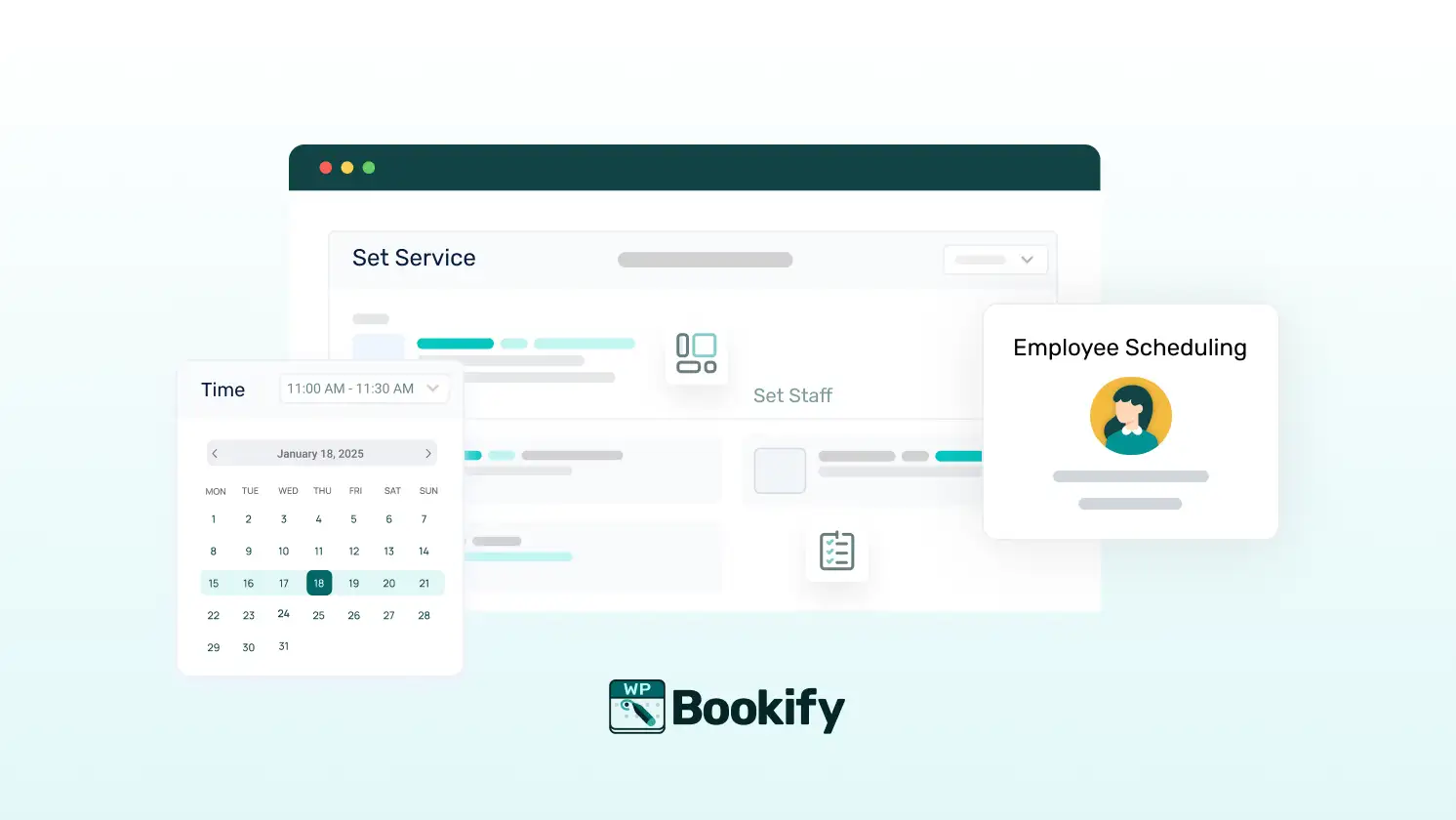
Simple Way to Let Clients Book Appointments
No complex forms or settings. Bookify provides a clean interface that allows users to select a service, time, staff, and location with ease.
- Set your services, staff, and hours in one place
- Let clients choose based on what’s available
- Use built-in shortcodes to place booking forms anywhere
- Works on desktop and mobile
- No extensive coding knowledge is needed
Reason #2 – Manage Locations with Less Effort

Handle Multiple Locations Smoothly
You can run one office or many. Bookify helps you manage locations without juggling spreadsheets.
- Add each branch with its own hours
- Assign staff and services to the correct location
- Let users pick where they want to go
- Keep everything visible in the dashboard
- Make changes anytime
Reason #3 – Keep Staff in Sync
Give Your Team Their Own Login
No need to share information back and forth. Your staff can log in, see their appointments, and manage their availability.
- Add staff and set working hours
- Assign them to specific services and locations
- Let them access their calendar
- Reduce back-and-forth messages
- Keep everything up to date
Reason #4 – Know What’s Coming with Bookify Calendar
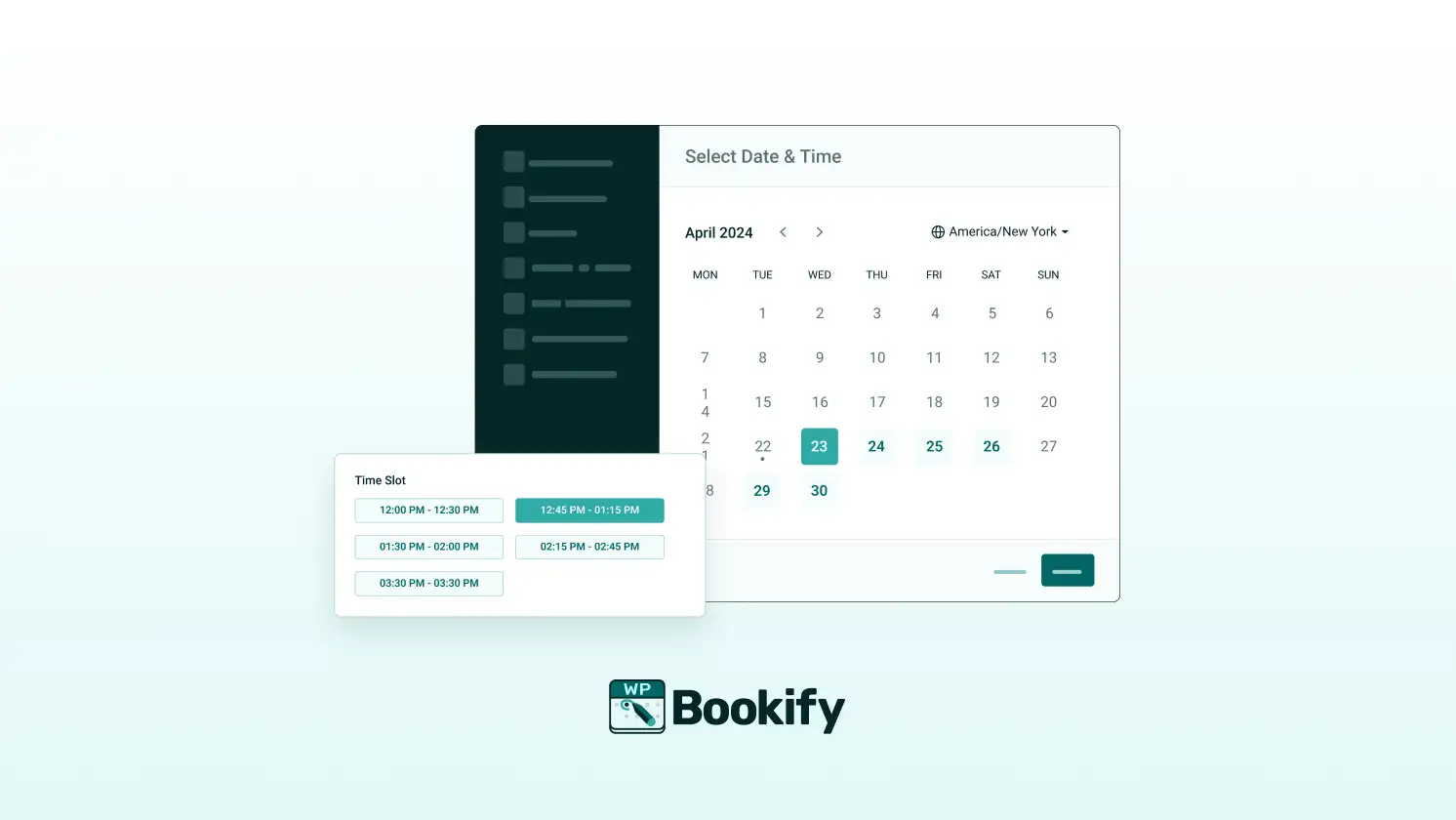
All Appointments in One View
Bookify’s calendar displays what’s booked and which slots are available. No guesswork.
- View bookings by day, week, or month
- See who’s working and when
- Check client details with one click
- Reschedule or cancel if needed
- Sync with Google or Outlook
Reason #5 – Take Payments Right Away
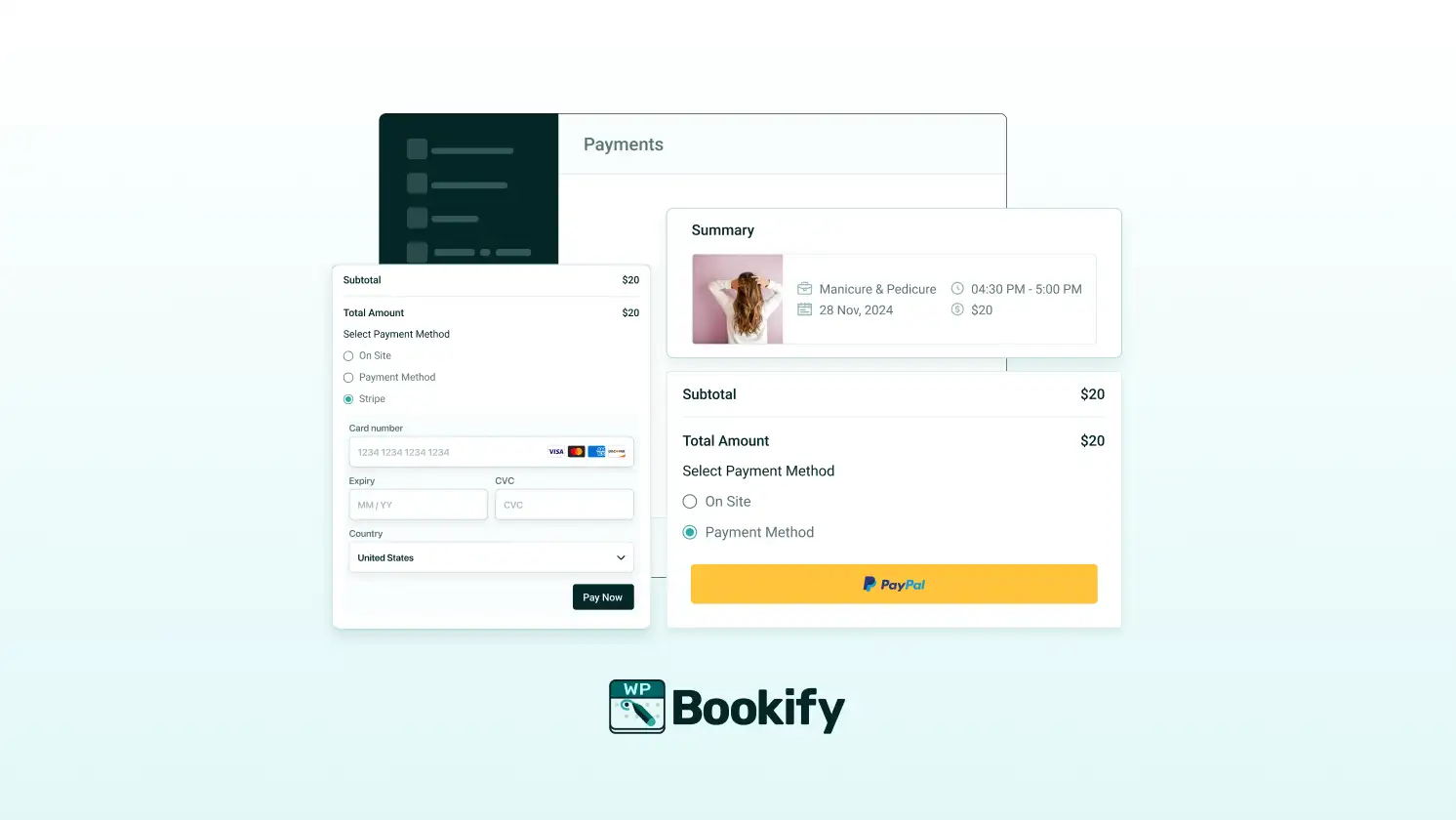
Let People Pay When They Book Appointments
No additional hassle is needed. Just turn on the payment option and link Stripe or PayPal.
- Accept online payments with Stripe or PayPal
- Offer full or partial deposits
- Send automatic payment reminders
- Track payment status in the dashboard
- Support for onsite cash payments and bank transfers, too
Reason #6 – Sync with Google Calendar & Outlook

Keep Your Calendar Updated Automatically
Avoid double booking with ease. When someone books, the event shows up on your calendar.
- 2-way sync with Google or Outlook Calendar
- Block off busy times automatically
- Add custom events manually
- Connect each staff member to their own calendar
- Avoid overlaps and confusion
Reason #7 – Meet Online Without the Extra Steps
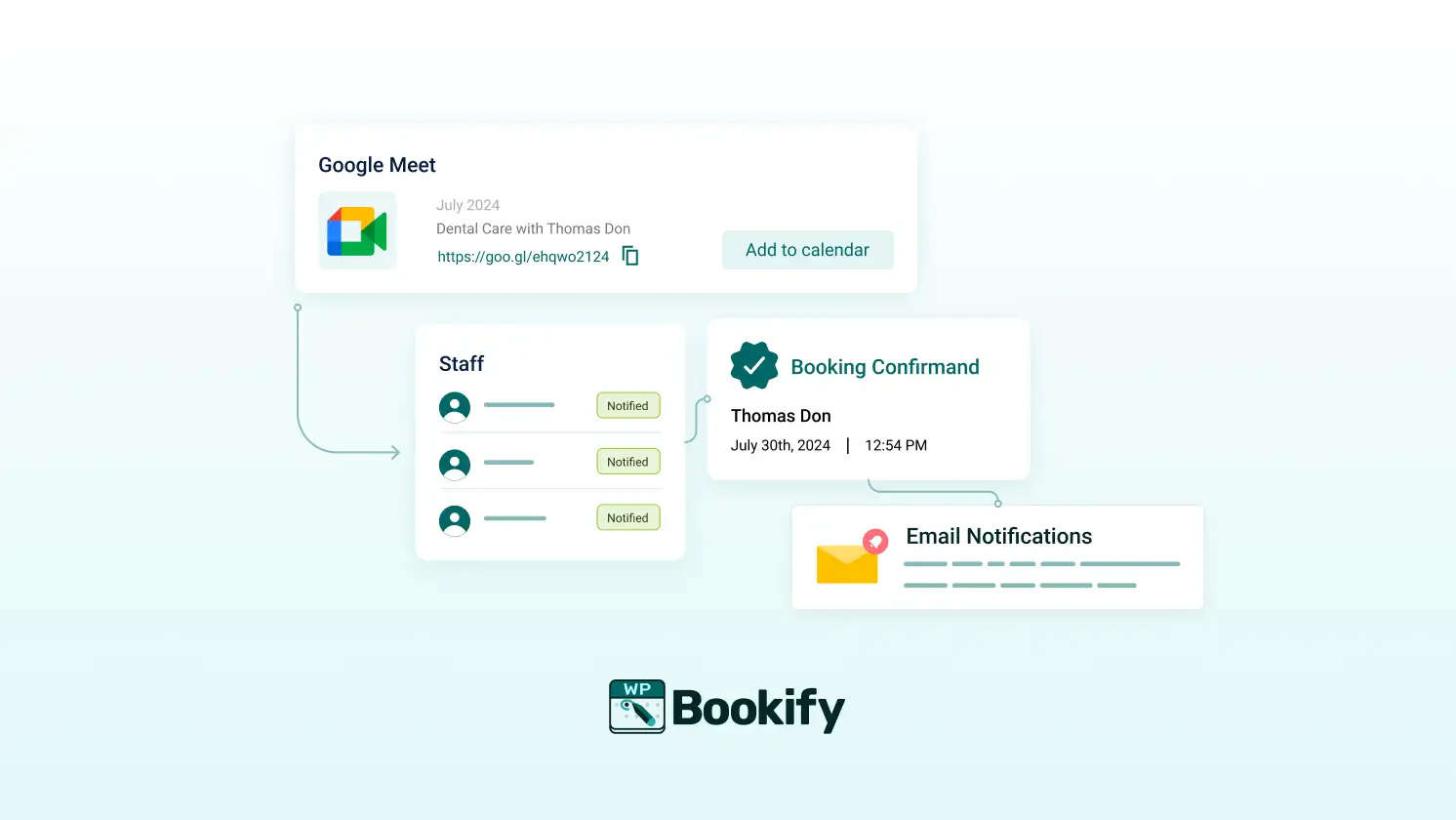
Create Google Meet Links on the Spot
Online services? No problem. Bookify can make a Google Meet link as soon as someone books.
- Auto-generate Google Meet invites
- Include the link in confirmation emails
- Great for online coaching or therapy
- No need to create meetings manually
- Staff get notified, too
Reason #8 – Stay on Top of Appointments

See What’s Happening in Real Time
Bookify keeps your appointments organized. See what’s confirmed, pending, or canceled—all in one place.
- The dashboard shows everything at a glance
- Filter by date, staff, service, or status
- Quick links to edit or reschedule
- Export appointment data if needed
- Send reminders or follow-ups
Reason #9 – Customize Without Code
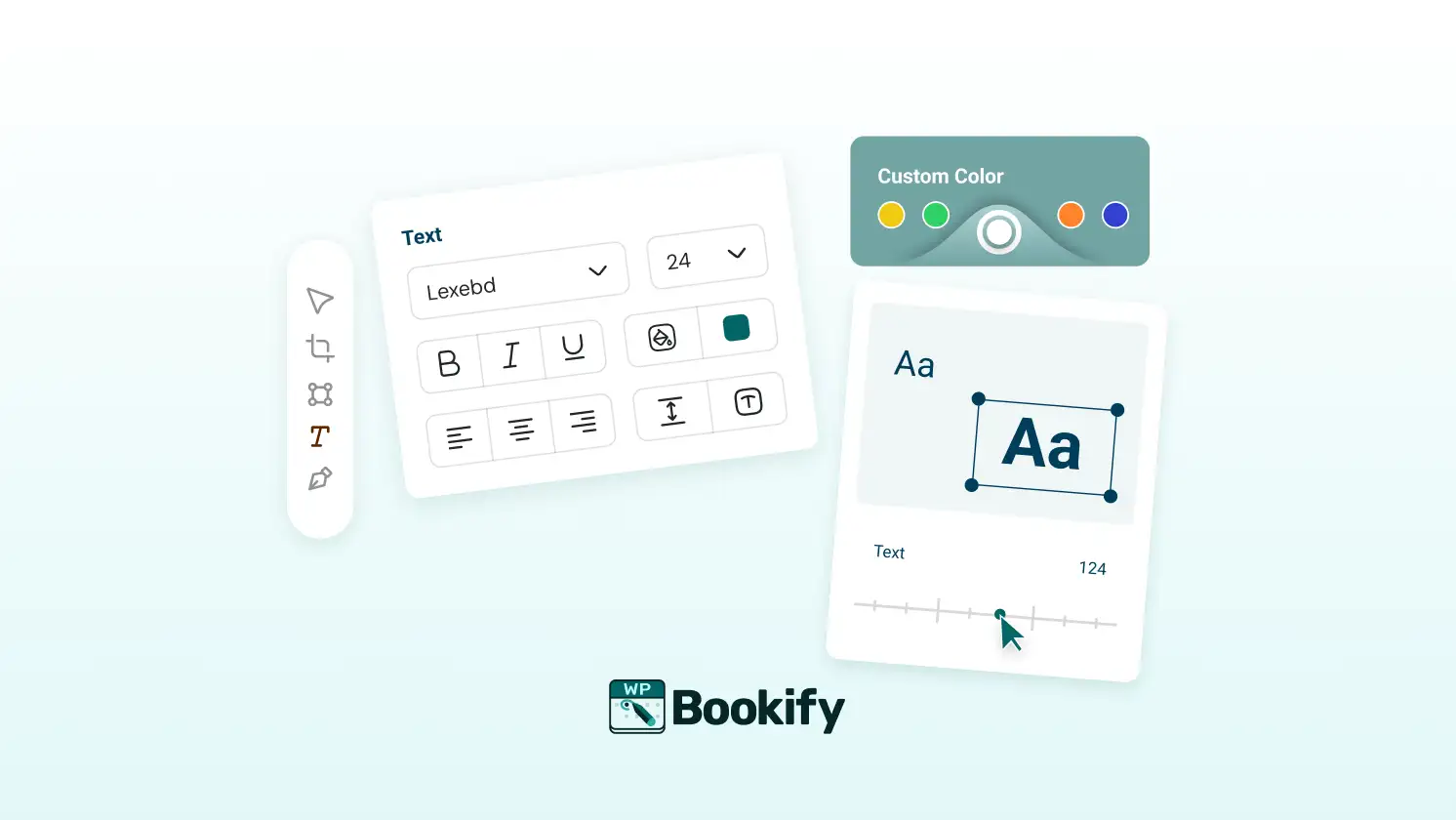
Make It Match Your Brand
You don’t need a developer. Bookify lets you control how things look and feel.
- Edit texts, colors, and layout
- Choose how the booking form works
- Translate into any language
- Use shortcodes to embed where you want
- Clean design that fits your site
Reason #10 – Works With What You Already Use

Key Integrations for Smooth Bookings
Bookify connects with tools you already use. That way, you won’t have to start over.
- Google Calendar and Meet
- Outlook sync
- PayPal and Stripe
- WooCommerce (coming soon)
- Email notifications
Get 24/7 Customer Support From the Bookify Team
Need support to set up this premium appointment booking plugin on your WordPress site? Our client support team remains vigilant 24/7 to help our users. It doesn’t matter whether you’re facing technical obstacles or trying to install and configure Bookify; contact us for expert assistance.
Get quick and efficient client support with a dedicated WordPress booking team.
Plugin Documentation
For further assistance, visit Bookify’s comprehensive Technical Documentation.