


















































Donation for WooCommerce

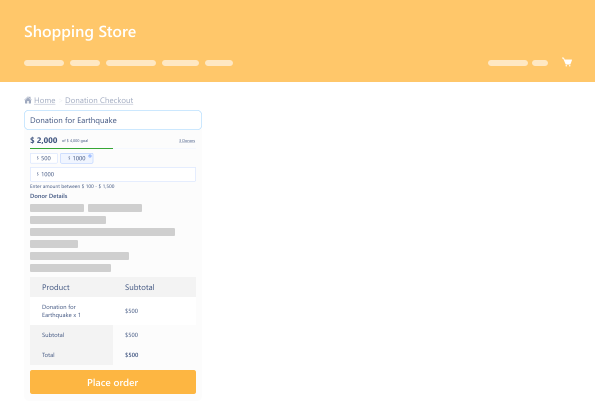
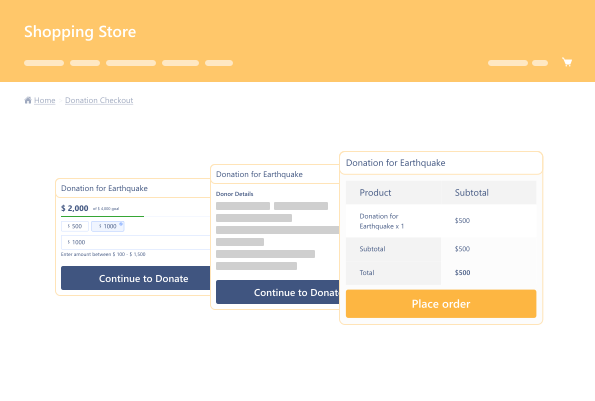
Donation for WooCommerce is a powerful extension that lets you manage both one-time and recurring donation campaigns directly on your ecommerce store. Use this charity plugin to easily raise funds for nonprofits, clubs, NGOs, or social causes.

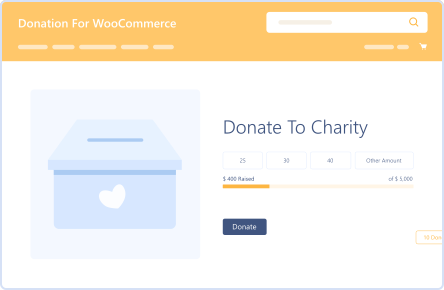
Easily Create Donation Campaigns

Easily Create Donation Campaigns

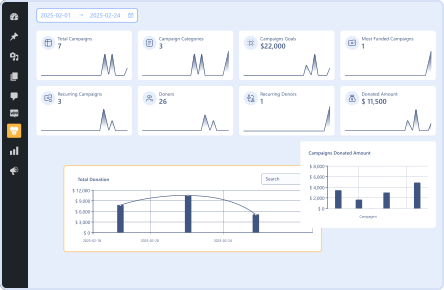
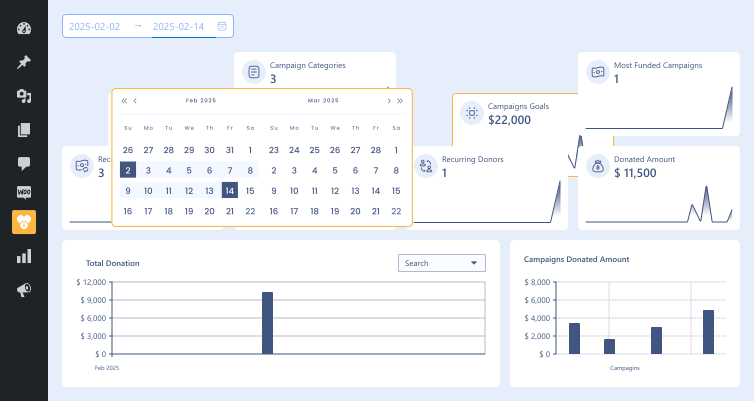
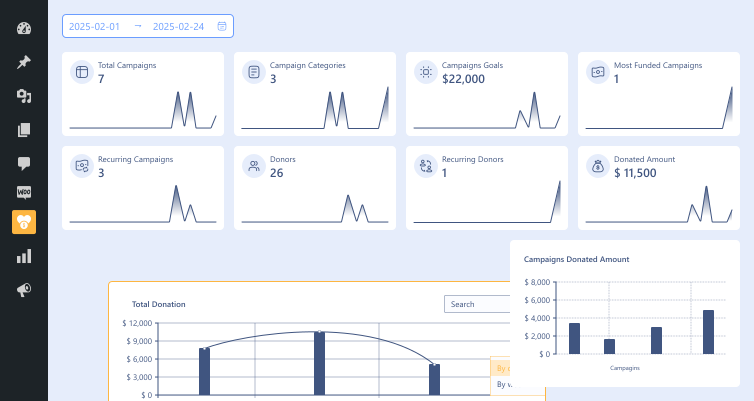
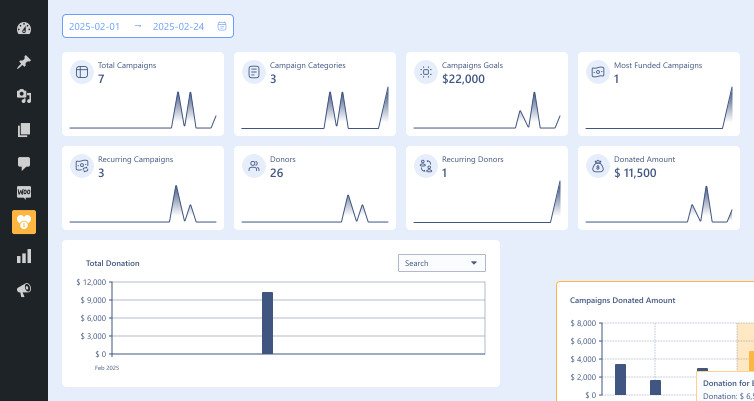
Real-Time  Campaign Insights

Real-Time Campaign Insights

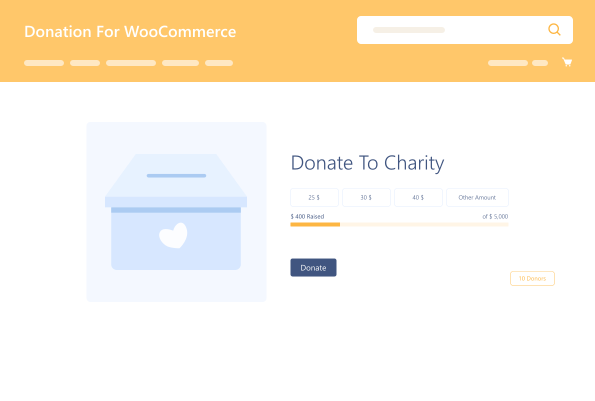
Set & Track Donation Goals

Set & Track Donation Goals

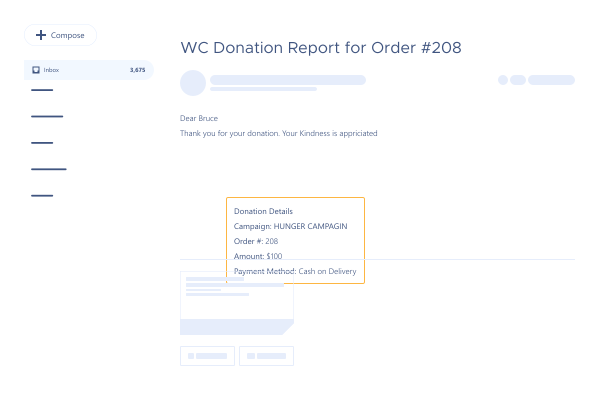
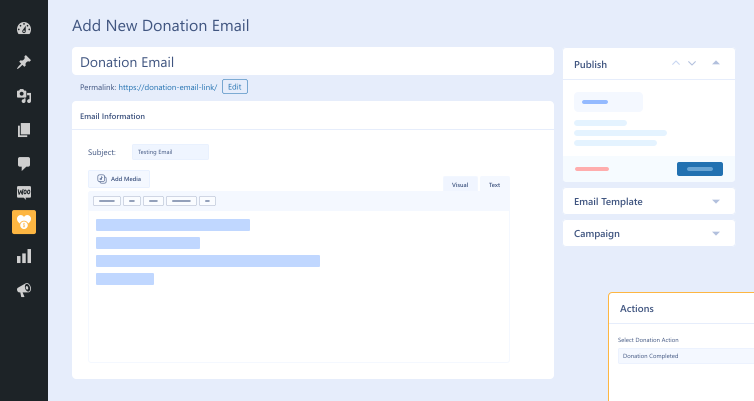
Donation Emails

Donation Emails

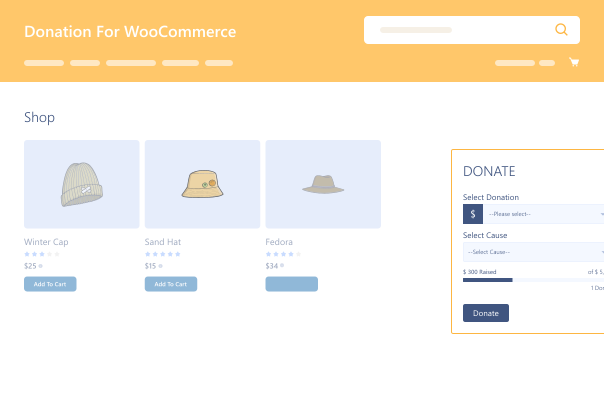
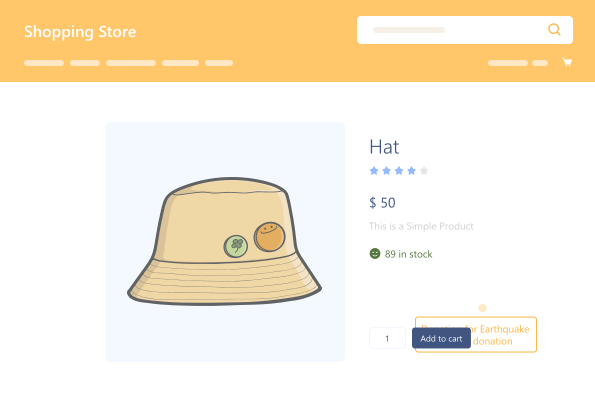
Donation Widgets

Donation Widgets

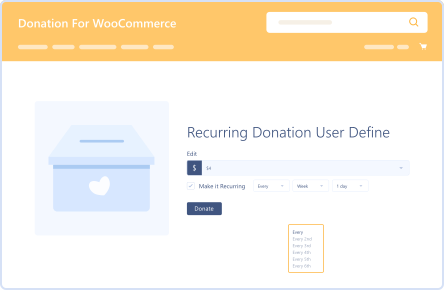
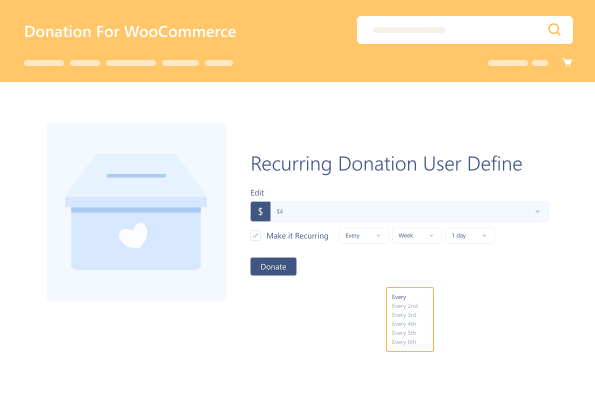
Recurring Donations

Recurring Donations

14 Day Money Back Guarantee
Woo Pro Partner
Safe and Secure Checkout
80+ Clutch reviews

Enjoy Up to 80% OFF on Our All Access Pass Lifetime Plan — Limited-Time NEW YEAR Deal

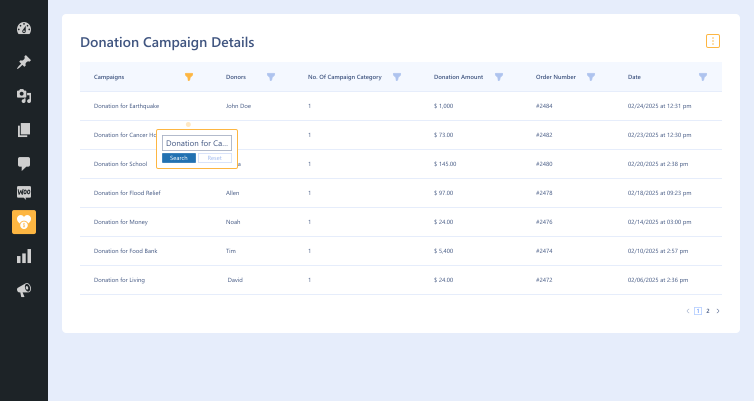
Donation Campaign Dashboard
Set and Track Donation Goals
Enable Recurring Donations
Customize Donation Amounts
Donation Emails & E-Cards

Pricing Plan

Basic

$99.99/Billed Annually

Single Site

Priority Support
Regular Plugin Updates
All Core Features Included
Auto-Renew Subscription
lightning bolt

POPULAR

50% Off

Pro

$299.97

$149.99/Billed Annually

3 Sites

Priority Support
Regular Plugin Updates
All Core Features Included
Auto-Renew Subscription

Agency

$9999

$199.99/Billed Annually

100 Sites

Priority Support
Regular Plugin Updates
All Core Features Included

Auto-Renew Subscription
14 days money back guarantee

14 Day Money-Back Guarantee

We are committed to your satisfaction that our products will elevate your online store’s performance, backed by our 14-day money-back guarantee. Please review our Refund Policy for more details.

Donation for WooCommerce Features

Automated  Receipts

Automated Receipts

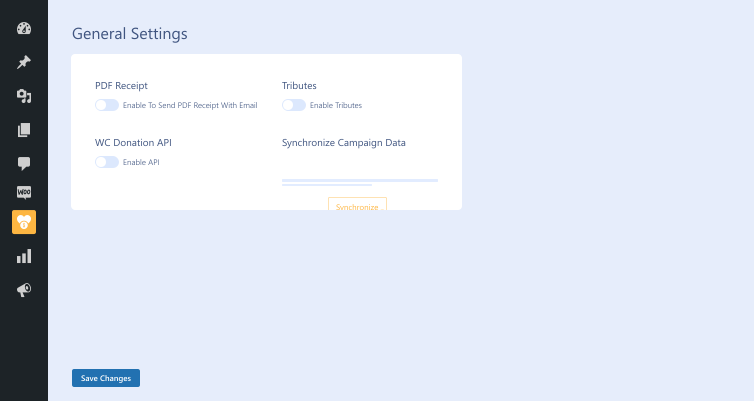
Send official PDF receipts with every donation.

Add Donations  Site-Wide

Add Donations Site-Wide

Display donation boxes on product, cart, checkout, or custom pages.

Multi-Cause  Support

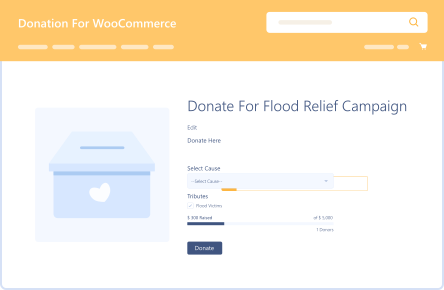
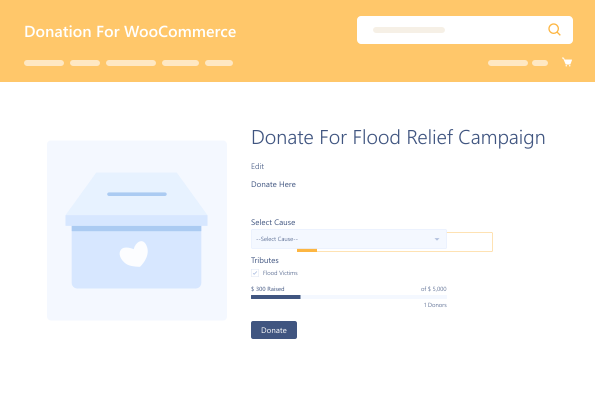
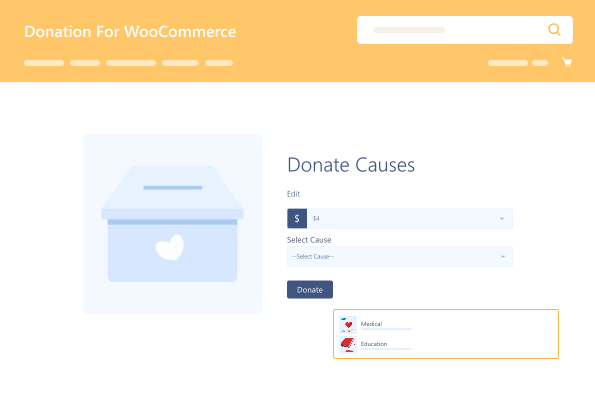
Multi-Cause Support

Offer donors a choice of where their money goes.

Donation  Widgets

Donation Widgets

Use widgets to spotlight donations in high-traffic areas.

Developer-Friendly API

Developer-Friendly API

Build custom experiences with a robust API.

Donation on  Product

Donation on Product

Add a donation amount or percentage to product purchases.

Donation  Data Sync

Donation Data Sync

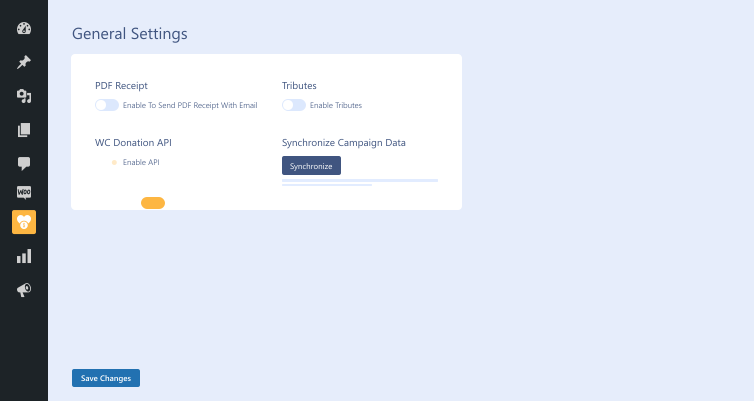
Keep campaign totals and stats up to date.

Round-Up  Donations

Round-Up Donations

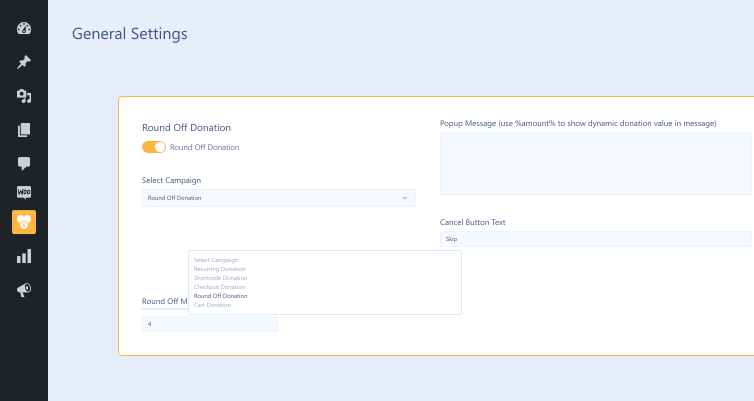
Let customers round up order totals to donate the difference.

Donation Processing Fee

Donation Processing Fee

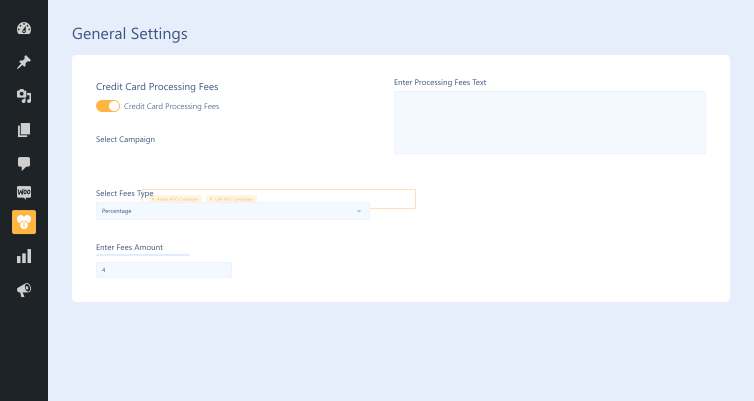
Allow donors to cover transaction costs.

Donation for WooCommerce

Version : 3.9.8

Version History :

Version History

N = new

U = update

D = dev

F = fix

R = remove

O = other

3.9.8 2025-12-24
  • F – gutenberg block for single page checkout donation bug fixed.
  • F – ui fixes.
  • F – multiple subscription on user side (wp swings).
  • F – override data if subscription donation.
  • F – vulnerability check on order.
  • F – donation column on admin order table.
  • N – pdf and csv button for all donation added (report section).
  • N – recipient email added.
  • N – customer address and donation time added in dfw field.
  • N – goal progress bar will display in donation summary block. if goal is enabled in the campaign.
3.9.7 2025-07-15
  • F – dompdf library bug fixed.
3.9.6 2025-04-14
  • F – gutenberg block for single page checkout donation.
  • U – dompdf library
3.9.5 2025-04-07
  • N – gutenberg block for single page checkout donation.
  • N – admin dashboard
  • N – donation email templates
  • N – donation on products
  • N – e-card templates on email
  • N – awareness email templates
  • F – ui fix with woocommerce subscription (woo)
  • F – donation via manual order (wooc-1902).
3.7.0 2024-09-06
  • N – campaign categories.
  • N – campaign description & short description.
  • N – option to make a campaign featured.
  • N – add new block for all campaigns.
  • N – add new block for specifically for featured campaigns.
  • N – add coloum for recurring in reports.
  • N – add filter to make credit card processing fees required.
  • N – add loader animation when donate button is clicked.
  • N – social share bar options.
  • N – campaign timer display types.
  • F – general setting tab on translation.
  • F – fee_type on thankyou page.
  • F – columns for attachments.
  • F – gutenburg block js loaded on frontend (wooc-1723).
  • F – subcription issue fixed on user end settings.
  • U – edit frontend ordering for list and grid view.
  • U – declared compatibility with subscriptions for woocommerce.
3.6.2 2024-02-13
  • F – fixed issues caught in previous version.
3.6.1 2024-01-25
  • N – added filter hook `wc_donation_delete_campaign_product_data` to prevent campaign product data deletion.
  • F – fixed uncaught valueerror: path cannot be empty.
3.6 2023-11-10
  • N – daily donation
  • N – display donor list
  • N – custom amount field & placeholder
  • F – hide campaigns from round off selecting if the campaign is selected for cart or checkout.
  • F – fixed scroll issue on cart page v3.5
  • U – enhanced code optimization and strengthened security measures.
  • U – declared compatibility with the cart/checkout blocks.
3.5 2023-07-07
  • N – tribute wall.
  • N – cart campaign display location.
  • N – cart campaign display type page/popup.
  • N – cart campaign format type.
  • N – checkout campaign display location.
  • N – compatibility with product vendors.
  • N – compatibility with dokan.
3.4.6.3 2023-05-31
  • N – add donation icon on checkout widget
  • N – add filter to filter action hook for checkout widget position
3.4.6.2 2023-05-25
  • N – option to modify round off template.
  • N – multiple options to add gift aid.
  • F – warnings in general settings.
  • F – warnings on checkout page.
3.4.6.1 2023-05-04
  • U – woocommerce security.
3.4.6 2023-05-02
  • F – disabled subscription length dropdown until the subscription period values are populated (wooc-1026).
  • F – compatible with woocommerce booking addon (wooc-1055).
  • N – multiple selection of the campaigns for cart & checkout.
  • N – option to make card processing fees by fixed or percentage.
  • U – can’t modify donation product quantity in cart.
  • U – woocommerce security issue.
  • N – compatibility with woocommerce hpos.
  • N – frontend template ordering.
  • F – code optimized for frontend donation template using both amount type.
  • F – cause not showing in cart meta if only custom amount type is selected.
  • U – remove default max limit from custom amount type.
  • U – tested up to php 8.
  • U – tested up to woocommerce 7.4.0.
  • U – tested up to wordpress 6.1.1.
  • U – replaced deprecated hook woocommerce_add_order_item_meta with woocommerce_checkout_create_order_line_item.
  • U – tribute option select/unselect.
  • F – make compatible with woocommerce subscription 4.1.0.
  • F – email issue fixed.
  • U – updated has_bought_items() functions for bettter effeciency.
  • N – campaign id in donation add to cart success response.
  • N – filter to add custom columns in reports.
  • N – field to add initial amount to goal raised amount. this will work only with ‘amount raised’ & ‘percentage raised’ goal types.
  • N – donation api for get, post, put, delete campaigns.
  • O – “wc_donation_other_amount_alert”, $placeholder, $min_amount, $max_amount
  • N – display goal on shop page.
  • N – display goal on widgets.
  • N – donation goal reset.
  • N – donation summary widget & shortcode.
  • N – create filter to change pdf header bg color and text color.
  • N – add actions to add text in pdf reports.
  • N – add actions to add labels to recurring fields.
  • U – made editable templates for pdf reports and email reports.
  • U – coupon will not applied on donation products. if you want to apply coupon use filter ( ‘wc_donation_coupon_valid_for_campaign’, true ).
  • U – removed donation price from shop page
  • U – make donation goal amount format as wc price format.
  • U – make donation amount format as wc price format in reports for frontend.
  • F – dompdf conflict with pdf invoices for woocommerce plugin.
  • F – ‘–please select–‘ string is translable.
  • F – jqueri ui smoothness load to relevant pages only.
  • U – query optimization for donation count.
  • N – button to synchronize redundant data.
  • F – memory leak on new order creation.
  • U – if reports.csv missing, it will create a new file on server.
  • F – css issue for donation amount fixed on order page.
  • F – optimized query for donation counts on all campaigns.
  • F – month filter hide from all other post types.
  • F – place_order on checkout button query is conflict with my account page is fixed now.
  • N – compatible with multisite.
  • N – gift aid.
  • N – tributes.
  • N – wc donation reports.
  • N – wc donation reports exports via csv & pdf.
  • N – send donation receipt as email on each donation.
  • N – user can see their donation on frontend and export the donation via csv & pdf by using shortcode [donation_reports].
  • F – translation for interval, period, length for recurring donation (wooc-444).
  • F – donation goal field change to number type and frontend will show with proper number format.
  • F – empty goal amount field shows warning on frontend.
  • F – donation causes not showing on custom value donation type.
  • U – donation causes dropdown style.
  • F – selectwoo error in js
  • N – donation causes.
  • N – credit card processing fees.
  • N – user defined recurring donation
  • N – custom text for recurring on frontend.
  • N – donation summary on product page.
  • U – total donations count on cancelled and refunded orders.
  • U – on skip round off donation popup closed.
  • F – some string translation issues with loco translation.
  • F – parameter issue in “woocommerce_loop_add_to_cart_link”.
  • F – “sorry, that product cannot be purchased” issue fixed.
  • F – round off popup limited to checkout page only.
  • F – “never expire” option in subscription length for recurring donation.
  • U – hide meta values for donation product from cart and order and email.
  • N – introduct new filter to show meta values on cart page ‘wc_donation_before_display_meta_on_cart’ taking two parameters $item_data, $cart_item.
  • N – introduct new filter to show meta values on order admin page ‘wc_donation_hidden_order_itemmeta’ taking one parameter $item_meta.
  • N – introduct new filter to show meta values on order frontend ‘wc_donation_hidden_order_frontend_itemmeta’ taking one parameter $temp_metas, $formatted_meta.
  • O – “wc_donation_other_amount_placeholder”, $placeholder, $min_amount, $max_amount
  • N – donation goals feature
  • N – added donation post id in parameters of action “wc_donation_before_single_add_donation” & “wc_donation_after_single_add_donation”
  • U – donation label can be empty if user donot want to show.
  • F – donation single page layout fixed.
  • F – donation order ajax issue.
  • F – gutenberg block added for campaign shortcode.
  • F – place same campaign in widget & shortcode in same page.
  • U – remove wc donation slug from donation product title.
  • U – show error on amount field min amount & max amount.
  • U – ui fix for other amount field.
  • F – donation amount on minicart.
  • N – shipping charge will not apply on donation products.
  • U – new ui for admin setting.
  • N – create donation campaign with individual settings.
  • N – each campaign has their own shortcode.
  • N – no need to create individual product for campaign.
  • N – compatible with previous version.
  • N – show total donations of each campaign.
  • N – show no. of donations of each campaign.
  • N – show donation as a product on shop page.
  • N – show donation single page.
  • N – recurring donation compatible with woocommerce subscription.
  • N – compatible with wc currency switcher
  • U – css for donation on cart page.
  • F – wmpl compatible issue for cart and checkout donation.
  • F – roundoff issue.
  • N – wpml compatible.
  • F – jquery confliction.
  • N – enable/disable option for donation to show on cart page.
  • N – option added to show both custom value and predefined value for donation.
  • N – option to set multiplier for round off donation before checking out.
  • N – total donation value on order page wp admin.
  • N – option to define product as donation product.
  • N – make compatible with wc currency switcher 1.0.0.
  • N – decimal and comma in user defined amount.
  • N – predefined campaign will be show as readonly to get user know on which campaign they are donating.
  • N – translation support.
  • F – shortcode issue with gutenberg editor fixed.
  • N – add skip button in roundoff popup to skip roundoff donation.
1.0.1 2020-04-25
  • N – bg color for button.
  • N – text color for button.
  • N – text label for button.
  • N – label for donation field.
  • N – donation widget.
  • N – add different layouts for amount.
  • N – shortcode “[wc_woo_donation]”for donation product.
  • N – round off donation on checkout total with popup style.
  • U – design and css.
1.0.0 2020-03-17
  • O – initial release.

Last update : 2025-12-24

still have a question

Still have a question?

Check the Documentation, and if you can't find an answer there, send us an email.

FAQ's

Can I collect both one-time and recurring donations?

This WooCommerce Fundraising plugin supports both one-time and recurring donations. You can configure recurring frequencies, such as daily or monthly, with the help of the WooCommerce Subscriptions plugin.

Where can I display donation options on my site?

You can add donation options across your entire WooCommerce store—including the shop, product, cart, and checkout pages. You can also use widgets to place donation forms in sidebars or footers.

How can I track the progress of my donation campaigns?

The WordPress donation plugin includes built-in progress bars, donor counts, and goal indicators. These can be displayed on product or shop pages to track and showcase your campaign’s success visually.

Can I customize the donation amount options for users?

You can set predefined donation amounts, allow custom entries, and define minimum or maximum limits to suit your campaign needs.

Does Donation for WooCommerce send confirmation emails or receipts?

This charity plugin automatically sends thank-you emails and PDF receipts upon successful donation. You can also enhance emails with personalized e-cards to build stronger donor relationships.

Second Thoughts? No Sweat!

You’ve got 14 days to change your mind and get your money back!

Copyright © 2025 WPExperts

WPExperts Badges
WPExperts Badges

Copyright © 2025 WPExperts