




















































APIs (Application Programming Interfaces) are the backbone of modern web development. They enable seamless communication between applications, connect WordPress to external services, power mobile apps, automate workflows, and unlock advanced custom development possibilities. While WordPress comes with a built-in REST API, many sites need more powerful API tools to extend functionality, create custom endpoints, enhance authentication, or integrate with third-party platforms — and that’s where the best API plugins for WordPress come into play.
In this guide, we’ll explore the nine best WordPress API plugins in 2026 — from tools that simplify API integrations without code to developer-focused extensions that unlock advanced REST API power.
Why Use API Plugins for WordPress?
Before we dive into the list, let’s cover why these plugins are crucial:
- Extend Core API Features: WordPress’s REST API is robust, but dedicated API plugins make it easier to customize endpoints, control access, and secure communication.
- Third-Party Integrations: Connect your WordPress site to CRM systems, email services, analytics tools, or external applications without complex custom code.
- Performance Enhancements: Some API plugins add caching or optimize endpoints for faster data exchange.
- Developer Productivity: Advanced tools can help developers build app backends, mobile front ends, or headless WordPress sites with custom API logic.
Top 9 WordPress API Plugins in 2026
1. WPGetAPI
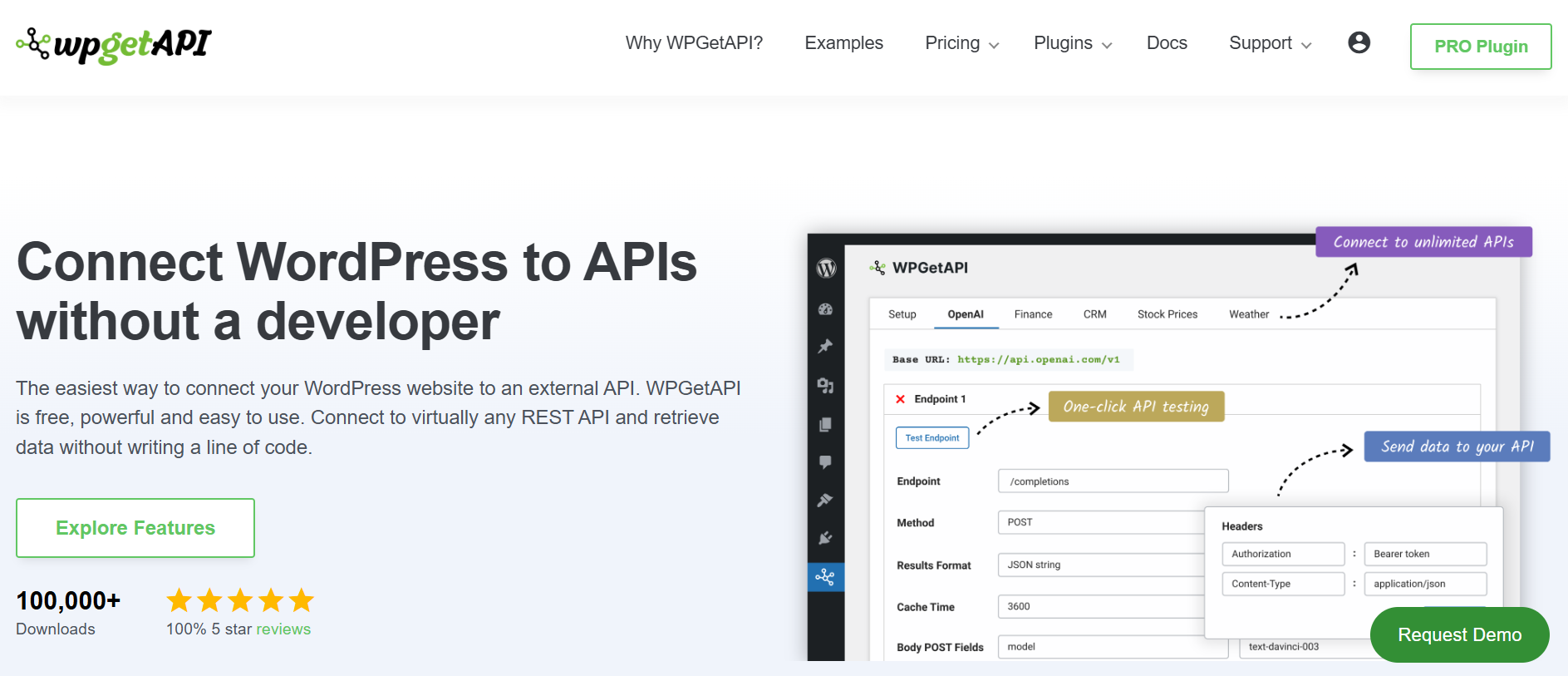
WPGetAPI is a powerful and easy-to-use plugin that lets you connect your WordPress site to any external REST API without writing a single line of code. You can fetch, display, automate, and sync data from third-party services like weather APIs, social feeds, CRM systems, and more — all from within WordPress.
Key Features:
- Connect to unlimited REST APIs
- Retrieve data using GET, POST, PATCH, DELETE, and other methods
- Display API results using shortcodes
- Supports caching and dynamic variables
- Integrations with tools like WooCommerce and Contact Form plugins
Whether you want to embed external data or automate workflows, WPGetAPI makes API integration accessible to developers and non-developers alike.
2. API Press
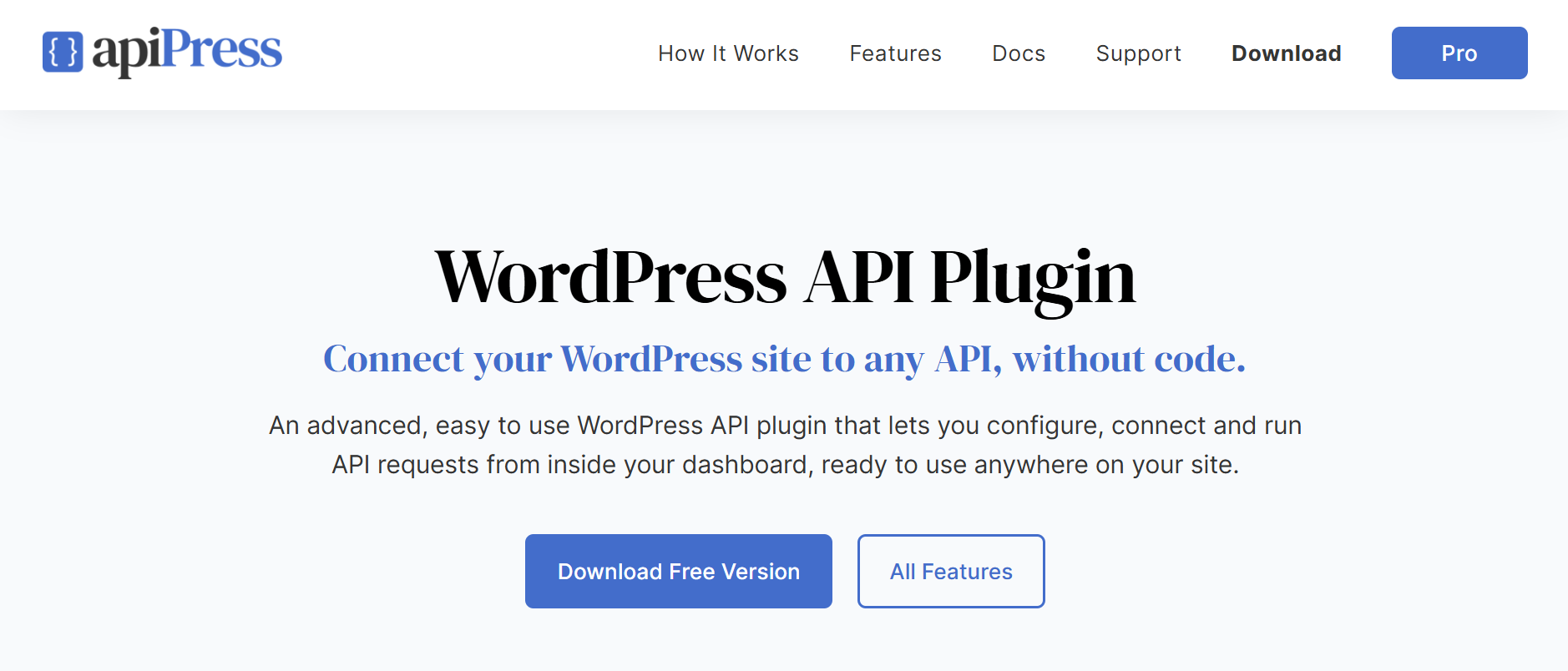
API Press is a no-code WordPress API plugin that allows site owners to integrate external APIs directly from the WordPress dashboard. Just enter your API URL, headers, parameters, and authentication — and start connecting your site to external services instantly.
Key Features:
- Build and send API requests without coding
- Supports headers, body parameters, and authentication
- View API response logs inside WordPress
- Works with any REST API that uses standard HTTP methods
- Ideal for non-developers and content editors
API Press is perfect for business sites that rely on third-party data but don’t want to write custom integrations.
3. WP REST API OAuth 1.0a Server
When building custom APIs or connecting external services, secure authentication is crucial. The WP REST API OAuth 1.0a Server plugin adds OAuth 1.0a support to your REST API, allowing secure access using consumer keys and secrets.
Key Features:
- Adds OAuth 1.0a authentication for REST API routes
- Ideal for third-party integrations and secure app access
- Supported by WordPress dev communities for improved compatibility
This plugin is an excellent choice if you plan to expose API endpoints to apps or external developers with secure token-based access.
4. WordPress REST API Authentication
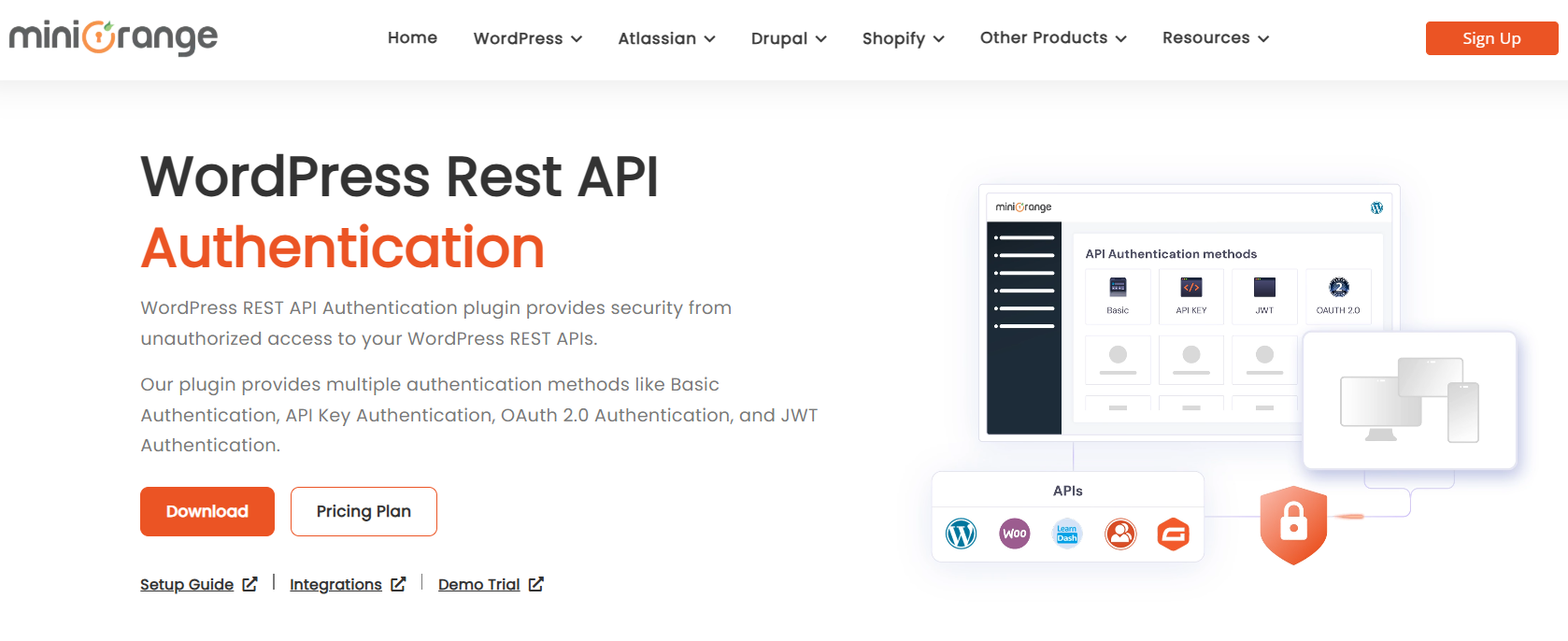
This plugin focuses on securing your API endpoints using multiple authentication mechanisms, including API key, JWT, Basic Auth, and OAuth 2.0. Whether you’re protecting sensitive data or managing user roles, this tool ensures only authorized systems can communicate with your API.
Key Features:
- API key and JWT authentication
- OAuth 2.0 support
- Role-based endpoint access
- Customizable token expiration
It’s ideal for websites with private data, membership systems, or custom applications that require robust protection.
5. WP REST Cache

When dealing with high-traffic websites or multiple API calls, performance can suffer. WP REST Cache helps by caching responses from the WordPress REST API, reducing server load and speeding up API requests.
Key Features:
- API response caching to improve load times
- Supports dynamic and static responses for different endpoints
- Lightweight and non-intrusive
- Easy integration with any REST API requests
For sites with high API usage or heavy external data requests, WP REST Cache can significantly boost speed and performance.
6. ACF to REST API
The ACF to REST API plugin is perfect for developers who want to expose Advanced Custom Fields (ACF) data through the WordPress REST API. ACF is widely used for creating custom content fields, and this plugin allows you to access that data externally via API calls.
Key Features:
- Expose custom ACF fields to REST API
- Supports relationship fields, repeater fields, and other ACF field types
- Seamless integration with the WordPress REST API
- Custom endpoint creation for specific ACF data
This plugin is invaluable for headless WordPress sites or anyone building custom web applications that need access to custom field data.
7. REST API Log
Tracking API requests and responses can be essential for debugging, analytics, and security. The REST API Log plugin logs all interactions with your WordPress REST API, enabling you to monitor API traffic and detect any unusual activity.
Key Features:
- Log all REST API requests and responses
- Filter logs based on status codes, request methods, or date ranges
- Debug and troubleshoot API issues by analyzing logs
- Easy integration with the WordPress admin dashboard (wordpress.org)
REST API Log is perfect for developers or site admins who want complete visibility into API interactions.
8. Custom Endpoints for API
For developers who need to create custom SQL-based endpoints to retrieve specific data, the Custom Endpoints for API plugin makes it easy. It allows you to write custom queries and set up endpoints that return specific results tailored to your site’s needs.
Key Features:
- Create custom endpoints based on SQL queries
- Flexible response formatting for different data types
- Full control over API responses and data retrieval
- Works seamlessly with WordPress’s REST API (wordpress.org)
This plugin is ideal for advanced WordPress developers building custom apps or dashboards that require specific data from the database.
9. WT Authentication for WP REST API

WT Authentication for WP REST API enables JWT (JSON Web Token) authentication for WordPress REST API. JWT is a secure method for user authentication, and it’s commonly used when building headless WordPress sites or integrating with mobile apps and external systems.
Key Features:
- Adds JWT support for WordPress REST API
- Secure token-based user authentication
- Compatible with mobile apps, single-page applications (SPAs), and other external systems
- Customizable authentication flow for developers
This plugin is highly recommended for projects that require a secure API authentication process for mobile or external applications.
Wrap Up
In 2026, WordPress API plugins have become indispensable tools for developers, businesses, and website owners looking to extend functionality, streamline workflows, and create custom integrations. Whether you need to connect external data sources, secure API endpoints, or enhance performance, there’s a plugin on this list for every need.
Selecting the right API plugin depends on your project’s goals — whether you’re building custom endpoints with Custom Endpoints for API, securing connections with JWT via WT Authentication, or optimizing performance with WP REST Cache.
By integrating these plugins, you can take your WordPress website or application to the next level, unlocking endless possibilities for both developers and non-developers alike.





