
















































In a digital landscape where cyber threats are evolving faster than ever, securing your WordPress website in 2026 is non-negotiable. Whether you run a personal blog, a business site, or a high-traffic eCommerce store, a single weak point can lead to compromised data, ruined SEO rankings, lost revenue, and a damaged reputation. That’s why choosing the best security plugins for WordPress should be a top priority.
WordPress core provides basic protection, but on its own, it isn’t enough to stop sophisticated threats such as brute-force login attacks, malware, unauthorized access attempts, and automated bot intrusion. The top WordPress security plugins add defenses like firewalls, malware scanning, login hardening, real-time threat detection, backups, and more, working 24/7 so you don’t have to.
Below, we explore the best WordPress security plugins in 2026 that deliver powerful protection without slowing down your site.
Why You Need Security Plugins for WordPress in 2026
Before diving into the list, it’s important to understand why these security plugins matter now more than ever:
Growing Threat Landscape
WordPress powers a massive slice of the web, which unfortunately makes it a prime target for hackers, bots, and automated attacks. Without strong defenses, your website could be compromised in minutes.
Core Protection Isn’t Enough
While WordPress updates patch some vulnerabilities, they don’t stop threats like brute-force login attempts, distributed denial-of-service (DDoS) attacks, or hidden malware injections. Security plugins fill these gaps with proactive protection and monitoring.
Automated Defense and Monitoring
The best security plugins for WordPress don’t just alert you—they automatically block threats, scan files, detect abnormal behavior, and notify you before problems escalate.
Top 10 WordPress Security Plugins for 2026
1. Wordfence Security
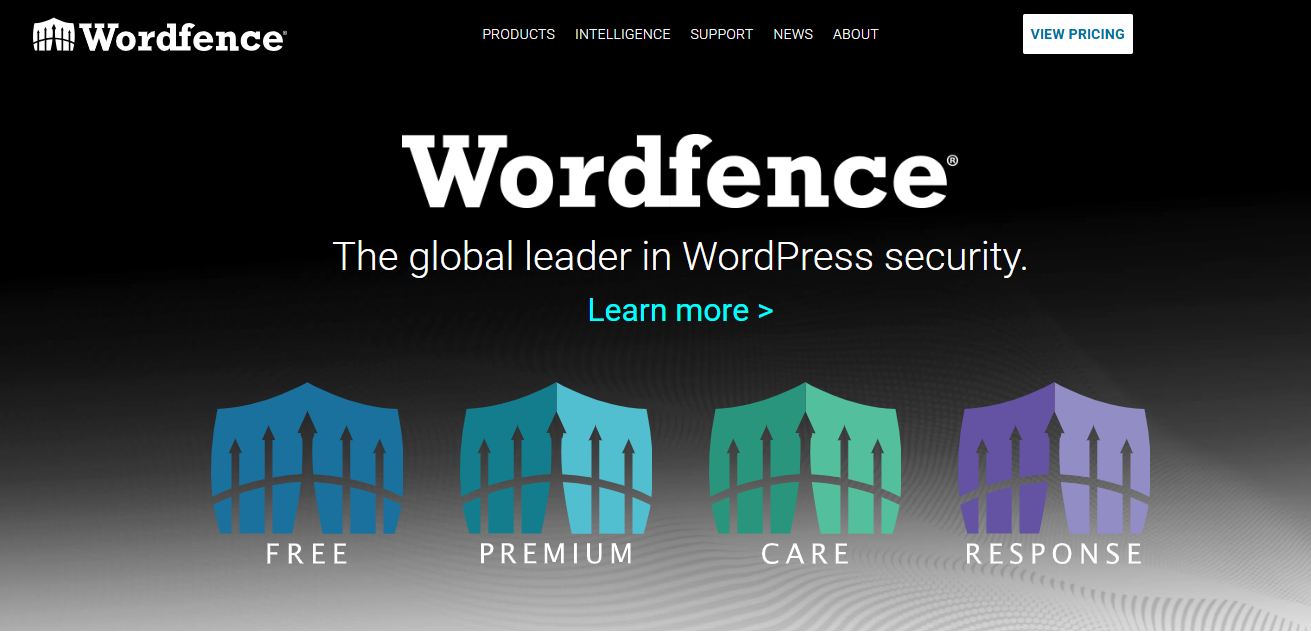
Wordfence Security is one of the most popular security plugins for WordPress, and for good reason. It offers an extensive set of features that work together to protect your site from various types of attacks. The firewall blocks malicious traffic, while the malware scanner checks your site for infections, ensuring it stays safe from all angles.
Key Features:
- Real-time firewall protection to prevent attacks before they reach your site
- Malware scanning that detects and cleans infected files
- Live traffic monitoring to identify potential threats in real time
- Two-factor authentication (2FA) to enhance login security
Wordfence’s free version provides strong protection, but the premium version unlocks additional features like real-time firewall rule updates, malware signature updates, and country blocking.
2. Sucuri Security
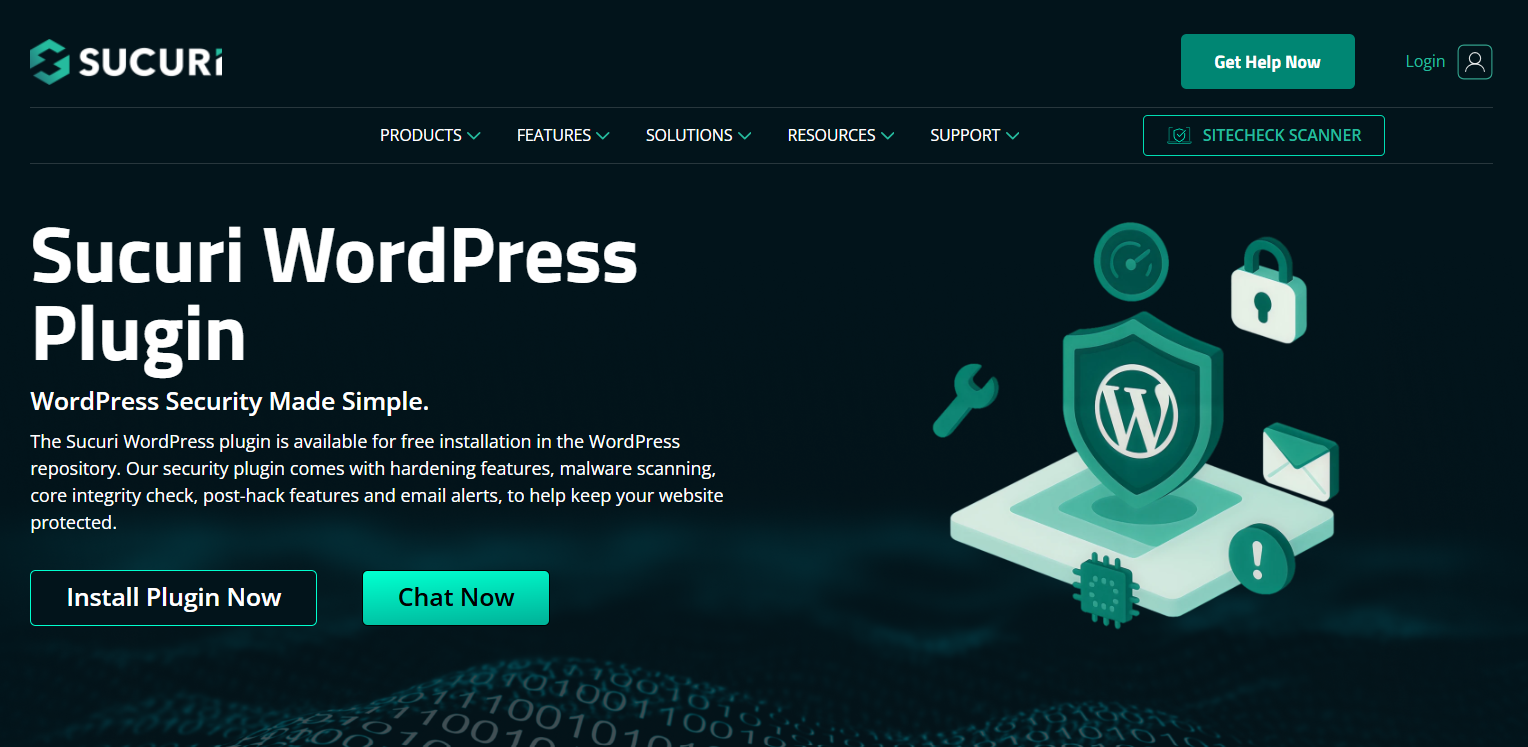
Sucuri is a trusted name in website security, offering a cloud-based firewall that provides an extra layer of protection against attacks. By routing your website traffic through their network, Sucuri filters out malicious requests before they even reach your site.
Key Features:
- Website firewall that blocks threats at the network level
- Security activity auditing to monitor website changes
- Post-hack malware cleanup and support
- Blacklist monitoring to check if your site is listed as dangerous
The premium version includes an enhanced firewall, 24/7 monitoring, and access to their emergency support team. Sucuri is perfect for those who want an extra layer of protection from DDoS and other threats.
3. MalCare Security
MalCare offers a unique approach to WordPress security by providing both automated malware scanning and cleanup. The plugin’s deep scan engine ensures that even the most hidden malware threats are detected, which is especially useful if your site has been compromised.
Key Features:
- Automated malware scanning with the ability to fix problems on the spot
- One-click malware removal with no downtime
- Real-time threat detection to catch security issues early
- IP blocking to prevent malicious actors from accessing your site
MalCare’s premium version offers additional features, including a firewall, more frequent scans, and enhanced security monitoring.
4. Jetpack Security
Jetpack is an all-in-one solution that combines security, performance, and site management. It offers backups, uptime monitoring, and brute-force protection to keep your site secure. The plugin also includes image optimization and site stats, making it ideal for website owners looking for both performance and security in a single package.
Key Features:
- Real-time backups and restore options
- Brute force protection to prevent login attacks
- Activity log to track changes on your site
- Downtime monitoring with instant email notifications
While Jetpack offers a range of features, the premium version provides advanced security features such as malware scanning and website performance tools.
5. All In One WP Security & Firewall
All In One WP Security & Firewall is an easy-to-use plugin that adds essential security features without overwhelming new users. It’s perfect for beginners looking for basic yet powerful protection. The plugin includes a user-friendly dashboard where you can monitor your website’s security status and make changes with just a few clicks.
Key Features:
- Login lockdown to prevent brute-force login attempts
- File integrity monitoring to alert you of unauthorized changes
- Firewall to block malicious traffic
- Spam protection to prevent comment spam
All In One WP Security & Firewall provides great security for free, but the paid version offers additional features, such as more advanced login protection and premium support.
6. Shield Security
Shield Security offers a lightweight solution for WordPress users who want strong protection without slowing their site. This plugin focuses on preventing brute-force attacks, securing login pages, and blocking spam, all while maintaining optimal performance.
Key Features:
- Easy-to-use interface with clear security scores
- Two-factor authentication (2FA) for login security
- Login attempt limiter to block brute-force attacks
- File protection to secure your core WordPress files
The Pro version provides advanced security features, such as IP blocking, advanced firewall rules, and real-time monitoring, offering extra peace of mind for those looking for comprehensive protection without the complexity.
7. SecuPress
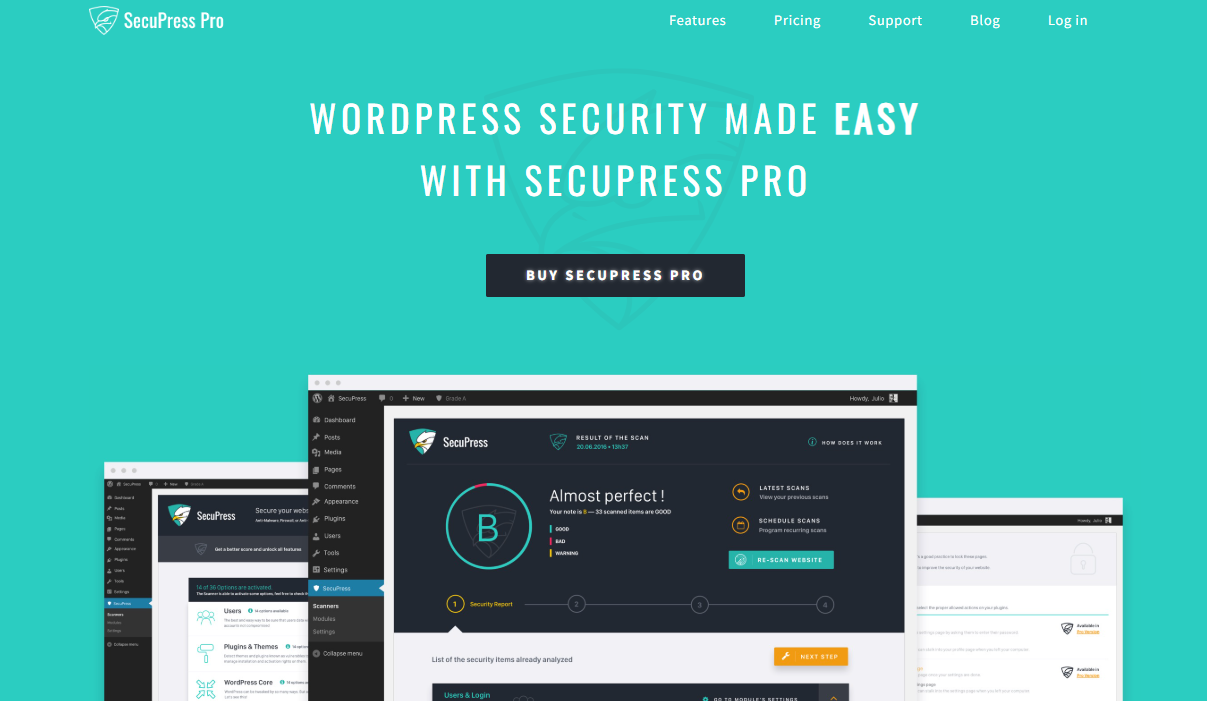
SecuPress is designed to make security both effective and easy to manage. The plugin features an intuitive dashboard with visual security health scores, so you can quickly see how well your website is protected. It’s particularly useful for users who want to harden their site against attacks and scan for vulnerabilities.
Key Features:
- Security audit that checks for common vulnerabilities
- Brute-force login protection with IP blocking
- Firewall to block malicious traffic and stop DDoS attacks
- File security to protect against file modifications
SecuPress offers both free and premium versions. The premium version provides enhanced malware scanning, real-time security alerts, and the ability to block malicious IPs automatically.
8. WP Cerber Security
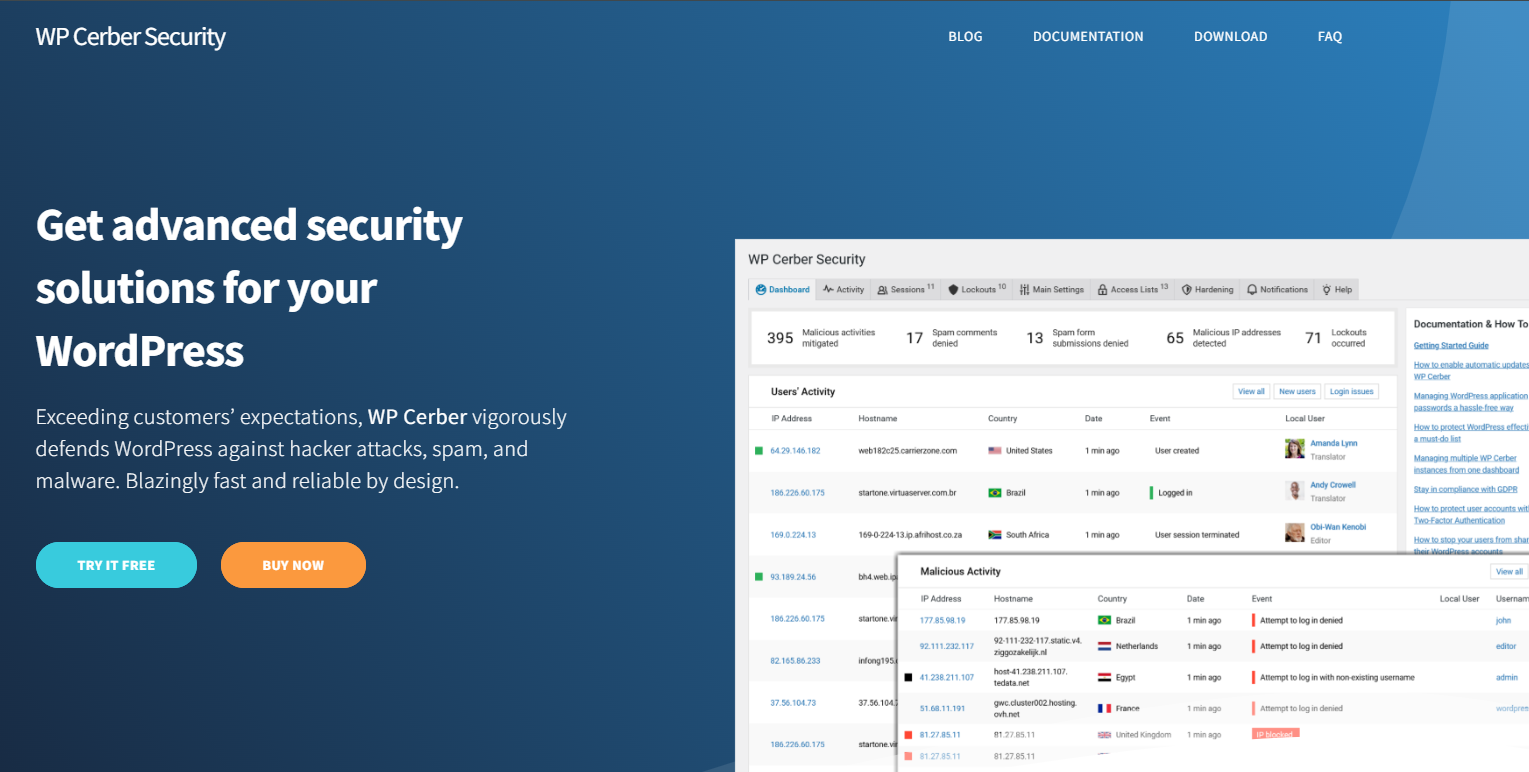
WP Cerber is particularly effective at blocking bots and fortifying your login pages against brute-force attacks. The plugin’s intelligent behavior analysis allows it to detect and block suspicious login attempts and harmful bot traffic, offering top-notch login protection.
Key Features:
- Bot detection that blocks harmful bots and scrapers
- Advanced login protection (limit login attempts, CAPTCHA, and 2FA)
- IP access control to block malicious IPs from accessing your site
- Malware scanning to identify suspicious code
WP Cerber offers a free version, but the premium version includes advanced features such as real-time alerts and customizable login protection.
9. WPScan Vulnerability Database Integration
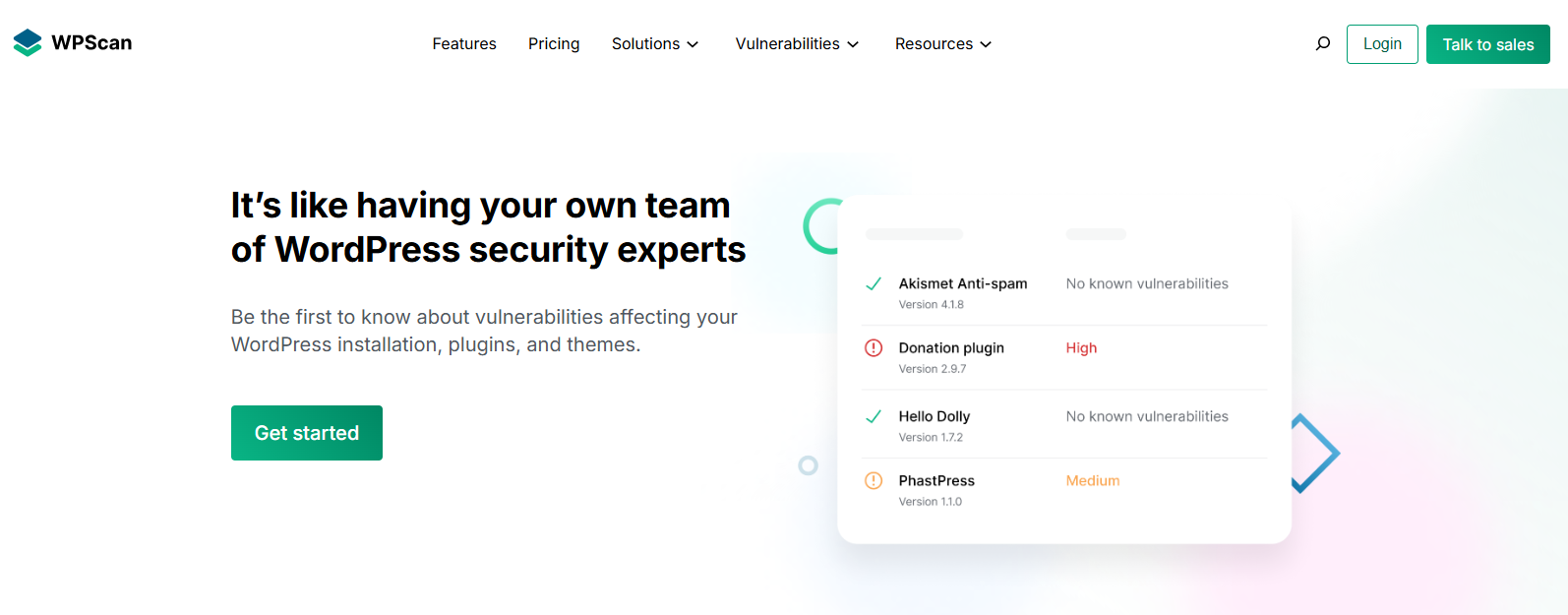
WPScan is a vulnerability scanner that integrates with the WordPress Vulnerability Database, providing continuous monitoring for known security risks in your WordPress plugins, themes, and core files. It helps site owners identify vulnerabilities before they become security threats.
Key Features:
- Daily vulnerability scans for plugins, themes, and core files
- Automatic detection of outdated or insecure versions
- Malware protection to identify and remove malicious code
- Security reports to help site admins keep track of threats
WPScan’s premium version provides real-time alerts when a new vulnerability is detected and includes enhanced scanning tools for larger sites.
10. Limit Login Attempts Reloaded
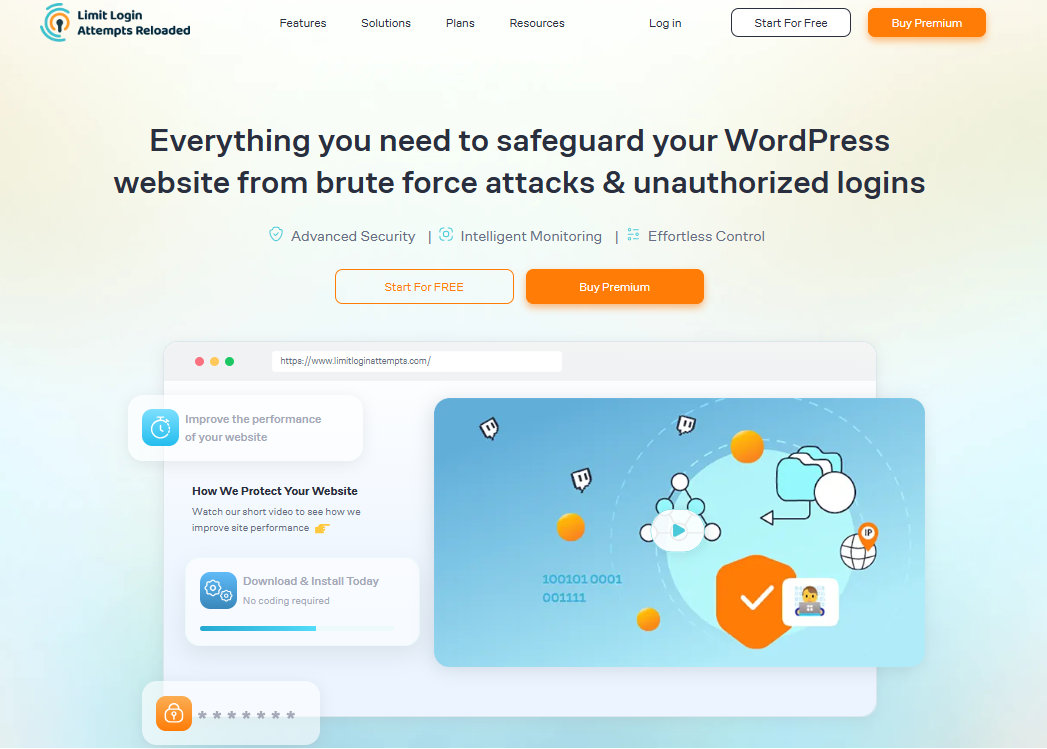
Limit Login Attempts Reloaded is a simple yet highly effective plugin that protects your WordPress site from brute-force login attacks. By limiting the number of failed login attempts, this plugin prevents hackers from gaining access by brute-force password guessing.
Key Features:
- Limit failed login attempts to block brute-force attacks
- Customizable lockout duration and number of retries
- Email notifications when lockouts occur
- Easy-to-use interface with minimal setup required
This top security plugin is perfect for anyone looking for lightweight, no-fuss security. It’s free to use, with a straightforward setup that doesn’t slow down your website. For more advanced features, you can also consider the premium version, which includes email alerts for suspicious logins.
How to Choose the Best WordPress Security Plugin for You
With so many options, choosing the right plugin for your website can be overwhelming. Here are some essential factors to consider:
Security Needs
Think about the type of website you’re running. For simple blogs, a basic security plugin might suffice, while larger sites or eCommerce stores may need more robust security with real-time malware scanning, advanced firewalls, and vulnerability management.
Ease of Use
If you’re not a technical expert, look for a plugin that provides user-friendly dashboards and one-click solutions for malware removal, login protection, and firewall settings. Plugins like Jetpack or All in One WP Security & Firewall are excellent for beginners.
Performance Impact
Some security plugins can slow down your site, especially when scanning for malware or blocking malicious traffic. Choose a plugin that offers strong protection without significantly impacting your site’s load times. Wordfence and Shield Security offer great performance while providing top-notch protection.
Budget
Many security plugins offer free versions with basic features, which may be enough for small sites. However, if you’re running a business or high-traffic website, investing in premium versions might be worth the extra cost to access more advanced features and better support.
Get Professional WordPress Security Services
Despite this fantastic guide, in which we handpicked the best WordPress security plugins, we understand that many will still get confused about choosing the right one for their website. To save you the time and effort, our WordPress security experts can help you. WPExperts WordPress security services are ideal to keep your website secure from all cyber threats around the clock.
Reach out to us today to connect with a WordPress security expert and learn more about how to keep your site secure.
Wrap Up
Website security should be a priority for every WordPress website owner in 2026. As cyberattacks become more sophisticated, it’s crucial to invest in reliable security plugins that provide round-the-clock protection for your site. Whether you opt for comprehensive protection with Wordfence, a cloud-based firewall with Sucuri, or automated malware cleanup with MalCare, each plugin in our list brings unique advantages.
By selecting the top WordPress security plugin, you can safeguard your website against malware, hackers, and vulnerabilities while ensuring your visitors’ data remains secure. Don’t wait until your website is compromised; install a security plugin today to fortify your WordPress website for the future!




