
















































Have you ever wondered who is behind that weird email in your mailbox? We all have! Today, the world is connected more than ever. And connections sometimes can be cruel. That’s why it makes learning how to trace an IP address from an email an essential skill to survive online.
Whether you’re a business owner concerned about phishing attempts or just an inquisitive person with an unusual message, realizing the digital breadcrumbs in your emails can be highly enlightening. We’re here to lead you through this step by step!
Let’s get started on the detective work of digital forensics together!
How to Track IP Address from Email: Everything at a Glance
| Topic | Key Points | Tools / Notes |
|---|---|---|
| Why Track IP Addresses? | Identify origin, detect phishing, protect networks, and gather legal evidence | Important for security and verification |
| Email Header Basics | “Received” lines show email path and IP addresses | Last “Received” is usually the sender’s IP |
| Find IP in Gmail | Open email > Three dots > Show Original > Check “Received” lines | Gmail may mask the sender’s IP |
| Find IP in Outlook/Yahoo | Outlook: File > Properties > Internet Headers Yahoo: More > View Raw Message |
Headers reveal the originating server IP |
| IP Location Lookup | Use free online services to map IPs (e.g., WhatIsMyIP, IPLocation) | VPNs/proxies can mask location |
| Common Challenges | Privacy masks, VPNs, dynamic IPs, and multiple servers complicate tracking | May affect accuracy |
| Security Software Options | Webmin, ISPConfig, aaPanel, Ajenti, CloudPanel for advanced email/IP monitoring | Useful for business/server admins |
| Handling Suspicious Emails | Don’t click links, analyze the header, report/block the sender, and secure the account | Stay cautious and proactive |
Why Should We Track IP Addresses from Emails?
Email is still our online lifeline for both work and personal communication. But let’s be honest – our inboxes are war zones where the real messages struggle for consideration amidst numerous spam and possibly malicious material. Here are five reasons why IP address tracking concerns all of us:
- Catch the Real Place: Find out where exactly that email really originated – sometimes it’s somewhere other than where the email says it’s from!
- Separate Fact from Fiction: Learn to quickly determine whether an email is real or another sophisticated phishing plot attempting to steal your information.
- Play Digital Detective: Use those secret header details to sleuth out dodgy emails before they can cause damage.
- Fortress Your Network: For those who manage business networks, following IP addresses helps regulate what goes in and out, keeping unwanted users away.
- Build Your Legal Case: If necessary, IP tracking offers excellent evidence for legal action against cybercriminals.
Email Headers Tell the Hidden Story Behind Every Email
Before we get into tracking methods, let’s look at what we’re looking for. Every email has a behind-the-scenes “header” – your message’s passport, stamped along every server it traveled through on its way to your inbox. This header is gold dust for us email tracking enthusiasts!
5 Key Components of an Email Header:
- From: The sender’s email address (although that can be faked!)
- To: Your email address
- Subject: What the email purports to be about
- Date: When it was sent
- Received: This is our map to treasure! It follows the path of the email as it passes through servers, including precious IP addresses.
Those “Received” lines are listed newest-first. The final one typically indicates the very first server that received the message – the closest to whoever sent it.
How to Track IP Address from Email: Step-by-Step Guide
Let’s break down the process on popular email platforms that we all use on a daily basis:
1. How to Track IP Address from Email in Gmail
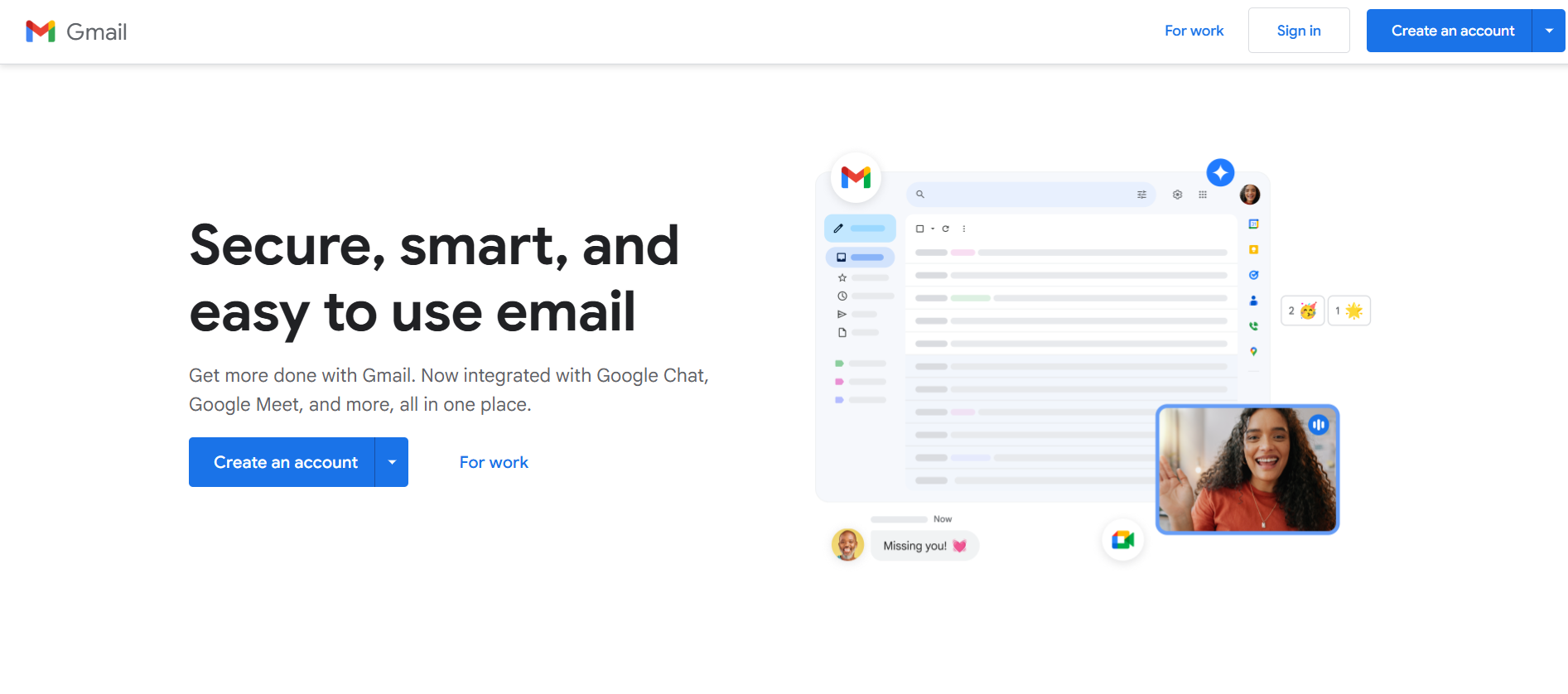
Gmail normally protects sender IPs for privacy, but we can obtain helpful information nevertheless:
- Open the suspicious email
- Click the 3 dots in the top-right corner
- Choose “Show Original”
- A new window pops up with full header information
- Scroll down until you locate the “Received” lines – the sending IP could be listed in the last “Received” header
NOTE: If the email was sent using a webmail provider like Yahoo or Gmail, you’ll probably see the email provider’s IP instead of the real sender’s.
2. How to Track IP Address from Email in Outlook
Outlook makes our investigation easy:
- Open the email in Outlook
- Go to File > Properties
- Search for “Internet Headers” in the new window
- Search for lines beginning with “Received” – the first line will usually have what we want
This shows the server that originated the message in your direction.
3. How to Track IP Address from Email in Yahoo Mail

Yahoo Mail is not so coy:
- Open your suspicious email
- Click on More (three dots) in the top-right
- Choose “View Raw Message” or “View Full Header”
- Search for the “Received” lines – the source IP address will be in the very first “Received” line
4. How to Track IP Address from Email in Apple iCloud Mail
For those of us on macOS:
- Open the message in Apple Mail
- From the menu, choose View > Message > All Headers
- Another pane opens with all headers
- Search for those “Received” lines to find the source IP
5. How to Track IP Address from Email in Mozilla Thunderbird

Thunderbird provides us with simple access to header detail information:
- Open the email in Thunderbird
- Click More > View Source
- The full email source is shown, including the header
- Look for the “Received” lines and trace back to find the original source IP
How to Track IP Address from Email: Email Location Trackers – Mapping Digital Fingerprints
Once we have an IP address, we can discover the sender’s general location (though not their exact address). Free online services like WhatIsMyIP or IPLocation help us translate an IP into geographical information. Just remember – if someone’s using a VPN or proxy, the location might be masked!
Top Tracking Tools to Trace an IP Address from Email
Several online tools make extracting IPs from email headers much easier. Here are some we love:
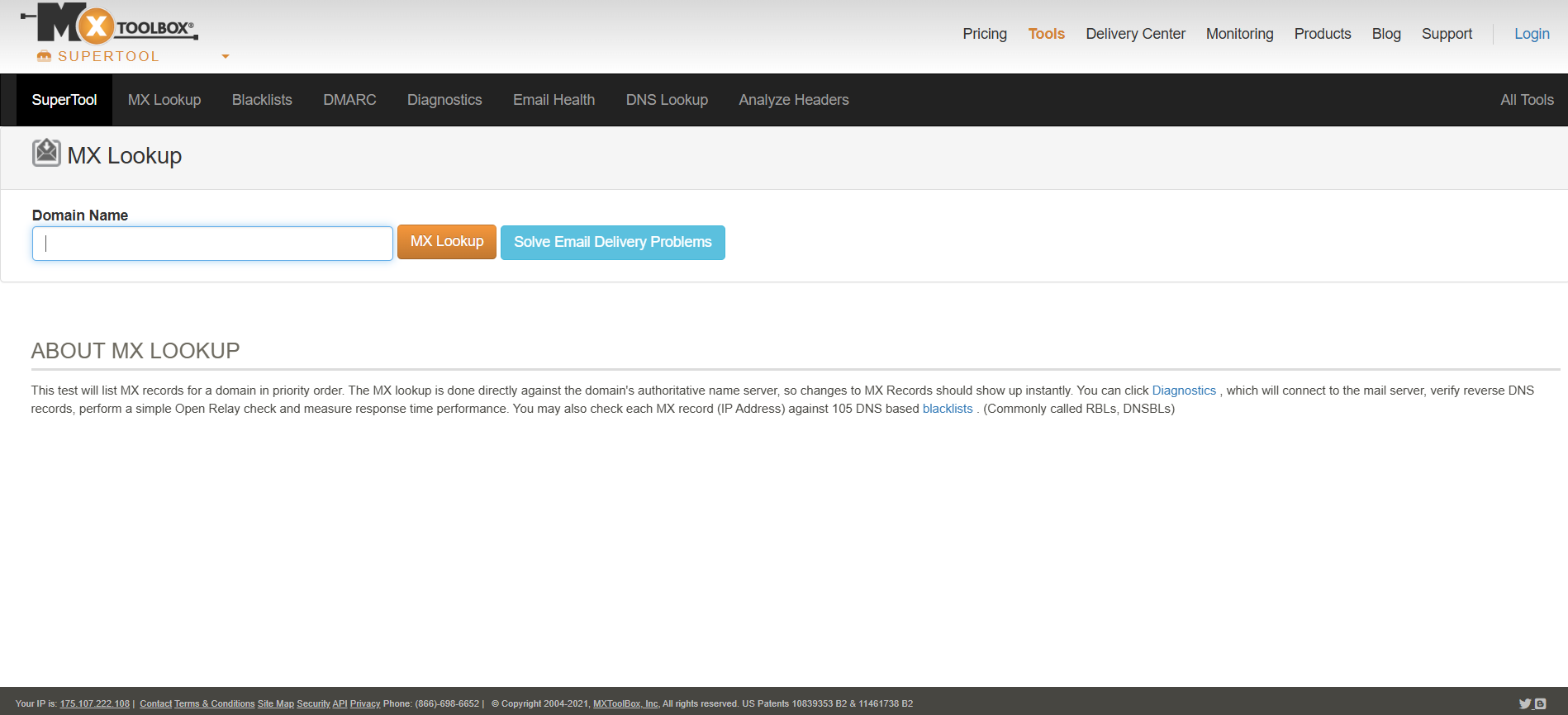
1. MXToolbox
This heavy-hitter team service gives a header analyzer that rapidly checks email headers and displays sender IP details.
2. WhatIsMyIP
Not only for looking up your own IP! This site offers extensive information on an email’s source by its IP address.
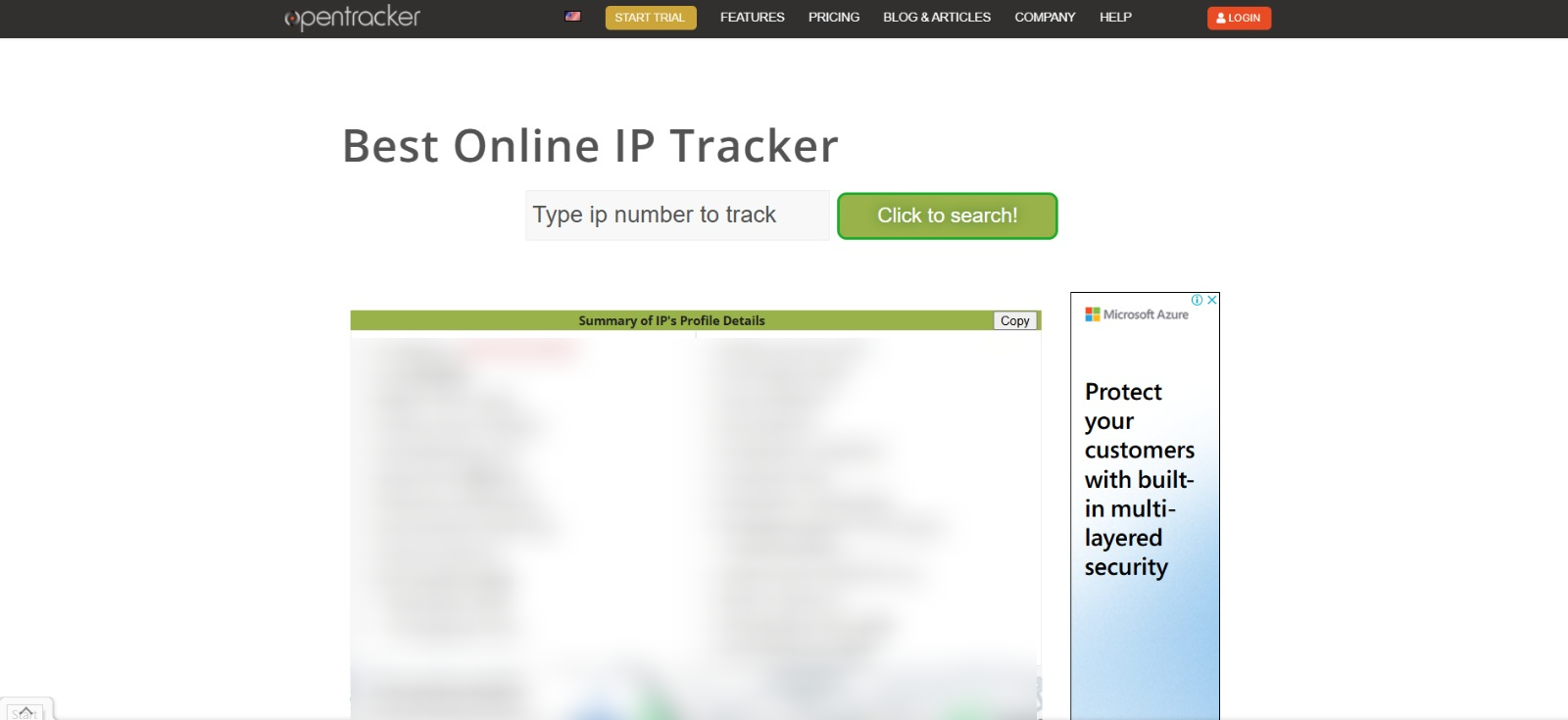
3. Open Tracker
An extensive tracking tool that provides high-grade details of sender location and email routing.
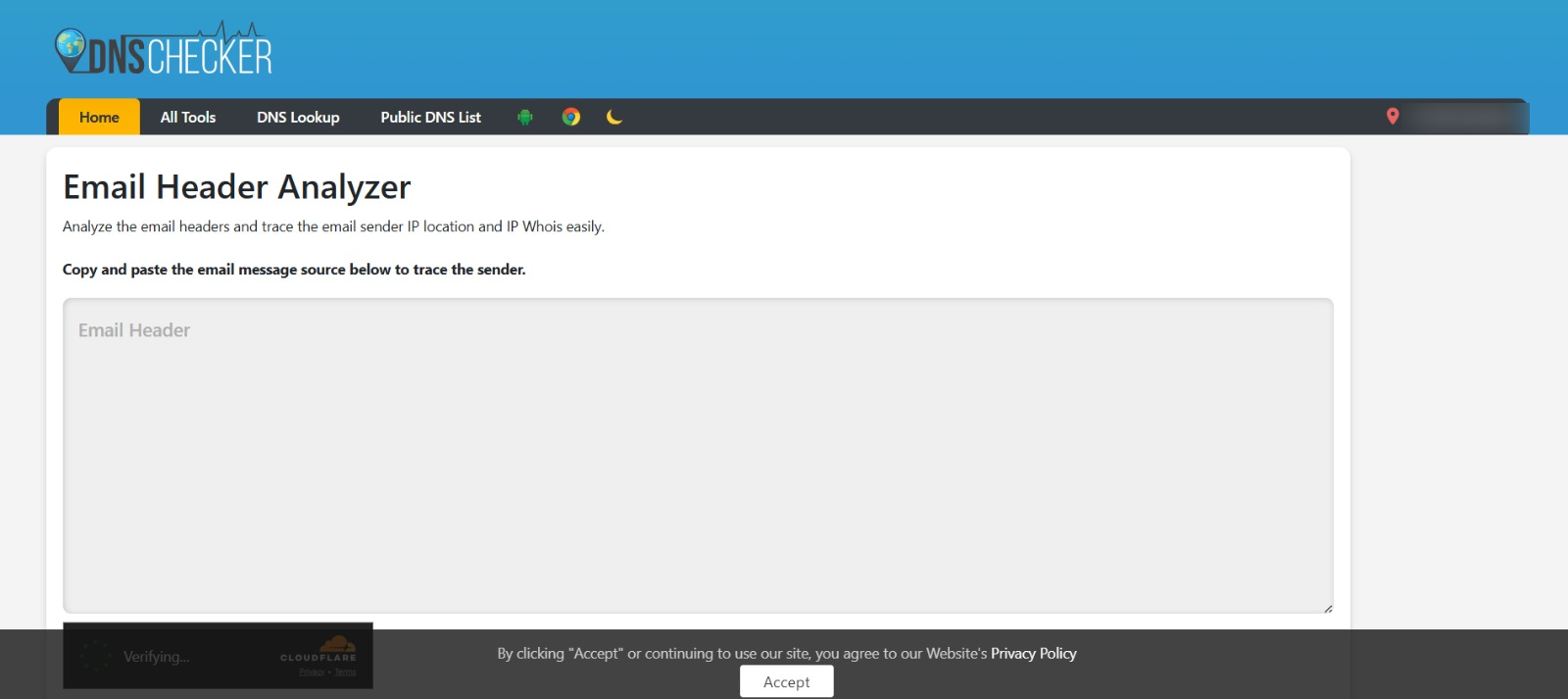
4. Email Header Analyzer by DNS Checker
Aids us in deciphering intricate headers and unearthing vital information to ascertain an email’s actual origin.
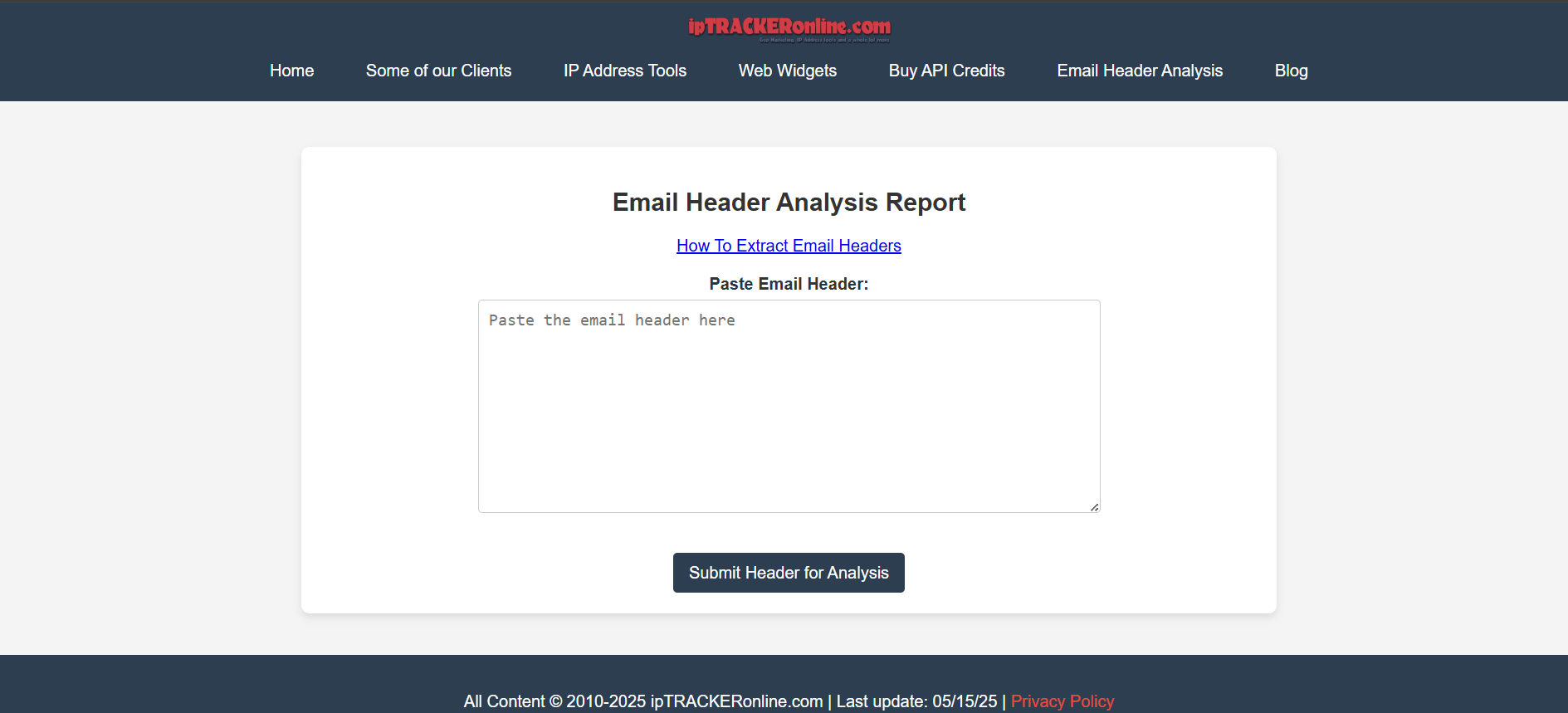
5. Email Tracker by IPTrackerOnline
A good detective tool that reveals IPs lurking in the “Received” lines within any email.
Such tools make it easier for us and provide better insights into who is behind those emails.
The Quick Way to Find an Email’s IP Address
Want to find an email’s IP in a hurry? We must access its header data—most email programs facilitate this, although the steps are different. In Gmail, for example, we click on the three dots by the reply button and choose “Show Original.” We find the “Received” area in that raw output, where the sender’s IP is stored. This allows us to track where the email actually started its journey.
Shared Roadblocks on Our IP Tracking Journeys
Tracking IPs may seem simple, but there are a few roadblocks that can lead us astray:
- Privacy Shields: Most big email providers like Gmail tend to cloak original IPs to ensure user privacy.
- VPN Trickery: Senders may employ Virtual Private Networks to conceal their actual location.
- Shape-Shifting IPs: Most internet providers use dynamic IP addresses that tend to vary frequently.
- Email Hopping: When emails go through several servers, retrieving the original IP is like looking for a needle in a haystack.
Best Email Management Software to Track IP Address from Email and Security
Seeking some serious solutions to enhance our email security? These are great choices worth exploring:
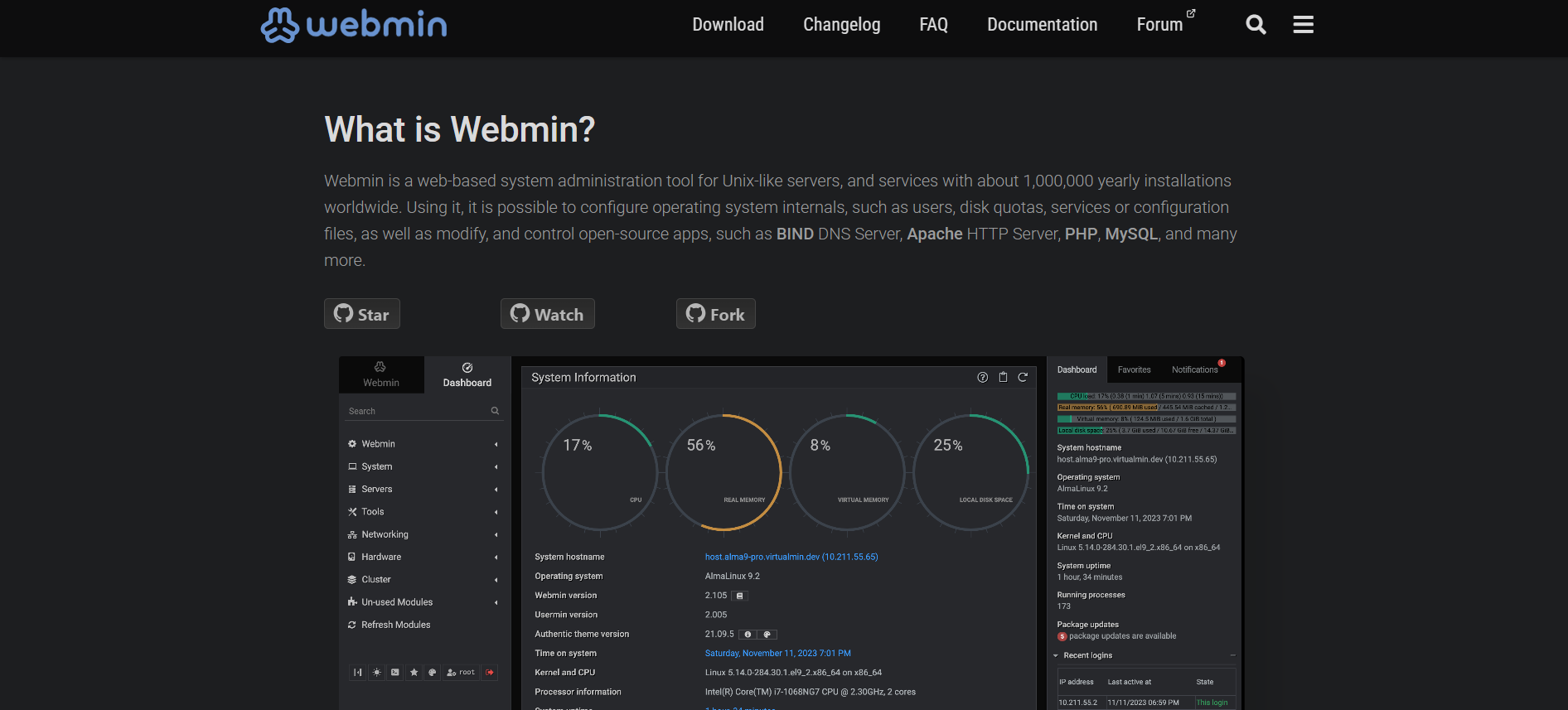
1. Webmin
We adore Webmin due to its advanced server management tools! Its easy-to-use interface is suitable for newbies yet has professional-level tools for pros. The email log analysis utilities aid in monitoring sender IPs and detecting suspicious behavior.
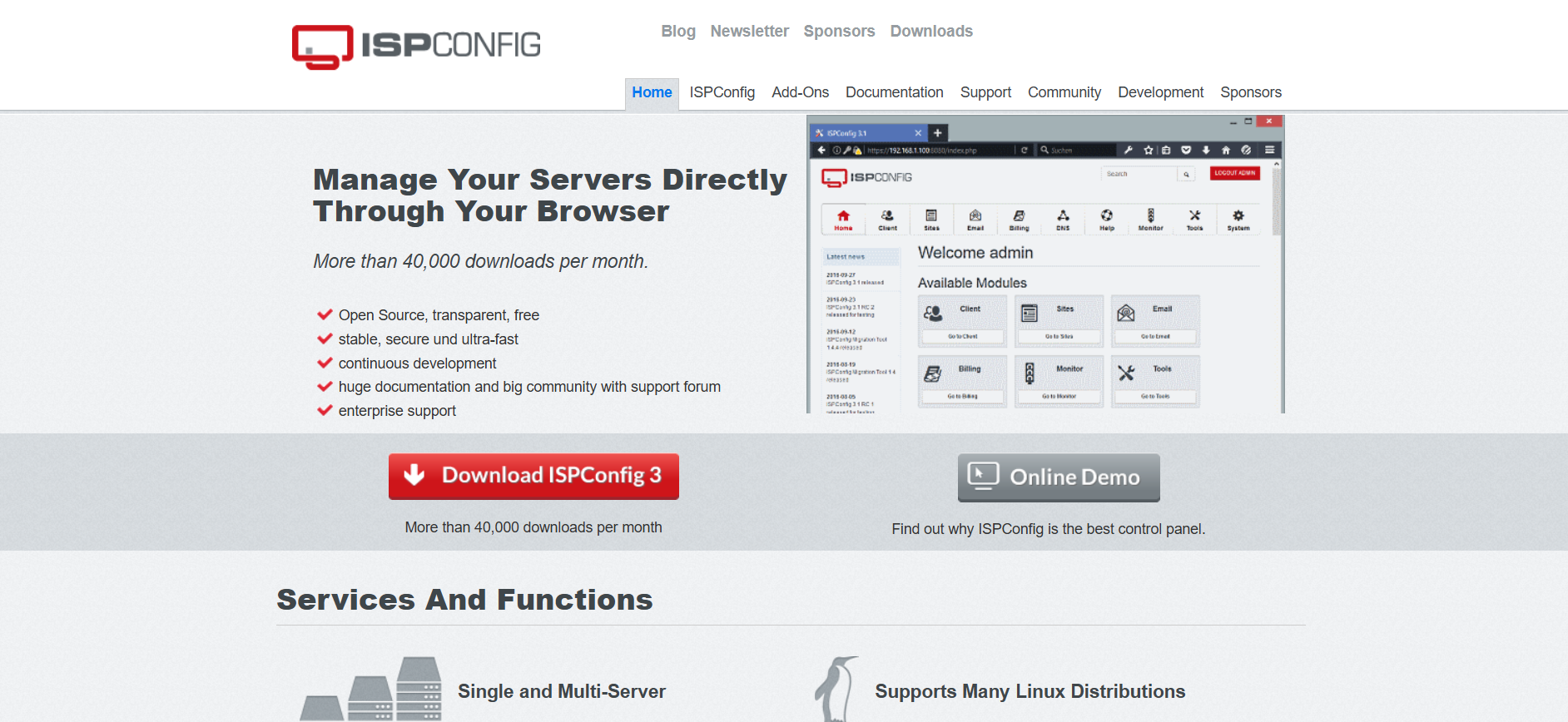
2. ISPConfig
ISPConfig provides powerful email server management with advanced logging. This hosting control panel also provides great monitoring, monitoring the IPs of all emails while keeping your system safe.
3. aaPanel
AaPanel ties together an easy-to-use interface and robust functionality for ease with power. Even non-technos can easily monitor email IPs with real-time traffic monitoring.

4. CloudPanel
CloudPanel provides us with a clean experience with top-notch security features. Its extensive logging makes tracking IPs simple, and the easy-to-use interface assists in easily recognizing anything unusual.

5. CyberPanel
CyberPanel is a famous free web hosting control panel. It improves email protection by authenticating emails using SPF, DKIM, and DMARC features. It also displays sender IPs, real-time monitoring, and SSL encryption.

How to Track IP Address from Email: Final Thoughts
Knowing how to follow an IP address from an email is a valuable weapon in our arsenal of digital defense. Understanding email headers and deciphering IP information allows us to detect suspicious sources and defend our inboxes against threats.
Whether manually or with sophisticated programs such as Webmin, ISPConfig, aaPanel, CyberPanel, or CloudPanel, our capacity to collect and analyze IP data enhances our stance in the current dynamic world of cybersecurity. Remain watchful and emphasize email security!
Ready to protect your email communications, but need professional help? WPExperts provides complete security solutions and can assist in implementing the proper tools to monitor and track email IP addresses. Their expert team can also assist in configuring secure email servers, tracking software installation, and creating custom security protocols specific to your requirements.
Contact us now to strengthen your email security position!
FAQs: Your Burning Questions Answered!
1. I have received an email. How can I locate the IP address?
To locate an email’s IP, we must locate its header – the method changes depending on the email service, but usually involves looking for a “view raw header” option and checking those “Received” lines.
2. What if I don’t see the IP address in the email header?
If the sender uses webmail such as Gmail, their original IP may be anonymized for privacy reasons. We can often still track the IP of the email provider, but tracking gets more difficult if the email has bounced off a series of servers or someone is using a VPN.
3. Are there any programs that facilitate tracing IPs?
Absolutely! Programs like MXToolbox, WhatIsMyIP, and IP Tracker analyze email headers and return IPs for us, with easy-to-consume results from confusing header data.
4. Can it be legal to trace an IP from an email?
Yes, for the most part, particularly for personal safety and research purposes. But we should respect privacy regulations and not misuse information, which could result in legal issues.
5. What do I do with a suspicious email?
Don’t click on links or download attachments! Run header analysis to monitor the sender’s IP, report the email to your provider, block the sender, and secure your account.