














































In today’s rapidly growing digital terrain, eCommerce has become an important element of global trade. Whether a small business owner wants to expand their reach or a larger enterprise seeks scale operations, a strong, flexible, and robust platform is required. That leads to WooCommerce. So, what is WooCommerce? A top eCommerce plugin for WordPress, transforming websites into fully functional online stores with matchless customization.
WooCommerce is an open-source, cost-effective tool that powers more than 4.6 million websites (Colorlib) and enjoys a large eCommerce market share. The featured-pack solution is compatible with WordPress, which is ideal when combining content and commerce for businesses.
Here, we will describe what WooCommerce is, its reality, its major features, and why it is a good choice for developing a high-performance online store.
What is WooCommerce?
Firstly, let’s discuss “What is WooCommerce?” because we can’t delay it anymore. WooCommerce is a free and user-friendly plugin for WordPress that turns a simple one-pager into a massive e-commerce platform. With it, you can sell anything online, from products and digital downloads to subscriptions, memberships, and bookings for events.
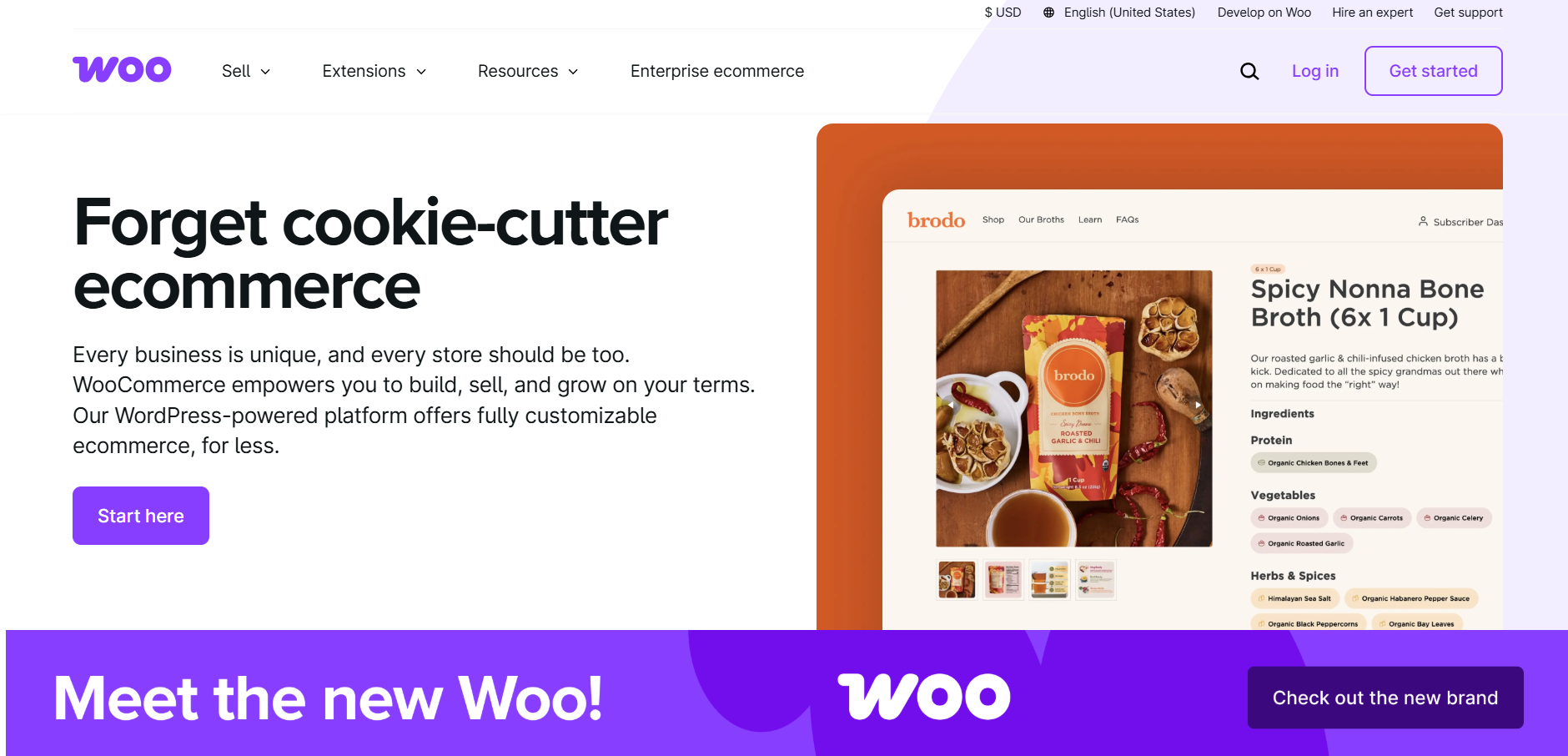
WooCommerce Facts:
WooCommerce is a giant of a WordPress plugin. Get some insights on WooCommerce statistics in 2025 before getting started with it.
- Used on over 4.6 million websites around the globe
- It constitutes 27% of all online stores
- Free to install and use completely
- Highly extensible with hundreds of thousands of themes and plugins
- Owned and developed by Automattic, the company that owns WordPress
There are no monthly fees for using Woo. The standard WooCommerce plugins are also free. But to get some of the added benefits, you would have to pay. For example, Spin Wheel or Wholesale plugin.
Why Should You Use WooCommerce? Benefits of Having it
1. It is Fully Owned and Controlled
With some hosted platforms, you’re just renting space on their servers. They may raise prices, remove features, or even shut down your store for any reason they want. You own everything in WooCommerce: your website, your customer data, and your store functionality.
2. Free and Open-Source
Most eCommerce websites charge either a month-to-month fee or commission-based pricing. But the answer to what is WooCommerce pricing? It is entirely free to start; you just have to pay for WordPress hosting. You get all the eCommerce functionality minus any recurring charges. Host a website and buy premium themes or extensions when you need them.
3. Native Integration with WordPress
WooCommerce was built with WordPress in mind, hosting over 43% of all web pages. Therefore, if you have felt what it is like to have WordPress, then Woo would come easily to your understanding.
4. The Customization Powerhouse
With so many themes, plugins, and extensions, you can create a successful store that connects with your brand and business goals. With WooCommerce, you can alter everything in your store; no limits, no bounds.
5. Scalability for All Size Businesses
From a small business to a big enterprise, all is possible in WooCommerce. Add as many products as you want, from 10 to hundreds of thousands; nothing is impossible for Woo. The biggest business names, including Singer and Weber, depend on WooCommerce.
6. Flexible Payment
WooCommerce makes it possible to avail almost every payment gateway, and some of those are:
- PayPal
- Stripe
- Apple Pay
- Google Pay
- Bank Transfers
- Cash on Delivery
To make an informed decision, go through our comparison of WooCommerce with other e-commerce platforms.
- WooCommerce vs PrestaShop
- WooCommerce vs Wix
- WooCommerce vs Shopify
Getting Ready with WooCommerce: A Step-by-Step Setup Guide
There is no need to know the coding language to start an online shop because now you know what WooCommerce is. Just some easy steps to get up and running can be done as follows:
Step 1: Install WooCommerce on Your WordPress Site
- Log in to the WordPress site’s admin dashboard, and click on the Plugins link.
- Select Add New and type WooCommerce.
- Install Now, then Activate.

- WooCommerce Installation Wizard automatically opens.

Step 2: Setting up Your Store Settings
WooCommerce guides you through store setup:

- Store Location – your business’s location
- Currency – of your choice that will be used in transactions
- Product Type – Physical products, downloads, services, etc.
- Payment Methods – use PayPal, Stripe, bank transfer, or more
- Shipping Setup – set up local, national, and international rates
Now, your WooCommerce store is technically ready to roll.
Step 3: Add Your First Product
Adding products in the WooCommerce plugin is pretty easy:

- Go to Products > Add New in your WordPress dashboard.
- Add your product name, description, and price.
- Add good product images.
- Use categories and tags to help in navigation.
- Add shipping details and stock availability.
- Click Publish, and your product is live.
Step 4: Customize Your Store’s Design
Your store’s look and feel affect sales. Woo includes thousands of free and premium themes, so your website will be professional and mobile-friendly.
If you need absolute design freedom, you can hire a WooCommerce development service for custom development. Use page builders such as Elementor or Divi for amazing layouts, or have custom features in WooCommerce plugins to add extended functionalities to your store.
What is WooCommerce: Key Features of Using Woo
WooCommerce is full of key features that make running a store easier and more streamlined for both store managers and customers.
1. Advanced Order & Inventory Management
Woo allows the store owner to track orders in real time, process refunds, and easily handle customer inquiries. Businesses avoid stockouts & optimize their inventory management easily through automated tracking of inventory and low-stock alerts.
2. Automated Tax & Shipping Calculations
Integration with tax tools for location-based tax calculations and shipping is easy as it supports UPS, FedEx, and USPS. WooCommerce enables real-time shipping rates, flat-rate options, or free shipping based on business needs
3. Built-in Analytics & Reports
Advanced reporting tools in WooCommerce would let the store owner track sales, revenue, and customer behavior. It even allows for details into the workings of a product so that businesses may tweak pricing, marketing, and growth strategies toward better profitability.
Who Should Use WooCommerce?
This eCommerce plugin is just apt for various kinds of businesses:
- New Entrepreneurs & Startups – Easy setup, no monthly fees, and unlimited scalability make WooCommerce ideal for start-ups.
- Small & Medium-Sized Businesses – The cost of scaling your brand comes with no overhead to pay for software costs.
- Large eCommerce Brands – Big companies like the flexibility, personalization, and performance that WooCommerce provides.
Developers & Agencies – WooCommerce is an open-source plugin that allows developers to make custom themes, plugins, and integrations on the basis of their clients’ needs. Many WordPress development companies provide custom WooCommerce plugins, store optimization, and more to help you make a successful business.
Types of WooCommerce Services You Can Get
WooCommerce Development Services
Choose WooCommerce development services for custom coding that extends WooCommerce’s capabilities. You may need a subscription box feature, a booking system, or wholesale pricing that makes sense for your business.
WooCommerce Design Services
Design services or WooCommerce UI development services make your store look professional, not like another WordPress site. A designer will build something unique that loads fast, works on phones, and doesn’t scream, “I used a free theme.”
WooCommerce Store Setup Services
Getting a proper WordPress and WooCommerce installation from the very beginning boosts your store. They really handle hosting setup, payment gateways, tax settings, shipping zones, and all that headache stuff that takes hours to figure out alone.
WooCommerce SEO Services
SEO services professionals optimise your images, fix slow loading times, make better product descriptions, and do all that backend stuff. They prevent your site from being impacted, ensuring you appear in search results and making Google actually display your products when people search.
WooCommerce Maintenance Services
Keeping core WordPress, WooCommerce, and plugins up to date is a task that should be handled by professionals. Maintenance services providers keep security in check, run backups, fix compatibility issues, and handle the technical maintenance you probably don’t want to deal with every week.
WooCommerce Migration Services
These services are super necessary. They help you shift your current store (whether it’s on Shopify, Magento, or another platform) to WooCommerce. They handle this critical migration task professionally and safely transfer all your website ranking and data to WooCommerce.
WooCommerce Plugin Development Services
This service comes into play when you need to create a custom plugin, when nothing in the WordPress directory does what you need. That could be inventory syncing with your physical store, custom shipping calculations, or a membership system built exactly how you want it.
Final Words
So, the judgment is that Woo is more than just a WordPress plugin. It’s the ultimate answer to what WooCommerce is—a classic, flexible, cost-effective solution for selling products and services on the web. It offers everything one can dream of: creation, management, and scaling of an online store. It grants complete control of the website for small business owners or even giant retailers with a wide range of goods.
Unlike other CMSs, charging a monthly fee with limited customization, WooCommerce is all about customizing your store according to your whims. It gives you the privilege of thousands of plugins, payment gateways, marketing integrations, and design options. WooCommerce leaves nothing to limit your selling choices in whatever way you want.
After realizing “what is a WooCommerce plugin” and why it fits your eCommerce requirements, the next step is the choice: create a WooCommerce store today & let your business idea shine for the moment.
Everything You Need to Know About What WooCommerce Is
Q1. How is WooCommerce Different from WordPress?
WordPress could be considered a content management system (CMS) in the sense that one can design and host one’s site or blog; WooCommerce is a WordPress plug-in with specialized eCommerce functionality, so that one would be able to set up and run an online shop.
Q2. What is WooCommerce and WordPress?
Woo is a powerful eCommerce plugin for WordPress, turning any site into a full-fledged online store. While WordPress is a flexible website builder, Woo adds the tools to sell products, manage inventory, and scale your business seamlessly.
Q3. What is WooCommerce for WordPress?
Woo is an absolutely free plug-in for WordPress that turns any simple WordPress website into a fully-fledged online store. Users can sell physical products, digital goods, subscriptions, and services, and track their payments, shipping, and inventory very smoothly.
Q4. What is a WooCommerce website, and is it free?
A product card is the basic visualization of the block that might be found on shop pages, showing product images, names, prices, and a “Buy Now” or “Add to Cart” button. It helps customers browse products easily.
Q5. What is a product card in WooCommerce?
A product card is the basic visualization of the block that might be found on shop pages, showing product images, names, prices, and a “Buy Now” or “Add to Cart” button. It helps customers browse products easily.




