



















































Businesses primarily rely on new purchase orders from existing and prospective customers. WooCommerce stores thrive on new orders for their products. As every WooCommerce store exists online, the probability of getting fake orders increases significantly.
Fake orders on WooCommerce can negatively affect your store’s credibility and productivity. Therefore, you must know how to resolve the issue of fake orders in WooCommerce.
This blog post will describe WooCommerce fake orders and possible solutions to eradicate the issue.
What Do You Mean By WooCommerce Fake Orders?
When a user intentionally sends a product order to deceive a company without intending to purchase the product, it is referred to as a WooCommerce fake order. Cybercriminals typically engage in this activity to deceive store owners, but the underlying causes behind WooCommerce fake orders remain uncertain.
Fake orders can significantly harm any business. Once businesses receive fake orders, they dispatch and assign the products to delivery persons. The sad part is that businesses must bear huge losses; therefore, they must be vigilant before processing WooCommerce fake orders.
Why Should We Prevent Fake Orders in WooCommerce?
You must prevent fake and fraudulent orders, as they can result in significant financial losses for businesses. Online stores lose approximately $48 billion annually due to fraudulent payment issues. Unfortunately, scammers benefit from data breaches and phishing attacks, gaining access to credit card information.
As a result, they make fraudulent purchases on various WooCommerce stores. Besides, other e-commerce frauds, such as account takeover, chargeback, and refund fraud, help hackers fulfill their notorious objectives.
Therefore, you must follow various methods to eradicate the fake order issues on WooCommerce stores.
What Should We Do to Detect WooCommerce Fake Orders?
When detecting fake orders on WooCommerce, it is essential to monitor the common methods that hackers and other cybercriminals use. Although we cannot prevent fraudulent transactions, we can still apply a few results-driven measures to identify them proactively. Luckily, different ways allow you to detect WooCommerce fake orders, including:
- Customer Information is Conflicting or Dubious.
- Several Declined Transactions.
- Large Orders from Unknown Customers.
Customer Information is Conflicting or Dubious

You must check customer information thoroughly when processing orders on your WooCommerce store. Furthermore, ensure that the billing and shipping addresses match on the customer orders. You must also confirm that the email addresses on WooCommerce orders are correct.
Several Declined Transactions
It is normal for your customers to have a few declined transactions due to errors. However, this should not exceed the standard limit or threshold. You must check the customer’s history if the declined transactions cross the standard limit.
You will need to block specific customers from the list if they have a high number of declined transactions within a short period. This will prevent suspicious customers from repeatedly placing fake orders on your WooCommerce store.
Large Orders from Unknown Customers
You must know the average number of products a customer buys from your WooCommerce store. You should also communicate with customers who purchase many products from your store.
However, if an unknown customer places a large order in your store, you should suspect something is fishy. Unfortunately, large customers can cause substantial financial strain on your business if they are not legitimate. This is one of the most crucial indicators of fake WooCommerce orders.
How to Avoid WooCommerce Fake Orders?
When avoiding fake orders on a WooCommerce store, you can follow numerous impactful methods, such as:
- Use CAPTCHA.
- Configure Spam Settings.
- Use the Cash on Delivery Payment Mechanism Wisely.
- Confirm If the Address is Correct.
- Users Must Create Accounts.
- Sell in Specific Countries.
- Verify CVV.
Use CAPTCHA
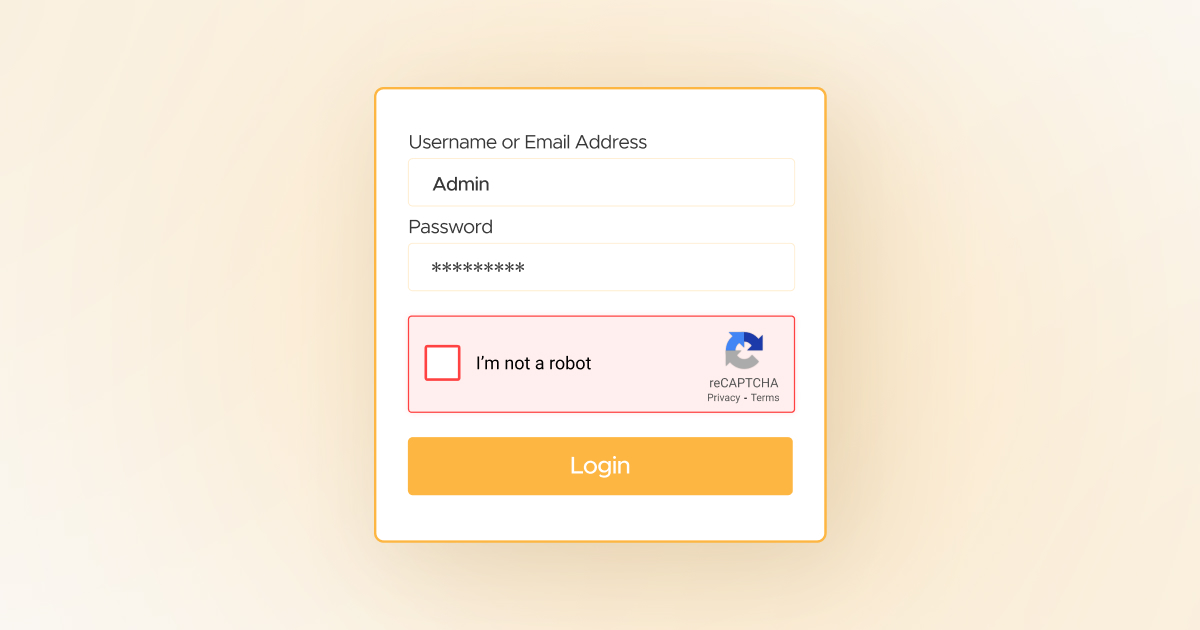
Implementing CAPTCHA on the WooCommerce store is desirable to prevent hackers and other cyber thieves from placing suspicious orders. You must use CAPTCHA when validating customers and safeguarding your WooCommerce store against the consequences of fake orders.
CAPTCHA helps store owners stop hackers and bots from creating accounts and placing fake orders. Interestingly, adding CAPTCHA to the WooCommerce checkout is not as cumbersome as it may seem.
Configure Spam Settings
Modifying spam settings can help protect your WooCommerce store from fraudulent activities and scams. This will help you stop suspicious customers from placing fake orders. For instance, you can implement CAPTCHA, ensuring humans can order on your store instead of bots.
Moreover, you can utilize various security plugins, such as Cloudflare, Sucuri Security, Wordfence, and more. Consequently, bots will not likely reach your WooCommerce store.
Use the Cash on Delivery Payment Mechanism Wisely

Unfortunately, WooCommerce stores that offer the cash-on-delivery payment option can receive fake orders in bulk. Users can utilize fake addresses when placing orders. However, there is a catch: they can cancel such orders once they have been shipped.
Therefore, as a store owner, you must use this option wisely to limit receiving fake orders from dubious customers. Doing so will help you prevent incurring financial losses, such as shipment charges.
Confirm If the Address is Correct

Once you have confirmed the customer’s order after a thorough evaluation, it is time to ship it to the verified address. The shipping address should not differ entirely from the billing address. Otherwise, the order can become suspicious.
In this situation, take a few extra measures to ensure the order is legitimate and the shipping address is accurate.
Users Must Create Accounts
Encourage new and existing customers to create accounts to place orders on your WooCommerce store. Discourage the use of the guest user option for placing orders. For this purpose, navigate to WooCommerce> Settings and click the Account and Privacy tab. You must uncheck the box next to the ‘Allow customers to place orders without an account’ option.
As a result, you can motivate customers to create official accounts before placing their orders in your store.
Sell in Specific Countries
If you want to restrict hackers, snoopers, and other notorious individuals from placing orders on your store, start selling in specific countries. This will help you avoid receiving fake orders from countries you do not want to sell to.
As you are aware, WooCommerce provides an excellent solution for this issue. Go to WooCommerce > Settings and use the General tab to select the countries to which you wish to ship or sell.
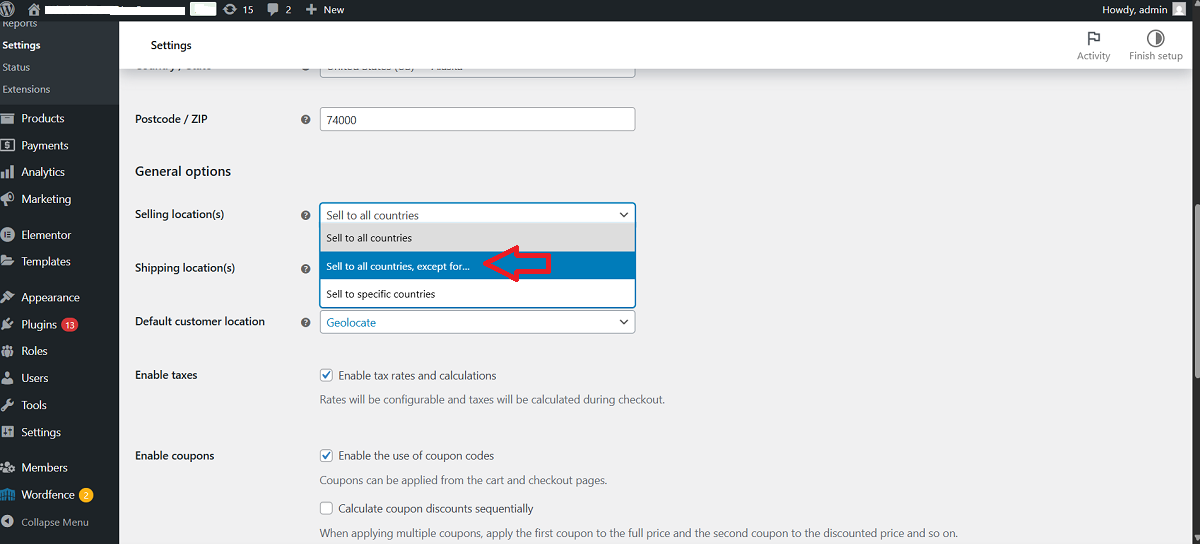
Fortunately, you can easily block states in WooCommerce to stop receiving orders from particular states.
Verify CVV
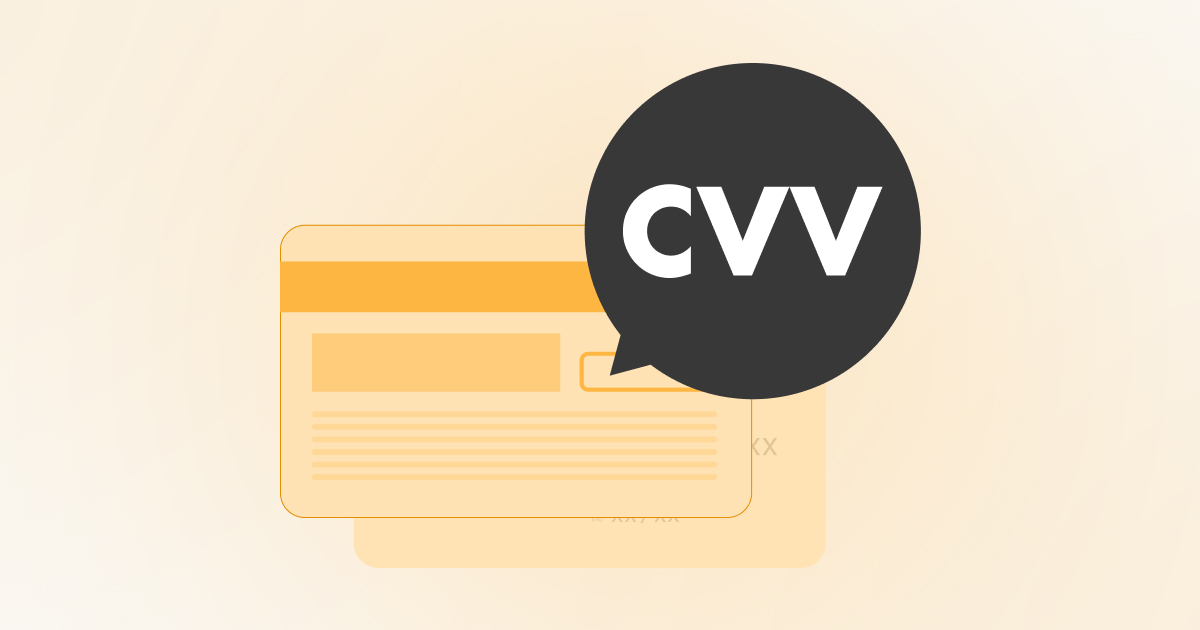
CVV is another method to prevent hackers and suspicious customers from placing fraudulent orders on WooCommerce. A Card Verification Value code, or CVV, is a three— or four-digit code on a debit card that helps ensure the customer’s card details are correct. This ensures that legitimate customers have placed authentic orders on your WooCommerce store.
Wrapping Up
We hope you liked our blog post regarding WooCommerce fake orders. These orders can significantly strain your resources, finances, and operational processes, causing severe disruptions to your business.
You should not overlook these obnoxious activities and dedicate enough time to determining the root causes. Your primary responsibility is to identify and cancel fake orders as soon as possible. Otherwise, you will bear additional operational costs that will hamper your business’s productivity, growth, and revenue in the long run.
Additionally, disputed transactions and regular chargebacks can negatively impact your business reputation and incur financial burdens, including bank fees. Likewise, payment processors may consider banning your account if you do not take robust preventive measures in the first place.
Therefore, follow the above methods to prevent WooCommerce fake orders and overcome the related challenges that hinder your business.




