
















































Brute force attacks are a common way of compromising a WordPress website. Hackers usually prefer using this devastating approach to enter WordPress sites using various password combinations. The successful brute force attacks on websites allow them to steal confidential data, inject malware, and completely remove website content.
You can follow the WordPress brute force protection mechanism to safeguard your WordPress site against brute force attacks.
This blog post will describe what a brute force attack is and how you can prevent your site from this attack through different methods. It will also explain the WordPress brute force protection mechanism.
What Do You Mean by a Brute Force Attack?
A brute force attack is a famous hacking method that uses trial-and-error to access a website, computer system, or network. The most common kind of brute force attack is password guessing, which hackers and other cybercriminals use to guess users’ login information and break into their sites.
What are the Consequences of a Brute Force Attack on WordPress Sites?
A brute force attack can harm your WordPress site even if unsuccessful. An unsuccessful brute force attack can send many requests to the hosting servers. As a result, your WordPress website can crash or slow down at any time.
Therefore, WordPress website owners should not take a brute-force attack lightly at any cost. If, unfortunately, a brute-force attack is successful, hackers can gain access to a site’s admin area. They can inject viruses or malware, stealing sensitive user information. Besides, they can remove anything on the WordPress site to fulfill their notorious objectives.
How to Safeguard Your WordPress Website from Brute Force Attacks?
Now that you know what a brute force attack is, let’s explain how to prevent your WordPress site from this attack.
Install a WordPress Security Plugin
Installing a WordPress security plugin can help protect your WordPress site. Brute force attacks target website servers by putting a lot of load on them. Unfortunately, unsuccessful attacks can negatively impact the website’s speed.
Thus, you should block such attacks before they target your server. You should use a security plugin with an exclusive firewall solution in this situation. You can consider using the following security plugins:
- Sucuri
- Wordfence
- Jetpack
- iThemes Security
- MalCare
This way, you can protect your WordPress site through a firewall, which will not allow malicious traffic to reach it.
Update WordPress Regularly
As you know, brute-force attacks often target WordPress’s previous versions, enabling them to detect vulnerabilities in these versions. Therefore, you must update your WordPress website regularly to stop brute force attacks from exploiting issues in older versions.
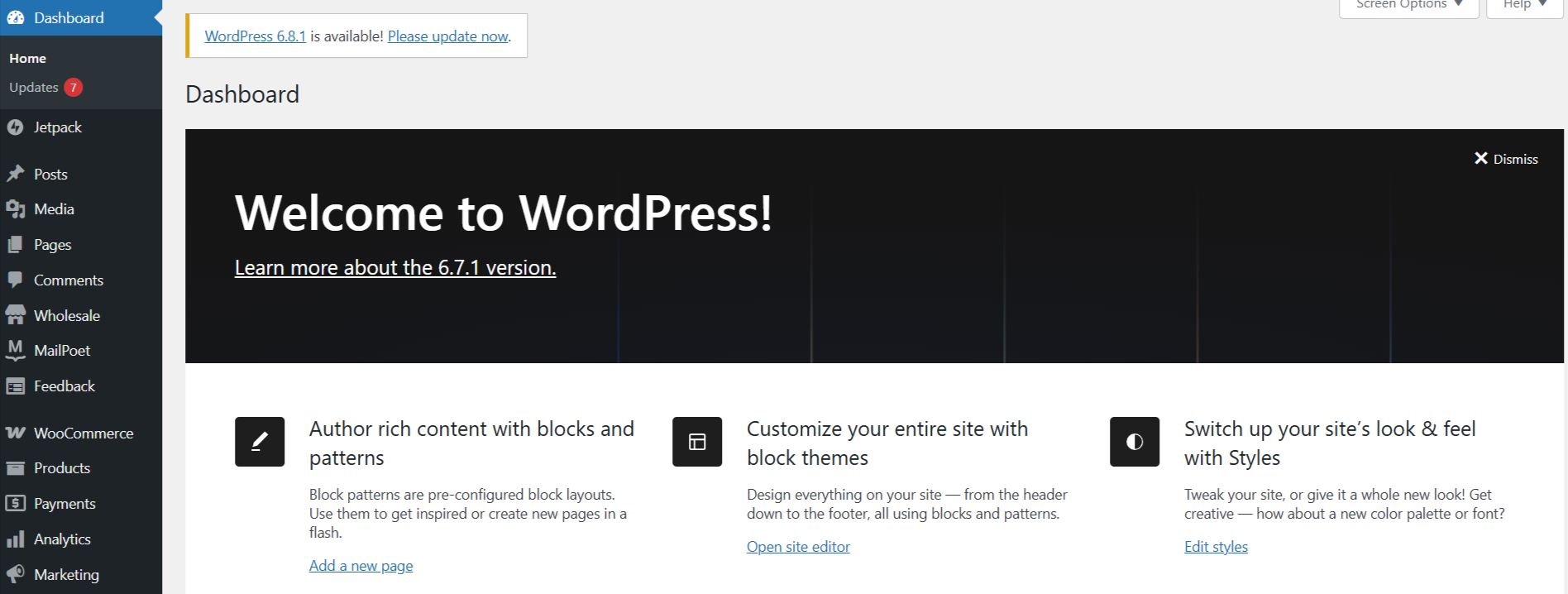
To update WordPress, navigate Dashboard > Updates through the WordPress admin area. This will allow you to check if updates are available. Additionally, you can check updates for WordPress plugins and themes following the same steps.
Thus, you must update your WordPress website frequently to avoid facing various WordPress errors and risks in the future, including brute force attacks.
Include Two-Factor Authentication
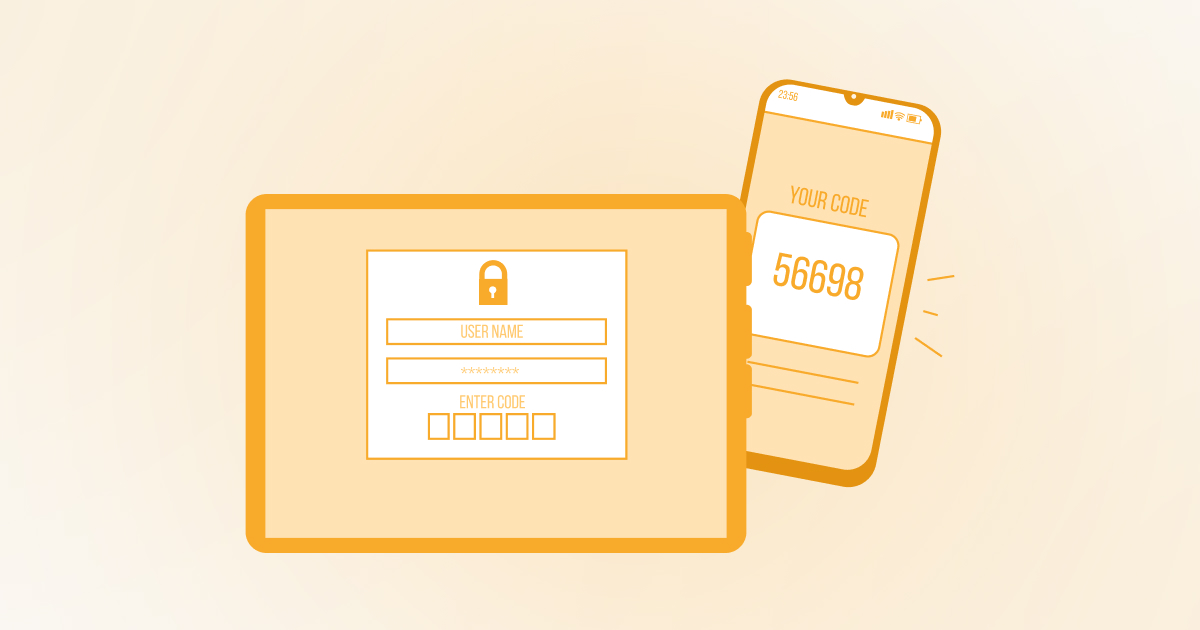
There is no harm in safeguarding your WordPress login screen. That’s because a successful brute force attack can gain access to your site by targeting it. It is better to understand single-step authentication before you add two-factor authentication to your site.
For example, using a password to log into your site is called single-step authentication. The same goes for two-step, or two-factor authentication (2FA), which allows you to insert two verification forms into your WordPress website.
In this scenario, you will have to provide the password. You will also authenticate your identity using your phone or another device. You will follow the two-step or two-factor authentication process when logging into your site.
Two-factor authentication (2FA) offers an additional protection against brute-force attacks. If an attacker attains a password in any way, they must prove their identity by mentioning another code, such as a code delivered to a user’s phone, to complete the login.
Attackers or invaders will find it challenging to access the WordPress site unethically. Moreover, the importance of 2FA is evident when hackers perform an automated brute force attack and target a particular site to breach its security by trying a combination of multiple passwords using software.
Hence, including two-factor authentication hardens your WordPress site’s security to new heights. In addition, you can safely negotiate the threat of a brute force attack in the right direction.
Utilize Strong and Uncommon Passwords
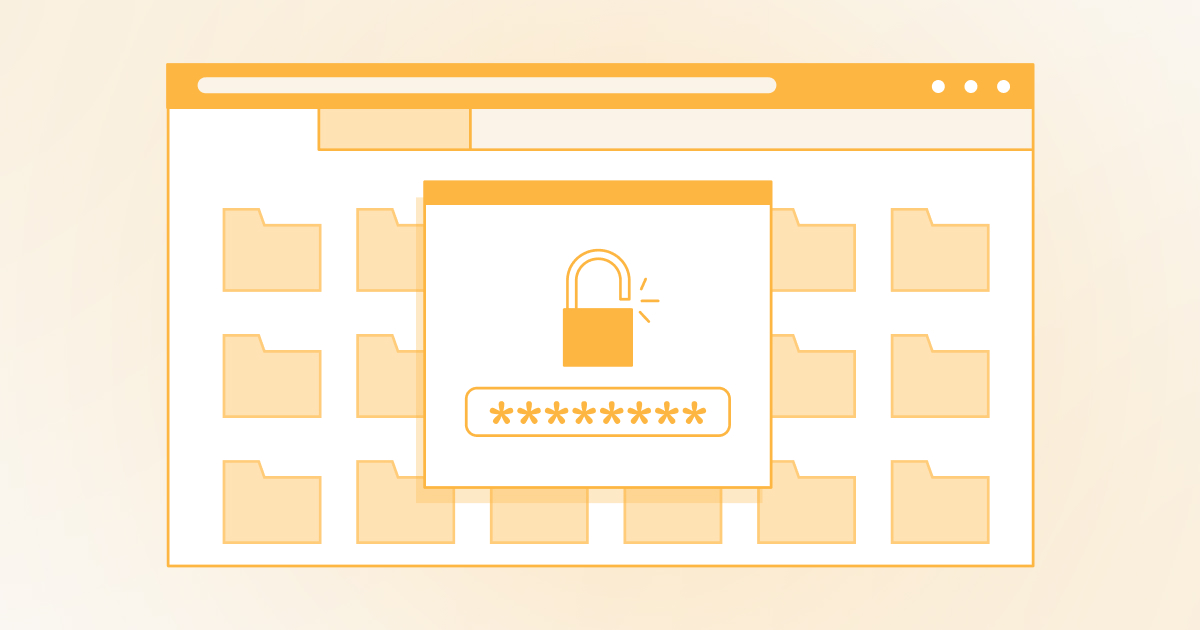
Passwords help us access our websites and online stores securely. You must use strong and uncommon passwords to keep your accounts safe. If you do not know what strong and uncommon passwords mean, they combine special characters, numbers, and letters.
For instance, xy123@#$xttyzgyu*&!% looks like a strong and unrecognizable password. You should protect your sites, FTP client, web hosting control panel, and WordPress database with strong and special passwords.
Whether you are a novice or an experienced user, using strong passwords is crucial for safeguarding your site against brute force attacks.
If you face difficulty remembering passwords manually, you can rely on various password manager apps that keep all complex passwords hidden and unaffected from the prying eyes of hackers and other cybercriminals in one place. When you need to use your passwords, they will automatically fill in on your behalf.
Apply Limit Login Attempts
Limiting login attempts can help you safeguard your WordPress site against brute force attacks. Simply put, you should restrict a user’s login attempts within a specific period. Fortunately, various WordPress plugins can allow you to limit the login attempts of users on your website. For instance, you can benefit from Limit Login Attempts Reloaded.
This plugin enables WordPress site owners to update various settings, including the lockout duration, email notifications, the number of allowed retries, the auto denial of malicious IP addresses, and more.
Limiting login Attempts is an excellent option for improving the security of your WordPress website. It weakens brute-force attacks by limiting the number of login attempts from a particular username or IP address. The plugin can help users secure WooCommerce, XMLRPC, and custom login pages.
Adding reCAPTCHA/CAPTCHA to WordPress login and registration pages can reduce automated login attempts. Thus, you should consider implementing this method to bypass brute force attacks.
What Do You Mean by WordPress Brute Force Protection?
WordPress brute force protection comprises various security measures needed to protect WordPress sites against brute force attacks.
How Does WordPress Brute Force Protection Work?
WordPress brute force protection works in different ways. For instance, this process helps limit login attempts from a specific IP address or user. In addition, the two-factor authentication (2FA) method is another approach that brute force protection uses to mitigate brute force attacks.
Lastly, security plugins like Sucuri, Wordfence, etc., also significantly improve the impact of WordPress’s brute force protection mechanism.
Wrapping Up
We expect you to like our blog post describing WordPress brute force protection and different methods to avoid brute force attacks on WordPress sites in the future. Website owners, developers, and other stakeholders should not undermine the significance of WordPress brute force protection, as it helps safeguard WordPress sites from hackers who try to gain unauthorized access. The above methods will help you make your website function smoothly without glitches.




