
















































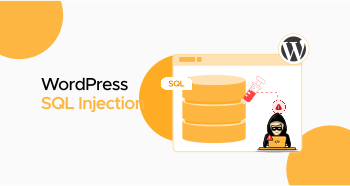
An SQL injection is a code insertion tactic hackers use to exploit weaknesses in a site or application’s database. Sadly, scammers can access and misuse the database through an SQL injection attack. Therefore, you must understand WordPress SQL injection attacks and how hackers use them to target desired sites.
This blog post explains how SQL injection attacks work in WordPress and describes various methods for bypassing them.
What Does an SQL Injection Mean?
Structured Query Language (SQL) enables users to interact with databases. Contemporary web applications utilize databases to manage data and show dynamic content to users.
SQL injection (or SQLi) occurs when a user attempts to insert malicious SQL statements into a web application. If they succeed, they can access sensitive data in the database.
How Does an SQL Injection Work in WordPress?
Hackers can perform SQL Injection in various ways. For instance, they can retrieve data unethically by manipulating the SELECT query. As a result, hackers can access crucial information, such as usernames, passwords, and email addresses. This action can lead to serious security issues, such as identity theft and data breaches.
Apart from this, SQLi, or SQL injection, allows scammers to change account permissions or database entries. SQLi can corrupt or remove content. It can also inject malware into WordPress sites, jeopardizing server security.
Different Entry Points for SQL Injection in WordPress
- Custom Plugins or Theme Codes
- Search Bars
- Comment Fields or Contact Forms.
- URL Query Parameters
- Login Forms Without Nonce Validation
Types of SQL Injection
SQL injection attacks have three key types, each working differently. However, their main objective is to tamper with or remove the database. These types are described below.
IN-BAND SQLI
In-band SQLi occurs when a scammer attempts to inject malicious SQL code into the site or application and collects results using the same communication channel. In-band SQLi has two subtypes: error-based SQL injection (SQLi) and union-based SQLi.
Inferential (Blind) SQLI
In inferential SQLi, hackers cannot view the results immediately. They rely on database queries, which give answers in “yes” or “no.” Hackers disclose the database structure or data depending on the website’s response. They employ two approaches when performing this activity: Boolean-based SQL injection (SQLi) and time-based SQLi.
Out-Of-Band SQLI
In an out-of-band SQLi attack, scammers employ various methods to achieve their objectives. Like the inferential SQLi attack, they cannot view the results instantly. They receive the data via a network connection or email.
Hackers use this SQL injection type when a site doesn’t allow ordinary SQL injection methods.
How to Avoid SQL Injection Attacks in WordPress?
As discussed, hackers can access, alter, or delete data in your database if your WordPress site contains an SQL injection (SQLi) vulnerability. You should not lose hope; you can follow different methods when avoiding SQL injection attacks in WordPress.
Use a Firewall
You should use a firewall to protect your site against SQL injection attacks. When you configure a web application firewall (WAF), you can easily monitor network traffic. Additionally, a web application firewall is beneficial for blocking malicious activity. It safeguards your website against SQL injection and prevents cross-site request forgery (CSRF), file inclusion, and cross-site scripting attacks.
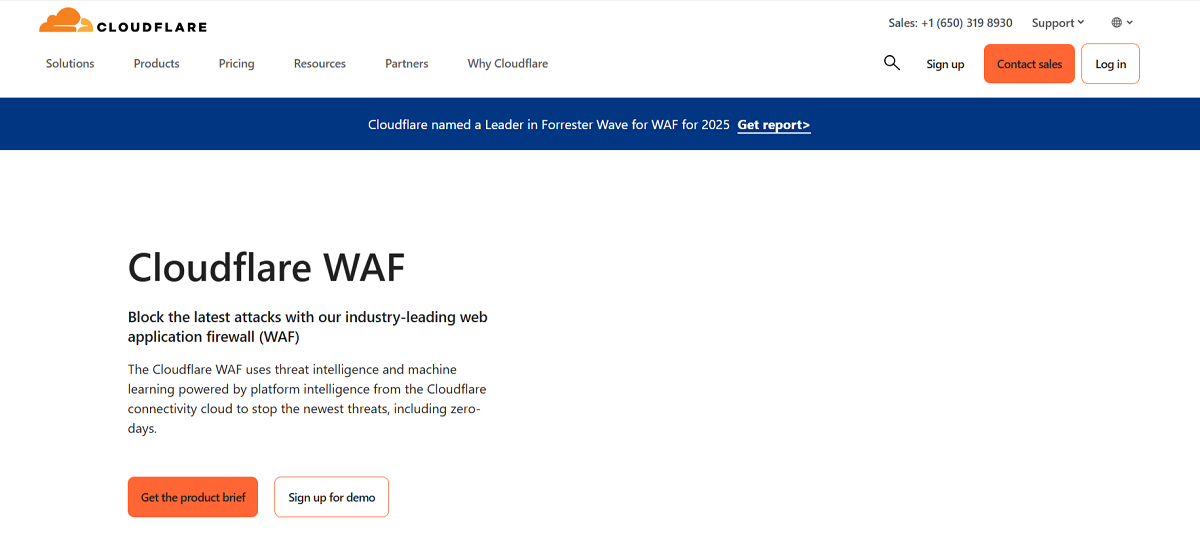
You can use Cloudflare, a free service with an impactful web application firewall. This tool enables you to easily recognize various SQLi attack variations. You can also use Imperva, FortiWeb, and other web application firewalls to protect your site.
Perform Updates Frequently
You should not undermine the importance of updates, as they are a crucial aspect of the security routine. Developers, security experts, and others discover various security vulnerabilities daily.
More importantly, updates are the best defense against multiple security vulnerabilities. Consider using reputable plugins, avoid using null plugins and themes, and keep your plugins and core files up to date.
WordPress Security Audit

As SQLi and other security attacks rise, security audits have become a standard practice in the post-pandemic era. The benefit of security audits is that they enable site owners to maintain the security of their sites. Security audits involve simulated attacks, including SQLi (SQL injection) attacks, which identify SQL injection issues before attackers can discover and exploit them.
Do Not Share Extra Information
Unfortunately, database error messages often enable scammers to obtain a significant amount of sensitive information. This information includes server admins’ email addresses, authentication credentials, and internal code. To safeguard your website, create generic error messages using a custom HTML page.
To be safe, you should reveal only the required information. Otherwise, too much information can pose a security threat to your site.
Encrypt Confidential Data
It does not matter if your database is secure; you must keep it safe and protected regularly. This way, you can keep hackers and other cybercriminals at bay, as they cannot target your website with SQLi and other dangerous attacks.
Once you encrypt your database data, you can secure and safeguard it, as well as your site, against SQL injection attacks.
Use WordPress SQL Injection Prevention Plugins
Undoubtedly, outdated software is an easy entry point for hackers and other cybercriminals. They exploit this vulnerable software when targeting WordPress sites via SQLi attacks. Fortunately, various security plugins are available to help you safeguard your site.
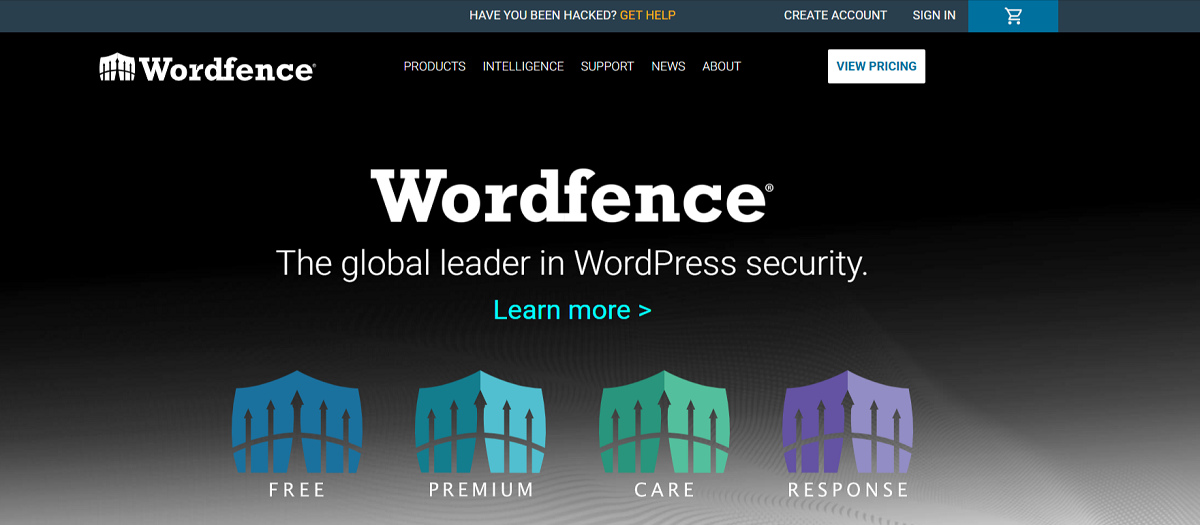
Using security plugins, such as Sucuri Security, Wordfence, and All-in-One Security, will ease your mind and allow you to concentrate on the crucial aspects of managing your WordPress website.
Activate Two-Factor Authentication (2FA)
Enabling two-factor authentication (2FA) helps safeguard your WordPress site. This will help add a security layer to the login page. You can benefit from two-factor authentication plugins when setting up two-factor authentication (2FA) on WordPress.
WP 2FA by Melapress, Google Authenticator by miniOrange, etc., are reliable plugins. After installing the plugin, you should follow the authentication method to activate it. Now, you should evaluate the plugin by logging out of your WordPress account.
Once you have logged out, log in again to see if you need a 2FA code after entering your username and password.
Backup Your Website
You should create a site backup regularly. This process is handy for restoring the site to its old state if something unexpected happens. Various plugins, including Solid Security and UpdraftPlus, can automatically create a site backup.
If you publish blog posts regularly, these plugins are handy because they enable you to back up your files and database on a daily basis.
Are Other Database Servers (MySQL, Oracle, Sybase, DB2) Prone to SQL Injection?
SQL injection generally applies to SQL databases. However, you should not take the intelligence and expertise of scammers lightly. Unfortunately, they can implement the same tactics on other databases, such as Oracle and DB2.
They can alter the injection commands from SQL to another based on their target database. Luckily, the preventive approaches remain the same, such as restricting database code, user input sanitization, and more, regardless of which database hackers target.
Wrapping Up
We hope you will appreciate our blog post about WordPress SQL injection attacks. Unfortunately, SQLi attackers can exploit your database using SQL malicious statements. The above possible workarounds help you proactively avoid SQL injection attacks in WordPress.
Scammers do not wait, so you should not wait either. They attack numerous websites daily to accomplish their unethical objectives. Ensure your site is not one of them. To address these issues, implement a firewall, enable two-factor authentication (2FA), and review your security settings. These steps will enable you to bypass other significant security issues effectively.




