











































Restaurant for WooCommerce

Create your own restaurant delivery system within minutes. It is a full-featured quick-order solution that helps you sell various food items online.

Add Multiple Locations

Add Multiple Locations

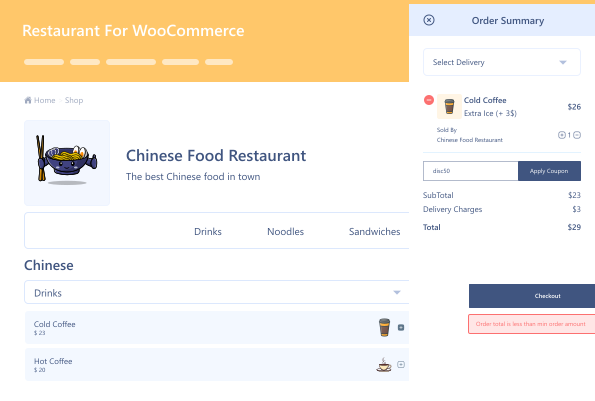
Fast Cart Option

Fast Cart Option

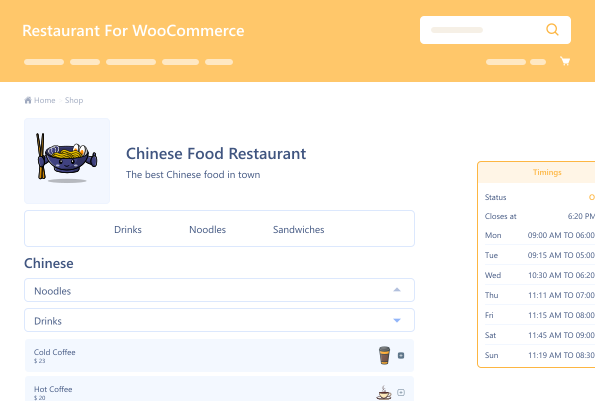
Add holiday Timings

Add holiday Timings

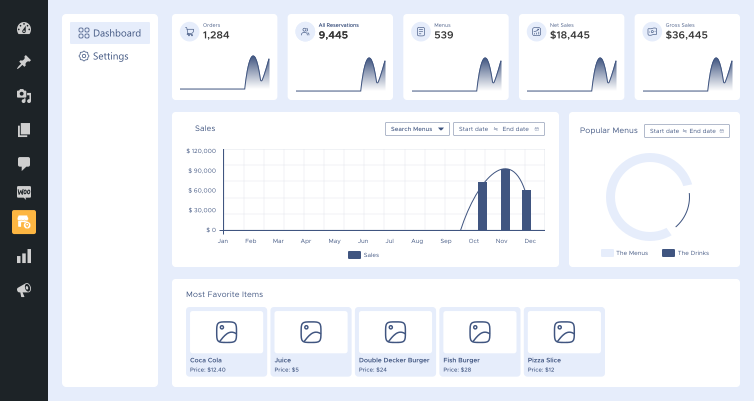
Restaurant Dashboard

Restaurant Dashboard

Food Labels Options

Food Labels Options

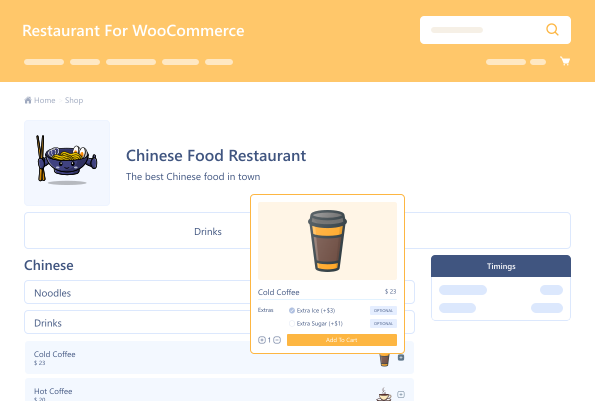
Food  Properties

Food Properties

14 Day Money Back Guarantee
Woo Pro Partner
Safe and Secure Checkout
80+ Clutch reviews

Enjoy Up to 80% OFF on Our All Access Pass Lifetime Plan — Limited-Time NEW YEAR Deal

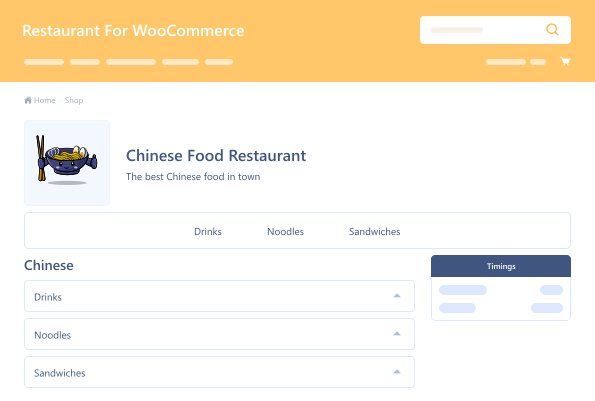
Restaurant's Name, Description & Logo on The Menu
Table Ordering Via QR Code
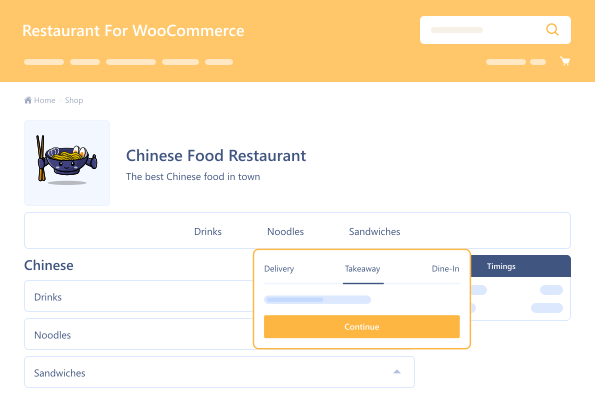
Enable Takeaway and Dine-in Options
Restaurant Performance Dashboard

Pricing Plan

Basic

$149.99/Billed Annually

Single Site

Priority Support
Regular Plugin Updates
All Core Features Included
Auto-Renew Subscription
lightning bolt

POPULAR

49% Off

Pro

$449.97

$229.99/Billed Annually

3 Sites

Priority Support
Regular Plugin Updates
All Core Features Included
Auto-Renew Subscription

Agency

$14999

$299.99/Billed Annually

100 Sites

Priority Support
Regular Plugin Updates
All Core Features Included
Auto-Renew Subscription
14 days money back guarantee

14 Day Money-Back Guarantee

We are committed to your satisfaction that our products will elevate your online store’s performance, backed by our 14-day money-back guarantee. Please review our Refund Policy for more details.

Restaurant for WooCommerce Features

Experience seamless online restaurant menu management with the following features. Elevate your restaurant's online presence effortlessly.

Add Unlimited Delivery Options

Add Unlimited Delivery Options

Add unlimited delivery options for your customers.

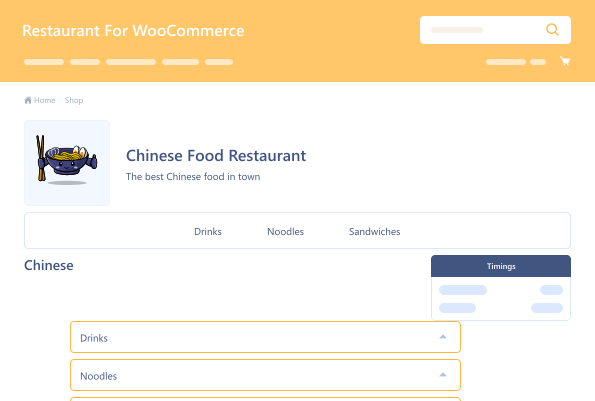
Display Hours of Operation

Display Hours of Operation

Manage operating hours by setting opening and closing times.

Add holiday dates and messages

Add holiday dates and messages

Add holiday dates and messages to your restaurant’s schedule.

Add Multiple Locations for your Restaurant

Add Multiple Locations for your Restaurant

Display different menus according to location.

Add Reservation Forms

Add Reservation Forms

Add & customize reservation forms for a seamless booking experience.

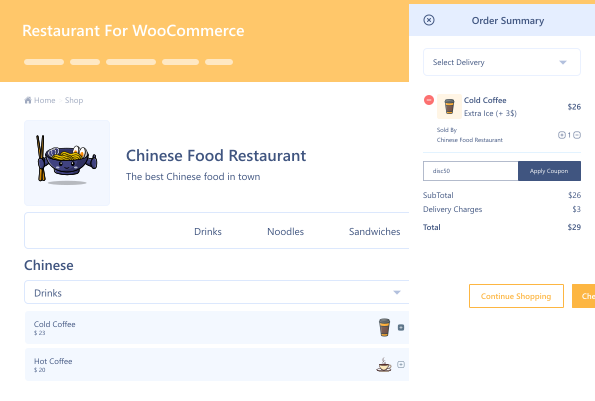
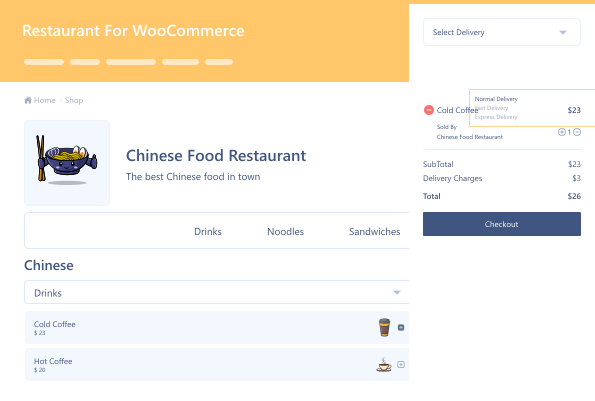
Sliding mini-cart  Style

Sliding mini-cart Style

Display the user's items in a slider extending from the screen's right side.

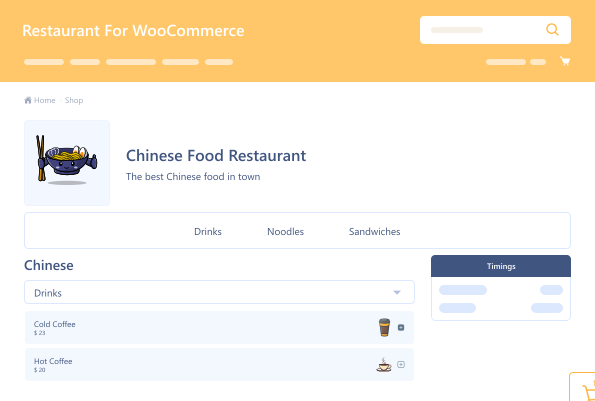
Fast Cart

Fast Cart

One-click instant checkout to avoid the cart and checkout page.

Hide & Unhide  Products

Hide & Unhide Products

Hide or unhide any item from your food menu

Food  Properties

Food Properties

Add details or properties for any menu item.

Food Labels

Food Labels

Add food labels to any item on the menu.

Services  Dashboard

Services Dashboard

Easily track customer preferences and service demand

Restaurant for WooCommerce

Version : 2.5.2

Version History :

Version History

N = new

U = update

D = dev

F = fix

R = remove

O = other

2.5.2 2025-10-27
  • N – compatible with latest wordpress & woocommerce version.
2.5.1 2025-04-10
  • N – compatibile with cache plugin
  • N – compatibile with wpml plugin
  • F – fixed permission warnings.
  • F – modifier added in order details and emails.
  • F – fixed load more ajax.
  • F – fixed icon bug fix.
2.5.0 2024-12-31
  • N – dashboard
2.4.0 2024-10-08
  • N – custom order status
  • N – real time ordering
  • N – menu products pagination
2.3.0 2024-05-14
  • N – table ordering via qr code
  • N – reservation status block
  • N – product duration
2.2.0 2024-06-10
  • N – added rest apis menu / reservation / modifiers
  • F – support issues fixes
2.1.0 2023-12-22
  • N – food labels.
  • N – locations.
  • N – service column.
  • N – rms menu price.
  • N – reservation system.
  • U – declared compatibility with the cart/checkout blocks.
  • F – code vise compatible with wpml.
2.0.7.1 2023-11-08
  • U – enhanced code optimization and strengthened security measures.
2.0.7 2023-05-10
  • U – add condition to check if rms script is enqueued correctly.
  • U – code optimized.
  • N – compatible with woocommerce subscription.
  • N – delivery time slots.
  • N – twilio integration.
  • F – tested upto php version 8 and woocommerce version 7.5.
  • U – security issue.
2.0.6 2022-09-01
  • F – cart icon not visible.
2.0.5 2022-06-02
  • N – max order limit
  • N – tip options
  • N – suggested products on cart
  • N – holidays
  • F – category thumbnail notice error.
  • N – filter to change the add to cart button text on menu.
2.0.4 2022-06-02
  • U – code impovement.
2.0.3 2021-12-17
  • N – takeaway & dine in options
  • N – predefined & customs food properties
  • N – coupon form on sliding cart
  • N – slide icon color option
  • N – slide icon bg color option
  • N – cart counter color option
  • N – cart counter bg color option
  • N – gutenberg block for rms menu.
  • R – slide icon upload
  • R – standard cart
  • U – changes in the front-end ui
2.0.2 2021-09-16
  • N – woocommerce standard shipping calculator on minicart.
  • N – error message “please select require field”
  • N – add class to body when sliding cart open useful for some themes.
  • F – variable product add to cart issue fixed.
  • F – modal hide behind slider in some themes.
2.0.1 2021-08-20
  • U – added filter for category name apply_filters( ‘wc_rms_display_cat_name’, $category_name, $category ).
  • U – added font awesome library.
  • U – clear notice issue restricted to the restaurant pages.
2.0.0 2021-06-22
  • U – complete frontend & backend ui
  • U – removed setting tabs from woocommerce setting page and register as new post type.
  • N – support for translations with loco & wpml translate.
  • N – create multiple menus. you can use menu’s by using their shortcodes [rms_menu id=”menu_id”]
  • N – set menu type grid/list view.
  • N – option to enable/disable menu type from frontend.
  • N – set pagination for each menu (default will visible 10 menu per page).
  • N – option to add/remove categories in menu with drag & drop option to sort categories.
  • N – option to exclude products from menu.
  • N – option to show/hide categories list on menu page with options left view or top view.
  • N – option to show/hide product image on popup.
  • N – categorized restaurant settings by type in admin.
  • N – option to show particular menu on shop page when converting shop page to restaurant.
  • N – custom product addons for restaurant.
  • N – set modifier (addons) by category and by product.
  • N – option to set restuarant theme color.
  • N – two types of cart view standard minicart & sliding minicart.
  • N – options to change cart title, timing title and checkout button text.
  • N – options to add multiple timing slots in a single day.
  • N – admin notication of orders with alert sound.
  • N – integration with wc product vendors plugin.
1.2.3 2020-12-28
  • F – compatible with extra product addon pro 3.0.0.
  • F – compatible with extra product addon free 3.0.0.
  • N – category carousel sliding.
  • U – showing required field error in modal.
  • U – showing delivery method dropdown in minicart.
  • N – enable/disable delivery method.
  • F – removed “delivery charge ()” from checkout if no delivery method added.
  • F – order review on checkout page issue fixed.
  • F – restaurant modal tempalte added in wp_footer hook to avoid conflict with themes.
  • N – add “wc_rms_tax_label” filter for alterate the “service charge” text.
  • F – removed product limit for each categories.
  • F – footer cart fixed for mobile view.
1.2.2 2020-12-16
  • F – variation on popup.
  • F – extra product addon.
  • N – category sorting.
  • N – product sorting.
  • N – user can add free delivery as 0 price.
1.2.1 2020-11-16
  • F – form serialize issue.
1.2.0 2020-10-23
  • F – removed warning if no delivery method is set from admin.
  • F – product addon multiple attributes to cart.
  • U – ui improvement on mobile view
  • N – wpml supported.
  • N – compatible with woocommerce products addon.
  • N – extra addons showing on restaurant cart.
  • N – min order check on restaurant page.
  • N – clear delivery option from mini cart after order is complete.
  • N – checkbox enable to replace shop page with restaurant menu.
  • N – checkbox enable to replace shop ltr to rtl.
  • N – show user define categories on restaurant.
  • N – option to show/hide restaurant information container.
  • N – delivery option check on restaurant page.
  • N – compatible with woocommerce stripe payment.
  • N – option to show/hide product image on popup.
1.1.0 2020-09-23
  • N – compatible with composite products.
  • N – compatible with extra product option fields.
  • N – new css style for restaurant page.
  • N – add attribute to shortcode to display composite products independently.
1.0.0 2020-09-02
  • O – initial release.

Last update : 2025-10-27

Online Menu
Restaurant
Restaurant Plugin
Restaurant WooCommerce
still have a question

Still have a question?

Check the Documentation, and if you can't find an answer there, send us an email.

FAQ's

How long does it take to set up an online restaurant menu on WooCommerce?

You can use this amazing online restaurant plugin to set up your menu within a few minutes with our setup guide.

Can I offer multiple delivery options with this plugin?

Yes, you can provide various delivery options tailored to your customers’ preferences, including takeaway and dine-in.

How does the menu customization work?

The plugin allows you to customize your menu with modifiers, create multiple menus for different occasions, and even reorder products and categories with drag-and-drop functionality.

Does the plugin support online reservations?

Yes, you can add reservation forms to your website, enabling customers to book tables directly online.

What kind of checkout experience does the plugin offer?

The online restaurant menu plugin includes a Fast Cart feature for a quick and seamless checkout process, allowing customers to pay directly without being redirected to a separate page.

Is the plugin compatible with other WooCommerce plugins and integrations?

Yes, it integrates with various WooCommerce plugins, such as WC Product Vendors and WC Composite Products, and supports translation plugins, such as Loco and WPML Translate.

Can I customize the appearance of the menu and cart?

Absolutely, you can tailor the menu and cart appearance, including colors, icons, and labels, to align with your restaurant’s branding.

Can I display my restaurant’s operating hours on the menu?

Yes, you can configure and display your restaurant’s opening and closing times, including multiple time slots for each day and holiday schedules.

How does the plugin handle customer notifications?

The plugin allows you to set up notifications for incoming orders, including alert sounds and email notifications for reservations.

Second Thoughts? No Sweat!

You’ve got 14 days to change your mind and get your money back!

Copyright © 2025 WPExperts

WPExperts Badges
WPExperts Badges

Copyright © 2025 WPExperts