
































The WordPress 6.8 release date, 15 April 2025, is here. WordPress users can benefit from the latest release and delight their customers.
As you know, WordPress pays tribute to renowned musicians. WordPress 6.8, code-named “Cecil”, has acknowledged pianist and Jazz pioneer Cecil Taylor. Celebrate his legendary work in free Jazz while experiencing new features and enhancements of the WordPress 6.8 release.
Let’s Welcome WordPress 6.8
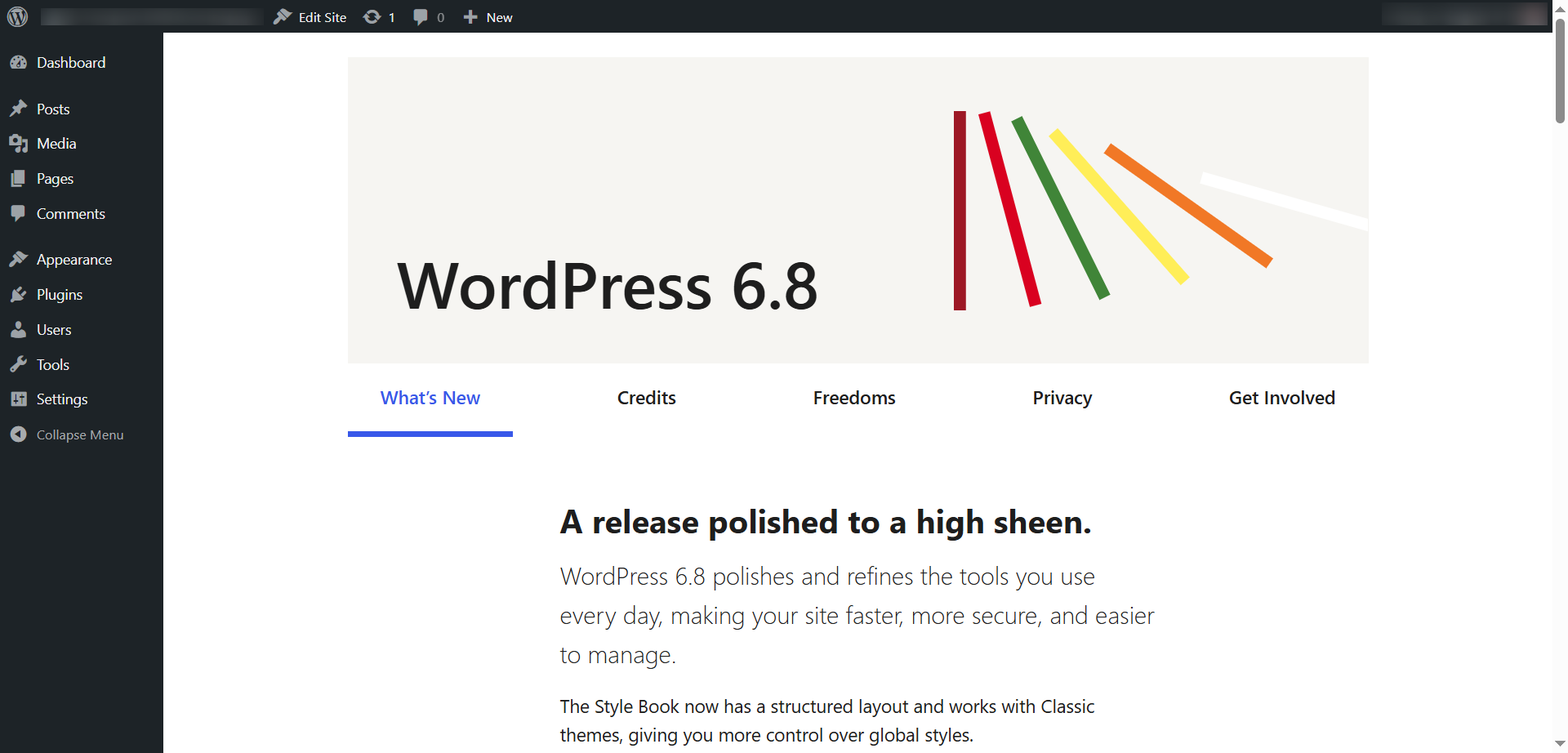
WordPress 6.8 strives to make sites secure, fast, and easily manageable. You can use the Style Book, which supports classic themes and lets you personalize global styles. Speculative loading helps improve a site’s speed by preloading pages that users might visit. Moreover, by crypting, a password-hashing function helps protect passwords, making user accounts secure.
Are you ready to experience WordPress 6.8?
WordPress Release Schedule
These dates have been finalized after considering crucial events, including WordCamp Europe and WordCamp Asia, along with the New Year holidays. In 2025, there are three major WordPress releases planned:
- WordPress 6.8 Release – Beta 1 on March 4, stable release on April 15.
- WordPress 6.9 Release – Beta 1 on June 24, stable release on August 5.
- WordPress 7.0 Release – Beta 1 on September 30, stable release on November 11.
WordPress 6.8 Release Schedule
| Milestone | Date |
|---|---|
| Alpha (trunk open for 6.8 release) | October 22, 2024 |
| Beta 1 | March 04, 2025 |
| Beta 2 | March 11, 2025 |
| Beta 3 | March 18, 2025 |
| Release Candidate 1 | March 25, 2025 |
| Release Candidate 2 | April 01, 2025 |
| Release Candidate 3 | April 08, 2025 |
| Dry Run | April 14, 2025 |
| WordPress 6.8 General Release | April 15, 2025 |
Prieto says, “Although the 6.8 dates aren’t final yet, they are close enough to inform contributors about their availability around that time”
WordPress 6.8 Latest Releases – 6.8.1, 6.8.2, 6.8.3
– WordPress 6.8.1 Maintenance Release Update
This minor release comprises fixes for the Block Editor and 15 bugs throughout Core. It focuses on issues influencing multiple areas of WordPress, including the block editor, multisite, and REST API. WordPress 6.8.1 was released on July 15, 2025.
– WordPress 6.8.2 Maintenance Release Update
This minor release comprises fixes for 20 Core tickets and 15 Block Editor issues. For a comprehensive list of bug fixes, you can go through the release candidate announcement. WordPress 6.8.2 version was released on April 30, 2025.
– WordPress 6.8.3 Security Release Update
This security release comprises two fixes. Apart from this, these fixes relate to issues, such as the data exposure issue, where authenticated users can access restricted content. Likewise, another problem is cross-site scripting (XSS), which requires an authenticated user role, affecting the navigation menus. WordPress 6.8.3 version was released on September 30, 2025.
WordPress 6.8 Release Candidate
– WordPress 6.8 Release Candidate (RC) 1
WordPress 6.8 RC 1 comprises WordPress 6.8’s highlighted features in the Beta 1 announcement. You can go through the links below for technical information that relates to issues resolved since beta 3:
- GitHub commits for 6.8 since March 18
- Closed Trac tickets since March 18
– WordPress 6.8 Release Candidate (RC) 2
WordPress 6.8 RC 2 contains WordPress 6.8’s key features in the Beta 1 announcement. For detailed technical information, go through the links below:
- GitHub commits for 6.8 since March 25
- Closed Trac tickets since March 25
– WordPress 6.8 Release Candidate (RC) 3
WordPress 6.8 RC 2 contains WordPress 6.8’s key features in the Beta 1 announcement. For detailed technical information, go through the links below:
- GitHub commits for 6.8 since April 1
- Changes committed since April 1
WordPress 6.8 Beta Versions
– WordPress 6.8 Beta Version 1
WordPress 6.8 Beta 1 consists of 520 bug fixes and 370+ enhancements. It also comprises design improvements, polishing the query loop and 230+ tickets for WordPress 6.8 Core.
How to Install and Test WordPress 6.8 Beta Version 1?
To test WordPress 6.8 Beta 1, you should install it by following the steps below:
- Start by installing the “WordPress Beta Tester” plugin.
- In the Tools panel, click “Beta Testing.”
- Select the “Bleeding Edge” channel.
- Choose the “Beta/RC Only” stream from the available options.
- Once you have configured the settings, update your test site to the WordPress 6.8 Beta 1 version.
– WordPress 6.8 Beta Version 2
WordPress 6.8 Beta 2 consists of more than 14 Editor updates and fixes. Furthermore, it contains 21 tickets for WordPress Core.
– WordPress 6.8 Beta Version 3
WordPress 6.8 Beta 3 contains 3+ Editor updates and fixes. It also includes 16 tickets for WordPress core.
WordPress 6.8 Features & Roadmap
WordPress 6.8 will focus on attributes like previous versions, such as enhanced block editor usability, improved block patterns, and accessibility. Besides, the probable WordPress 6.8 features may comprise security enhancements and performance improvements like faster page loads and enhanced database queries.
WordPress 6.8 includes foundational features launched in older WordPress versions. It concentrates on different aspects, such as query loops, data views, and block interactions.
WordPress 6.8 has also focused on improving the design experience through the “Zoom Out” editing approach. This release also offers users expanded style controls and improved typography.
Let’s discuss the above features in detail:
Design Improvements
The design focuses on improving, fixing, and removing “needs design feedback” problems. Additionally, the Style Book offers a detailed outline comprising the site’s typography, block styles, and colors.
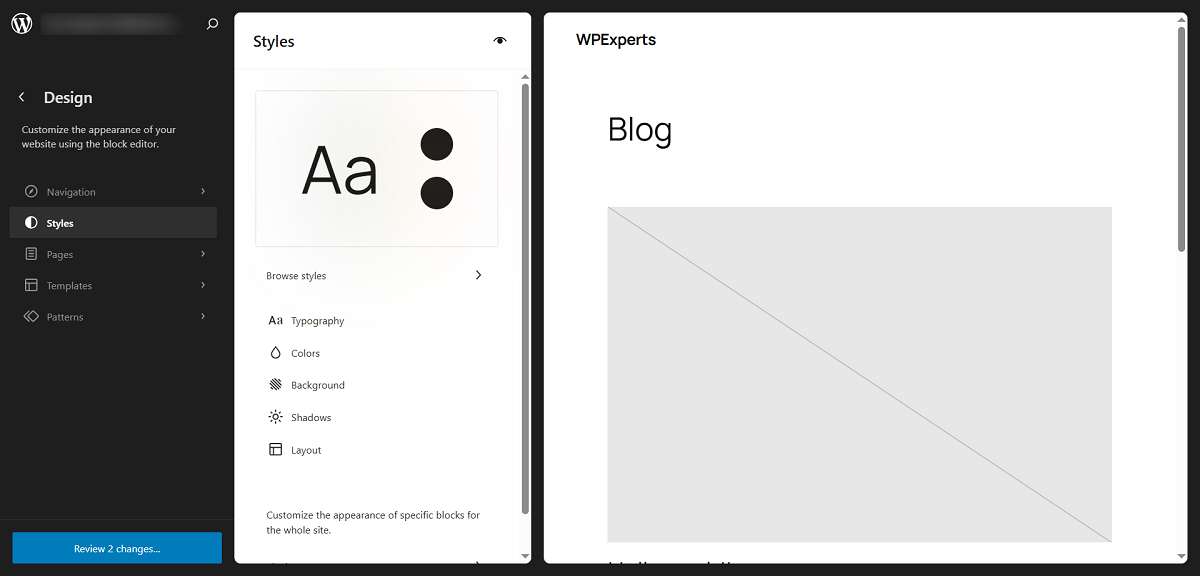
Furthermore, all style groups and block examples are labeled, allowing users to understand and preview their themes’ existing design settings.

Site patterns have been moved to Appearance > Design > Patterns for classic themes that support the Style Book. This will consolidate all design-related functionality from the Site Editor in one place. Previously, patterns were mentioned under Appearance > Patterns.
As far as zoom-out mode is concerned, you can implement various designs and section styles directly using the toolbar. Furthermore, you can inspect them in the context of the rest of the page. This whole mechanism simplifies the production process.
Support for Speculative Loading
WordPress 6.8 intends to incorporate speculative loading into the core. It benefits from the Speculation Rules API to enhance performance, such as LCP (Largest Contentful Point).
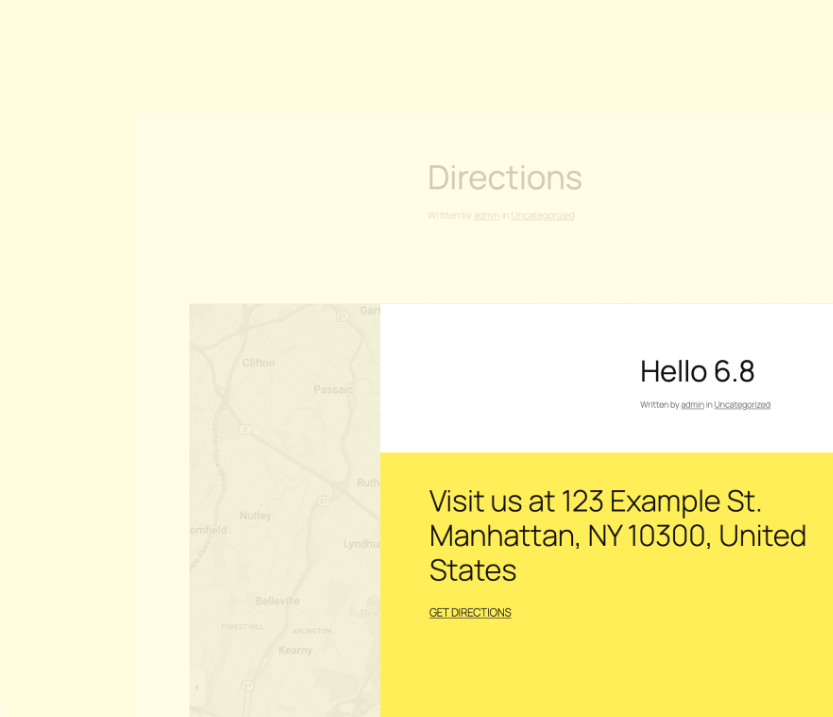
The latest WordPress version aims to predict which pages users will visit next, significantly improving their browsing experience. Developers can use this feature to make sites responsive and fast.
Polishing the Query Loop
Polishing the query loop helps concentrate on improvements, such as pagination, block spacing enhancements, filtering by year, fetching results by adding an offset, etc. However, sticky posts do not work when the query type is default in the editor or the query loop depth is set.
Refining Data Views
The new release, WordPress 6.8, strives to improve data views and layouts. For instance, the team behind the development of the 6.8 version has worked to reduce the size of action buttons in the Grid layout. Moreover, they have enhanced the table layout by adding a density option.
Zoom Out to Compose With Patterns
As for patterns, WordPress 6.8 has focused on building various features, such as:
- UX enhancement on Zoom Out ( Use Zoom level rather than Zoom Out, keyboard shortcut in the editor, shift default background to the iframe component, Zoom Out shortcut on Windows, etc.)
- UX enhancement for dragging patterns ( for instance, hide Zoom Out inserters).
API Launches and Iterations
WordPress 6.7 concentrated on improving the stability and clarity of the Interactivity API Internals. In WordPress 6.8, users will experience innovative full-page client-side navigation, enhanced client-side navigation, and improved region-based client-side navigation.
Other features, such as Instant Search functionality for the Search and Query Blocks and the lightbox of the Gallery Blocks, will also benefit them.
Block Hooks API
Through the Block Hooks API, users can dynamically add blocks to block themes. WordPress 6.8 will focus on improving Block Hooks’ capabilities.
HTML API
In the HTML API, users will likely take advantage of new and exciting features, including safe, composable HTML templating and Inner and outer HTML support.
Security Enhancement
WordPress 6.8 offers several security improvements, such as using bcrypt for password hashing. This will enhance the algorithm used to store security keys and application passwords.
Other Performance Improvements
WordPress 6.8 will not disappoint its users as it has taken various performance improvement initiatives like Lazy load user capabilities in the wp_user object, improving cache generation in the WP_Query class, caching duplicate calls to WP_Theme_JSON::sanitize, Lazy load post meta, etc.
Users can expect crucial performance improvements in the block editor, offering a more efficient and engaging editing experience.
Wrapping Up
WordPress 6.8 includes key improvements, such as enhanced editor usability, Style Book support for classic themes, speculative loading, and design upgrades with an improved Global Styles interface.
The latest release also strives to improve security through bcrypt password hashing. Overall, WordPress 6.8 has all the features and improvements your WordPress website needs.