








































 Usman Hayat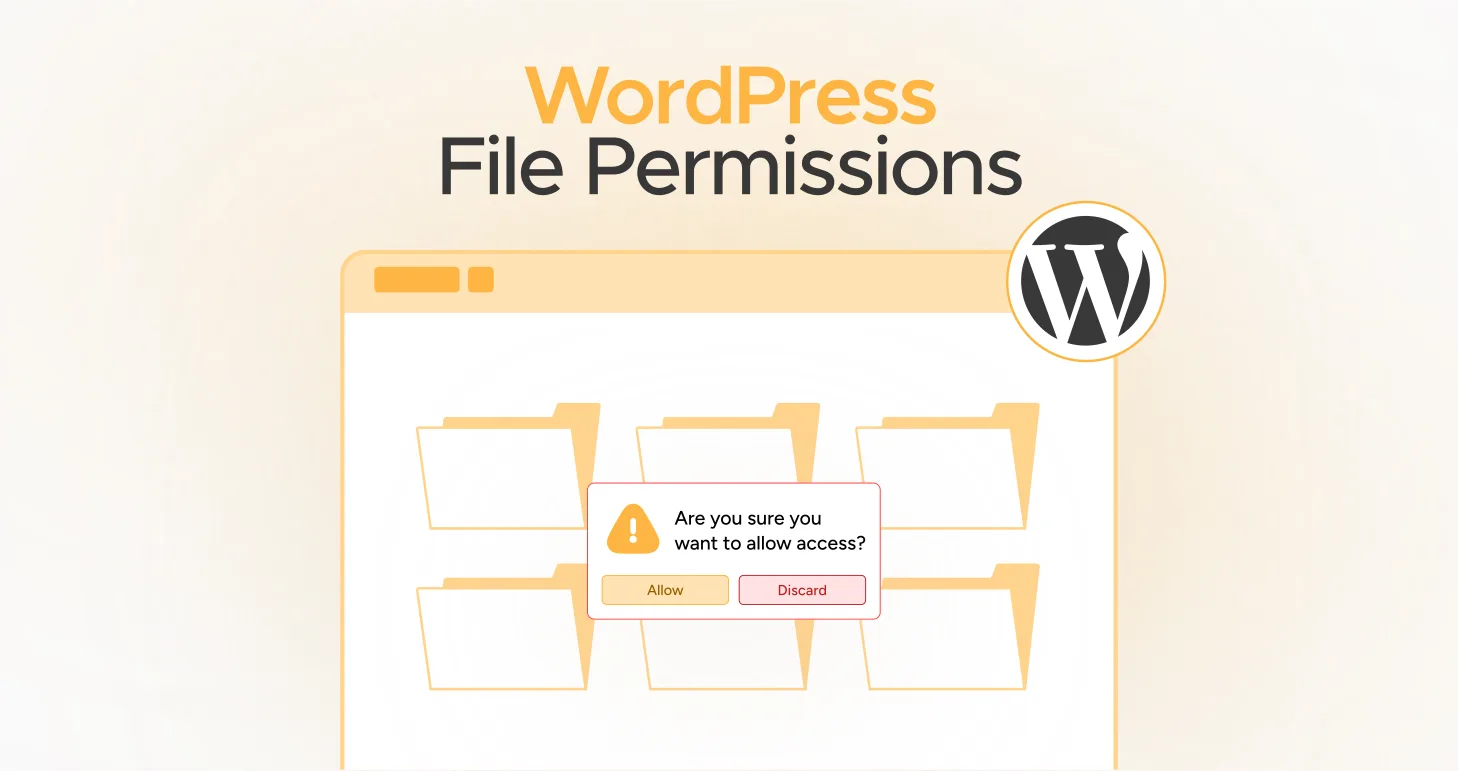
WordPress file permissions are vital in enhancing the site’s performance and overall security. In addition, understanding these file permissions is crucial when tackling various WordPress errors. That’s because incorrect file permissions can benefit hackers, as they can negatively affect your WordPress site after gaining unauthorized access.
This blog post will describe WordPress file permissions and their purpose. You will also discover the importance of file permissions.
What Do You Mean By WordPress File Permissions?

WordPress file permissions help users interact appropriately with the files on their WordPress servers. In particular, file permissions allow users to read, write, and execute files:
- Read: The user can read the file’s content.
- Write: The user can edit the file.
- Execute: The user can smartly utilize the file. For instance, they can flawlessly execute the script.
WordPress File Permissions Purpose
The key reason behind enabling file permissions is to protect your WordPress site. When you set permissions correctly, you can safeguard your site against hackers. Hackers and other notorious individuals can gain unauthorized access and inject malicious codes into your website.
Correct file permissions help ensure WordPress sites function as intended, significantly enhancing their security.
What Do You Mean By Users?
You can distribute users into three key types: owner, group, and public. The assigned owner of the file or directory is called the owner. Moreover, the members of the groups own the directory or file, which is known as a group. Public denotes all users aside from the group members or the file owner.
A specific user or a group owns each file or folder. In addition, a user can be a part of various groups. Furthermore, they can belong to one primary group. For instance, once you have connected to your website through SFTP, you use a user account on the server. The user account can be associated with one or more groups. However, it primarily depends on how you configure the server.
What Do the Numbers in File Permissions Suggest?
A three-digit number usually depicts the file permissions. This three-digit number is known as permission mode. Every number indicates what a particular user can do. For instance, the first digit helps control what an owner is allowed to do.
The second digit helps control what user accounts are allowed to do in the user’s group. Lastly, the third digit helps control what any user (public) can do. Besides, each permission mode digit must perform a particular action. Additionally, the digit is the total of numbers denoted for each action:
- Read: 4
- Write: 2
- Execute: 1
If you do not want to give permission, you should use the number 0.
The number shown in the permissions mode is the total of all the entity’s permissions. For example, if an owner can read and write, the permission mode becomes (4+2) 6. Likewise, if an owner does have all permissions, the permission mode would be (4+2+1) 7.
This means that 777 is the permissive configuration, as it reveals:
- First digit – 7 – Owner can Read (4), Write (2), and Execute (1).
- Second digit – 7 – Group can Read (4), Write (2), and Execute (1).
- Third digit – 7 – Public can Read (4), Write (2), and Execute (1).
What Do the Letters in File Permission Indicate?
In some instances, letters and dashes also indicate permissions. For example, r means reading permissions, w means writing permissions, and x means executing permissions. Furthermore, hyphen (-) = No permissions.
Why Are WordPress File Permissions Crucial?

WordPress file permissions are handy when tightening WordPress security. For example, when users set their websites’ folders and files to 777, other users can change current files and create new ones. In addition, they can delete any file and execute scripts.
Unfortunately, they can incorporate dangerous scripts to websites and execute them. As a result, a website’s security can be severely compromised. However, you should not lose hope because file permissions have an upside, provided you create a delicate balance of permissions and restrictions.
When you set permissions to 000, your site will not work. That’s because it cannot read any file on the server. Hence, the ideal WordPress file permissions should be between 000 (nobody has any permission) and 777 (everybody has all permissions)
WordPress file permissions are a challenging task. There is a chance you may experience issues even after creating a balance of permissions and restrictions. For example, you may have heard about 444, a secure setup for a website’s .htaccess file.
If you set 444, you can face problems because different plugins have to edit your site’s .htaccess file, like WP Rocket, W3 Total Cache, and other caching plugins. When you use caching plugins like these, you should turn to 644 or 666 (more permissive) to avoid encountering issues. In addition, it depends on how you have configured the website server.
Why Should We Change WordPress File Permissions?

You must change WordPress file permissions for much-needed security and functionality. Hackers can benefit from incorrect file permissions and target your site. They can gain access to sensitive files such as wp-config.php. This file has the database username and password.
From the functionality point of view, file permissions help improve WordPress sites’ productivity. For instance, users can read core files and run specific scripts. Various plugins and themes depend on file permissions for smooth performance.
WordPress File Permissions (Correct Ones)
The recommended file permissions for WordPress are as follows:
- Folders: 755
- Files: 644
In addition, you must remember some crucial exemptions:
- wp-config.php file
- .htaccess file
- nginx.conf file
wp-config.php Permissions
As discussed, this file comprises crucial information, such as database credentials. The recommended file permissions are 644, 640, and 600. Apart from this, a few users go with 444, but this is not recommended as it can cause issues.
.htaccess Permissions
.htaccess is another key configuration file that contains security settings, redirect rules, directory index settings, and other vital information. The suggested .htaccess permission is 644 in this scenario.
nginx.conf Permissions
nginx.conf is a crucial configuration file for website hosts that rely on the Nginx web server. Interestingly, the file permissions for the nginx.conf are the same as the .htaccess. The recommended nginx.conf permission is 644.
How Can We Check WordPress File Permissions?
You can quickly check WordPress file permissions through a notable plugin, All-in-One Security (AIOS). For that reason, you can download the plugin from WordPress.org. After activating the plugin, you should navigate to WP Security > File Security. Now, press the File Permissions tab:

This impressive plugin helps detect the website’s current file and folder permission. Fortunately, you can compare it with the suggested file permissions by All-in-One Security (AIOS).
You can also use cPanel File Manager or FTP to check file permissions for WordPress.
Wrapping Up
When building a full-fledged and results-driven site, you cannot ignore the importance of WordPress file permissions. These file permissions allow users to safeguard their sites against numerous security risks. Moreover, they help improve sites’ functionality to the next level.
As you know, the recommended file permissions are 644. However, considering the complexity of configuration files, including wp-config.php, .htaccess, and nginx.conf, it is better to make file permissions less permissive.
Lastly, do not set file permissions to 777 on your WordPress site. Otherwise, be ready to tackle various security vulnerabilities.


