









































 Muhammad Jaffer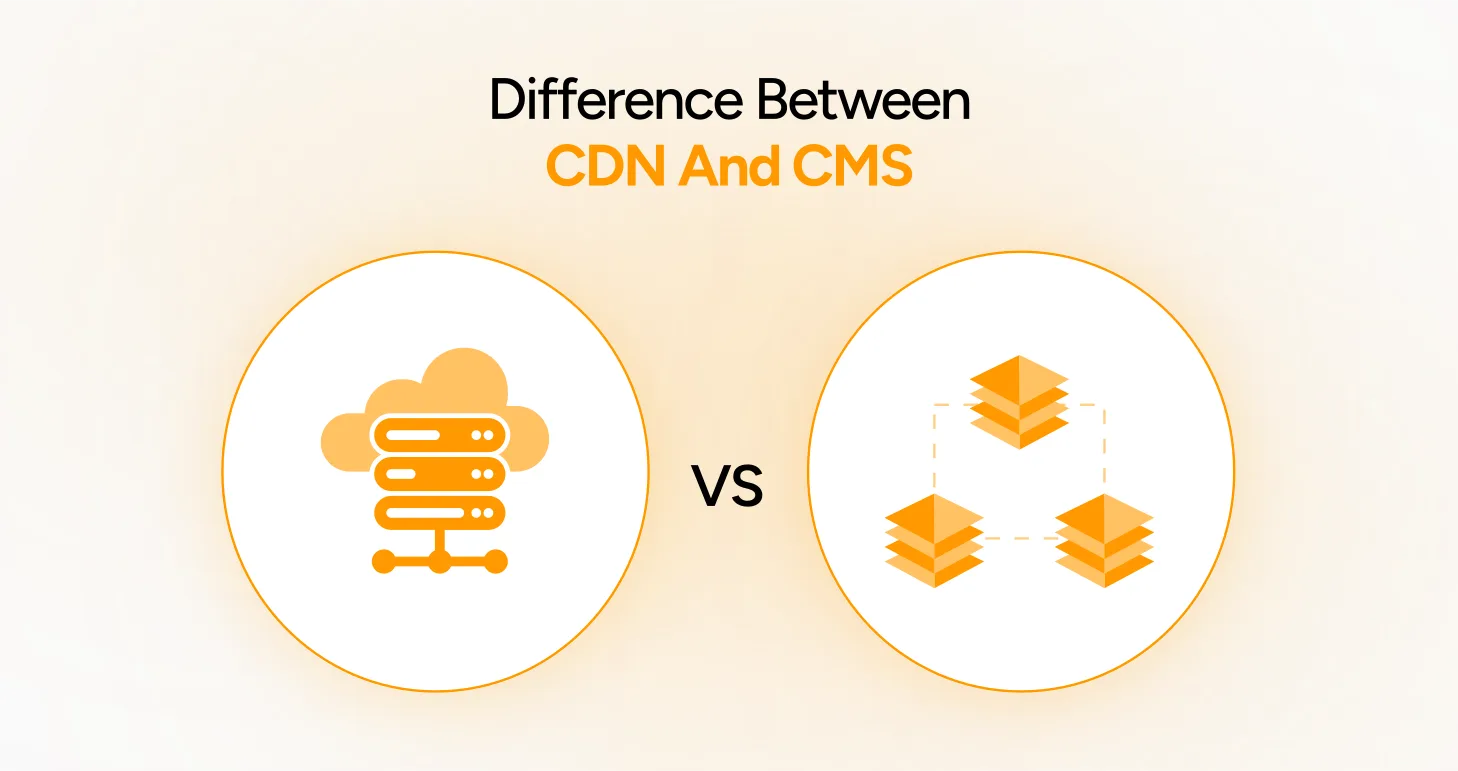
The debate between CDN vs CMS should not exist. They’re the pieces that tie together to get your website up and running. But if you have no idea what either of these is, or what they actually do. Don’t worry. Most people get confused between them all the time. And some think CDN & CMS are basically identical. They’re not.
Think about them like this. Your CMS is the central core of your website where you actually work. You write posts or upload products, upload pictures, change text, and organize everything. Your CDN delivers all that stuff to your visitors fast, no matter where they’re sitting—London or Los Angeles.
Both are compulsory and play very different roles in your business’s success. Let’s understand both (CMS vs CDN) in detail.
What Is CMS?

The Place Where Everything Happens
A Content Management System is basically your website’s backend office. It’s where you go to add new pages, write blog posts, upload photos, or change anything on your site. The best part? You don’t need to know anything about coding.
WordPress runs about 40% of the entire internet. Shopify powers tons of online stores. Wix, Squarespace, Drupal, and Joomla – they’re all famous CMS platforms. These CMS make your work more relaxed. The best CMS platforms provide you with a dashboard where you click buttons and mostly drag and drop, rather than writing code.
CMS Makes Life Simple for Regular People
Here’s why people love using a CMS. Remember typing documents in Microsoft Word? A CMS works the same way. You see exactly what you’re creating as you build it. Want to make text bold? Click the bold button. Need to add a picture? Drop it in. Simple as that.
And if you’ve got a team, everyone can log in with their own account. Your writer adds blog posts. Your designer tweaks the layout. Your boss approves everything before it goes live—no stepping on each other’s toes.
Why Businesses Can’t Live Without CMS in Today’s World
Nobody has time to call a programmer every time they need to fix a typo or add a new product. A CMS puts you in control. You make updates yourself, right when you need them. Changes go live immediately. Your website stays fresh without costing you a fortune in developer fees.
What Is CDN?
What’s Actually Happening Behind the Scenes
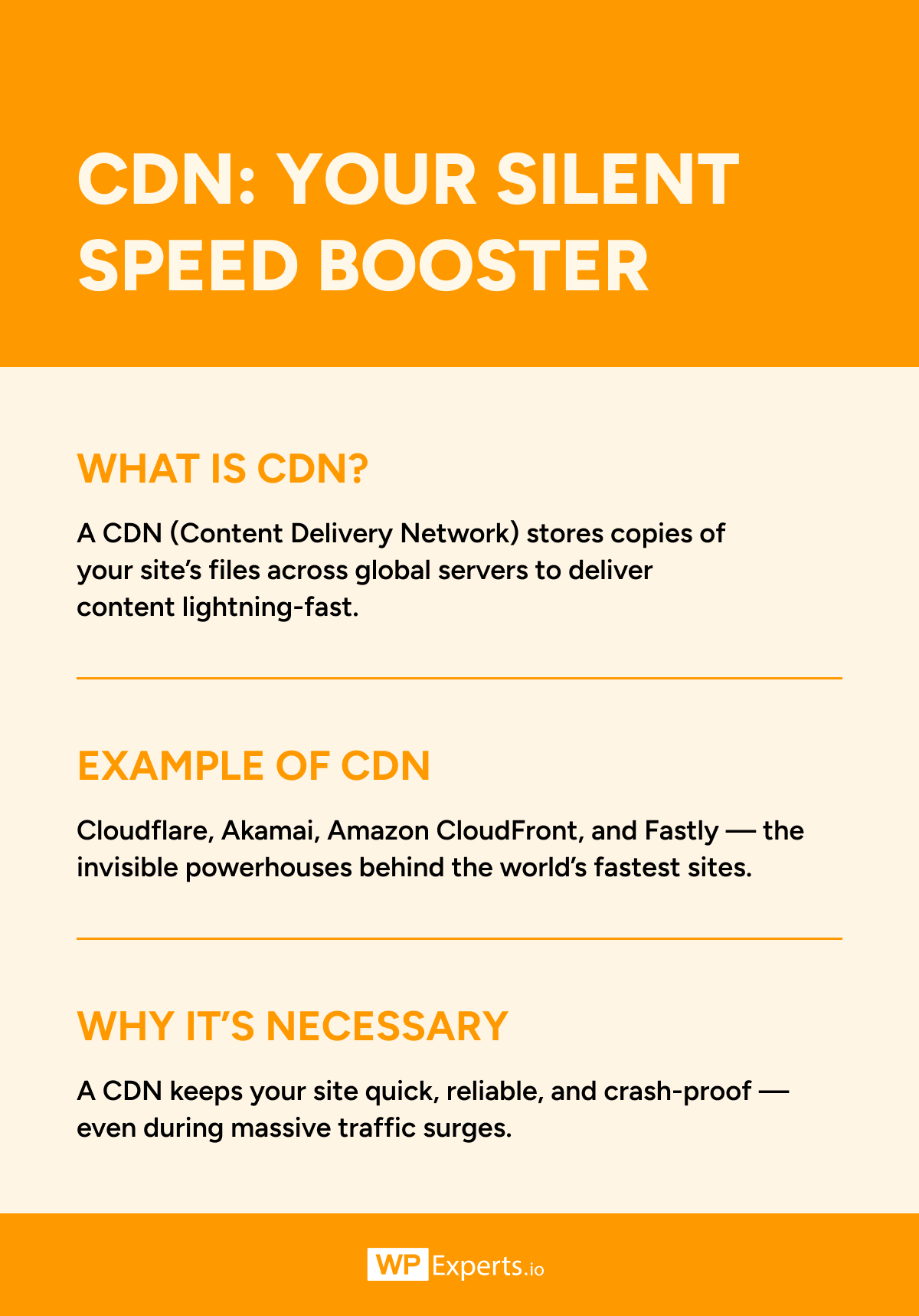
A Content Delivery Network is a bunch of servers spread around the world. These servers have copies of the images, videos, and files you’ve uploaded to your CMS or custom-built websites. When someone lands on any landing page of your website, the CDN fetches everything from the nearest server to your visitors.
Cloudflare did some research and found that this can cut loading times in half. And why does loading time matter that much? Statistics show that if your site takes just two or even one additional second to load, you can lose about 7% of potential paying clients.
Digital-minded people are impatient. They can’t wait hours for your site to load; that’s why using a CDN is necessary.
Distance Matters More Than You Think
Let’s get practical here. Your website lives on a server in Dallas. Someone in Sydney tries to visit it. Without a CDN, all that data and information have to shift from one point on the earth to another. That takes time. With a CDN, there’s already a server in Sydney or nearby with your stuff ready to go.
The difference is night and day. Pages pop up instantly instead of crawling along. Videos start playing without buffering. Your visitors actually stick around instead of giving up and leaving.
When Traffic Goes Crazy
Sometimes you post about a trending news topic and it goes viral, or you launch your Black Friday & Cyber Monday deal of 2025. The next day, your real-time data in Google Analytics has started showing 10x more visitors in the last 30 minutes. Handling that sudden spike without a CDN often leads to issues and crashes.
With a CDN, that traffic spreads across dozens of servers. Your site keeps handling like nothing happened.
Comparing CMS and CDN Side by Side for You

The Core Difference Between CMS and CDN
Two Completely Different Jobs
The difference between CDN and CMS is pretty straightforward once you see it. Your CMS is where you create and organize everything. Your CDN is what delivers it to people quickly. That’s really all there is if we differentiate between CDN and CMS.
Your CMS is what lets you write, edit, design, upload, update, and schedule quickly. It’s your creative space and your control panel rolled into one. You spend your workday there managing your content and making decisions about what goes on your site.
What CDN Actually Cares About
Your CDN doesn’t touch any of that creative stuff. It never sees you typing a blog post or uploading a new logo. It remains idle until you publish content. After that, the CDN gains a copy and distributes it throughout its network. Its whole purpose is to make sure visitors get your content fast.
Also, your CMS typically lives on one server somewhere. Your CDN exists everywhere at once. That’s the whole point of it being a network spread across continents.
CMS vs CDN: How They Work Together
Not Enemies, Best Friends
This is the part people get wrong most often. CDN vs CMS sounds like you need to pick one. But in actuality, they work together. They work jointly, and most professional software firms like WPExperts use both without a second thought.
Here’s the daily routine. You log into your CMS in the morning. You write a new blog post, add some product photos, and update your prices. You hit publish. That stuff saves to your main server. Then your CDN automatically grabs copies of images and files and distributes them worldwide.
Splitting Up the Work
When someone visits your site after that, the CMS handles the personalized stuff. Their shopping cart, their login, their search results. The CDN delivers the heavy files, the pictures, the videos, all the stuff that doesn’t change per person. Each system handles what it’s best at.
Look at Netflix. They use a CMS to manage their enormous catalog, track what you’re watching, and recommend new shows. But when you actually stream a movie? That’s their CDN pumping video data to your screen from a nearby server. Both systems are running together, invisible to you.
Saving Money Where It Counts
Knowing the difference between CMS and CDN stops you from throwing money at the wrong problem. Lots of businesses see slow load times and immediately think they need more expensive hosting. Sometimes that’s true. Often it’s not.
A clothing store was struggling with slow product pages. Every photo took forever to load. They were about to upgrade to premium hosting at three times the price. Then someone suggested trying a CDN first. Problem solved for a fraction of the cost. The hosting was fine. The issue was delivery speed.
Keeping the Bad Guys Out
The top real-world benefits of understanding the CDN vs. CMS debate are that security works differently in the two. CDNs protect you from DDoS attacks, where hackers try to overwhelm your site with fake traffic. Akamai reported that its CDN systems regularly handle attacks bigger than 1 Tbps. That’s massive, and most single servers would just die under that pressure.
Your CMS handles the other security stuff. Who gets to log in? Who can publish content? Protecting your database from hackers and keeping customer information safe. Both systems defend your site in their own way.
Choosing What Your Website Needs
Starting Out vs Growing Fast
If you’re just starting a personal blog or small site, you probably only need a CMS right now. WordPress alone will do fine. As more people find you and traffic picks up, that’s when you add a CDN into the mix.
Online stores are different. They need both from day one. Your CMS manages all the products, tracks inventory, and processes orders. Your CDN makes sure product photos load instantly for shoppers in every country. Slow checkout pages kill sales. CDNs prevent that disaster.
High-Traffic Publishers
News websites live and die by CDNs. Breaking news hits, everyone rushes to read it, and suddenly, you’ve got a million people accessing the same article. The CMS published the story once. The CDN serves it to everyone simultaneously without breaking a sweat.
Common Misconceptions About CDN and CMS
CDNs Aren’t Magic Fixes
Some folks think adding a CDN means they can ignore their hosting quality. Wrong. Your primary server still needs to be solid and dependable. A CDN makes good infrastructure better. It can’t rescue itself from terrible infrastructure.
CMS Platforms Do Way More Now
People still think CMS just means blogging platforms. That was true maybe fifteen years ago. Today’s CMS platforms run entire businesses. Online stores, membership sites, course platforms, corporate websites. They’ve grown up considerably.
The Real Cost Breakdown
Another myth is that CDNs are only for big companies with huge budgets. Cloudflare offers free plans that work great for smaller sites. Even paid plans usually pay for themselves through better conversion rates and fewer lost visitors. The investment makes sense pretty quickly.
Final Thoughts on CMS vs CDN: Different Tools for Diverse Needs
Understanding the difference between CDN and CMS just comes down to recognizing what each one actually does. They’re not competing options where you pick one over the other. They’re separate tools that function really well together.
Your CMS gives you power over your content. That’s where you create, organize, and strategize. Your CDN makes sure people actually see that content quickly, no matter where they’re located or how many of them show up at once.